.svg)

ShipHero’s NetSuite Connector offers a highly customizable direct integration between ShipHero’s WMS and NetSuite.
ShipHero is now a certified Hybrid SuiteApp, Built for NetSuite. Those brands that run their own warehouse can accelerate the velocity of your warehouse with ShipHero while maintaining financial visibility and control in the back office with Oracle NetSuite.
And for those brands that rely on a 3PL already managing their warehouse with ShipHero WMS, you have the ability to sync your inventory and applicable financials in your own NetSuite instance with your 3PL’s ShipHero environment. The ShipHero SuiteApp delivers the configurability necessary to support your processes with deployment in just 4-6 weeks.
.webp)
.webp)
Built by warehouse operators for warehouse operators. ShipHero ensures management teams have the flexibility, process optimization and inventory control needed to run efficient, cost-effective facilities.
A modern UI and an intuitive mobile application simplify complex process flows for warehouse employees. Extensive automation rules, native carrier integrations, and real time carrier rate shopping eliminates manual decision making and increases labor productivity while driving down the total shipment cost on each order.

Automated order batching
Optimized picking routes
Multi-item batch picking
Single-item batch picking
Bulk Ship
Fully integrated shipping with dozens of carriers
Go-live with 4-8 week implementation timeline
Clean UI and mobile interfaces
Seamless financial reconciliation in Netsuite
Barcoding – Scan to validate from receiving through
shipping and every step in between
Chain of custody – user/date/time stamps for every product movement & data update
Cycle Count – Custom counts & adjustment codes, blind counts, double validation
Real-time inventory push to all connected sales channels

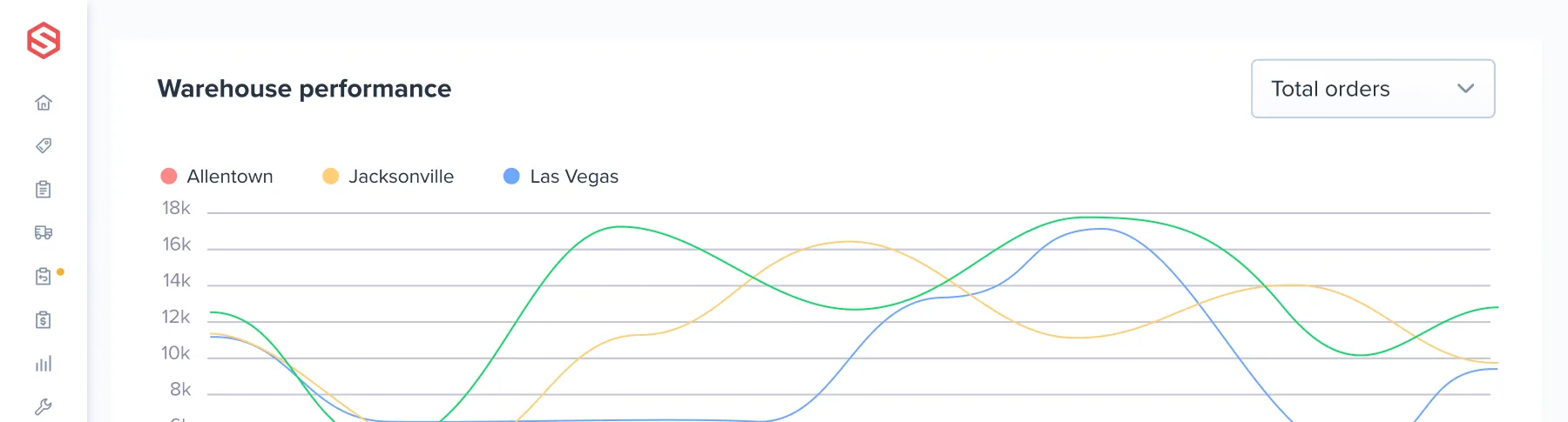
ensure the entire team can see the important metrics they need to hit goals & SLAs.

Track outbound shipments through to delivery, analyze shipping carrier performance, optimize carrier decisions, proactively alert customers to shipment delays

Assign, monitor and analyze job performance in real time across every warehouse function – Receiving, picking, shipping, cycle counting, special projects and more
With the ShipHero Integration Status Dashboard, NetSuite users have access to control-tower visibility with the ability to monitor the status of all bidirectional connections with the capability to drill into every type of transaction and status to isolate the data and take action when necessary. And while the leading practice is to operate maintenance-free with process scheduling, when needed the dashboard gives users the ability to initiate processes instantly.
.webp)
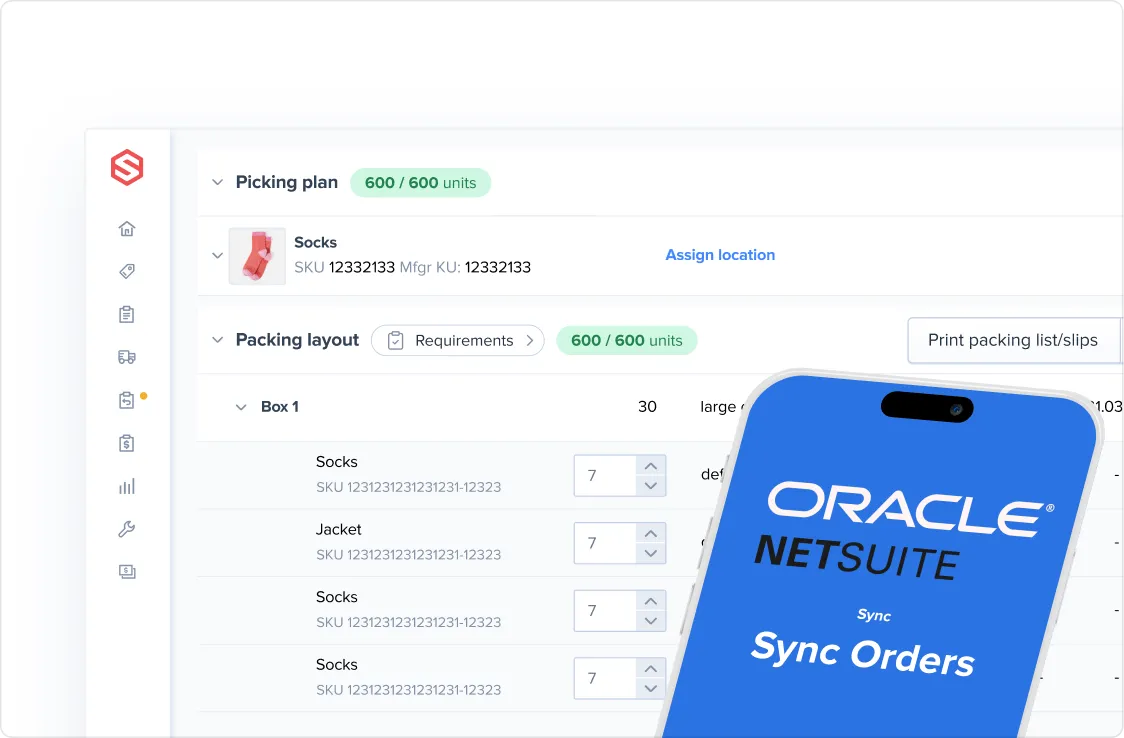
Your Items list from NetSuite and ShipHero product list stay in lockstep with the Product Sync process.
Product Sync can be processed stand alone, but it is also automatically initiated during order processing.
ShipHero uses Saved Searches in the SuiteApp that give you control of the items in your NetSuite instance to sync and field mapping between the two systems.
Brands in verticals like Fashion & Apparel rely on NetSuite’s matrix items to more easily maintain product variations. Product Sync will set up and maintain those subitems from NetSuite as Products in ShipHero.
Sales reporting in NetSuite at the parent level while the warehouse fulfills the components, just as you’d expect. Extend kitting functionality beyond NetSuite with additional functionality from ShipHero to optimize warehouse processing.
ShipHero’s leading practice is to let the warehouse capture the lot number in ShipHero giving you all the traceability you need without burdening your financial system with all of the transaction overhead typically required. If your business requires rigorous control in the ERP, ShipHero can sync lot information in the NetSuite Inventory Detail.
While ShipHero supports NetSuite serialized items the flexible SuiteApp also supports those that just want to capture the serial number on outbound orders with a custom record. Traditionally this causes problems for a WMS integration but that’s not the case with ShipHero.
Transactions are the lifeblood of your ERP and with ShipHero warehouse operations move more fluidly while the back-office continues business as usual with support for key native NetSuite transactions.
The integration for Purchase Orders, Sales Orders, Transfer Orders and Customer Returns are all designed to support initiation beginning in either ShipHero or NetSuite, based on how data flows for your business. NetSuite transactions also feature a custom subtab to detail the integration status.

Upon receiving in the warehouse, Item Receipts are pushed into NetSuite with applicable inventory detail to maintain the
G/L.

At the time of shipment, the G/L is balanced with item fulfillments flowing back into NetSuite along with inventory detail.

In NetSuite you’ll have status visibility from both shipping and receiving warehouses.

If RMA does not exist in NetSuite, ShipHero will automatically create it so customer service can manage the process status quo from NetSuite.

When initiated in ShipHero, the back-office maintains control of posting with a custom Review/Manage Inventory Adjustments page in NetSuite.

ShipHero Work Orders can be recorded in NetSuite as either Assembly Builds or Inventory Adjustments.



.svg)



.webp)