.svg)

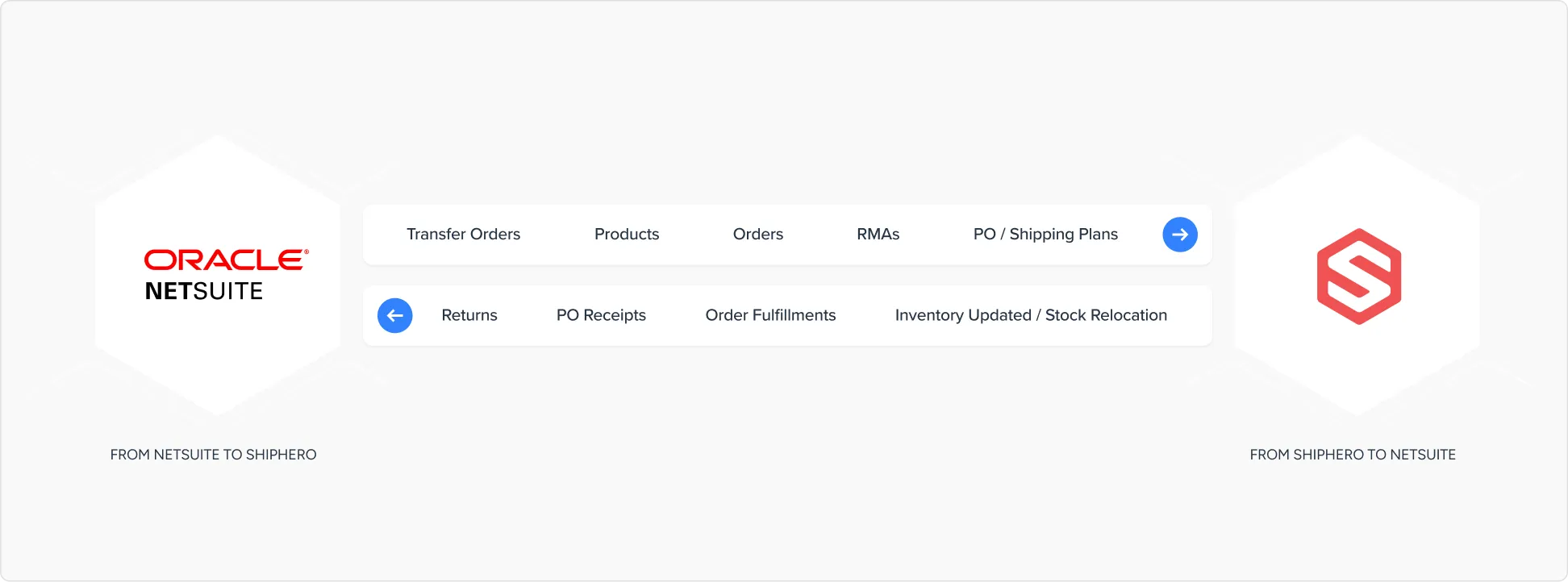
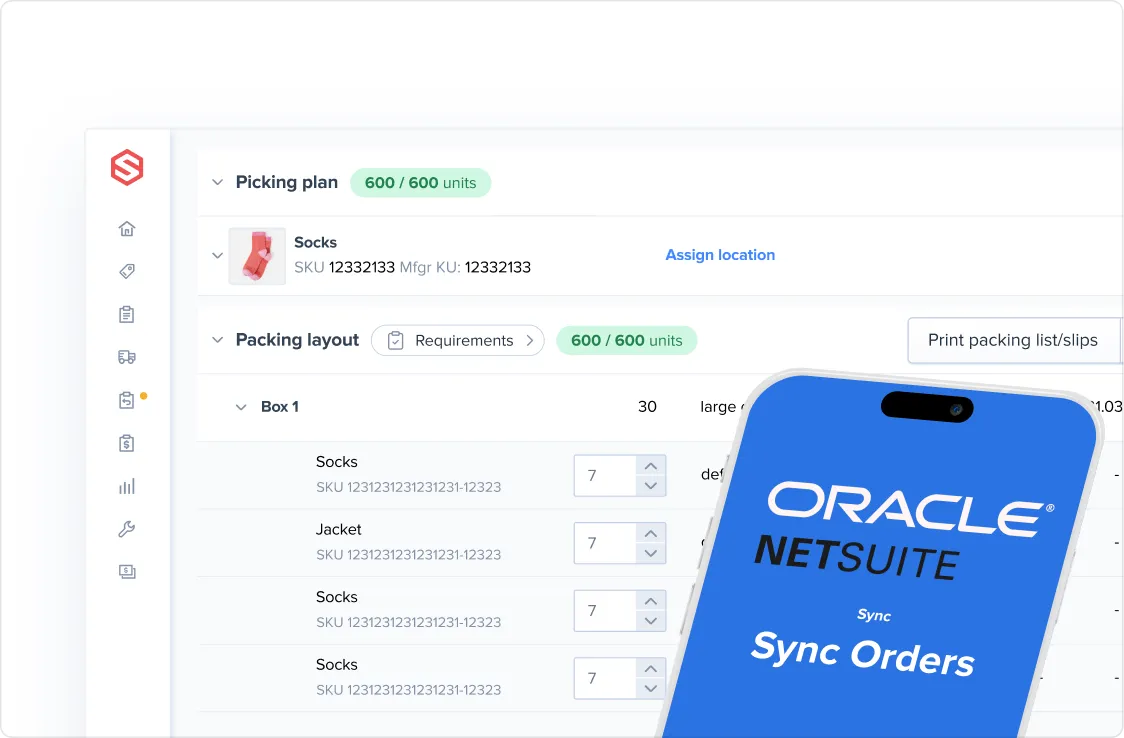
ShipHero’s NetSuite SuiteApp offers a highly customizable direct integration between ShipHero’s WMS and NetSuite.
Using ShipHero’s NetSuite integration, a new gateway to customization options is unlocked. The integration creates a seamless information flow between both systems, enabling you to run your eCommerce store with ease and efficiency. The integration empowers your business with the essential tools to excel in today’s competitive market.
.webp)
The ShipHero/NetSuite Integration dashboard allows you to check on each integration flow and determine where any errors are coming from and resolve them quickly.
The NetSuite SuiteApp is a private ShipHero API that allows NetSuite to send and receive messages from and to ShipHero while managing the direct integration.
The dashboard is an easy-to-read interface that provides information at a glance. In addition to reviewing integration flow status, the dashboard also allows you to monitor batch flow processes and ensure they have executed correctly. If not, the dashboard will display the error message with a descriptive text box that outlines the steps to resolve.
Ninety-five percent of the errors can be fixed from the dashboard by resetting the status of the message with no need to contact NetSuite support.
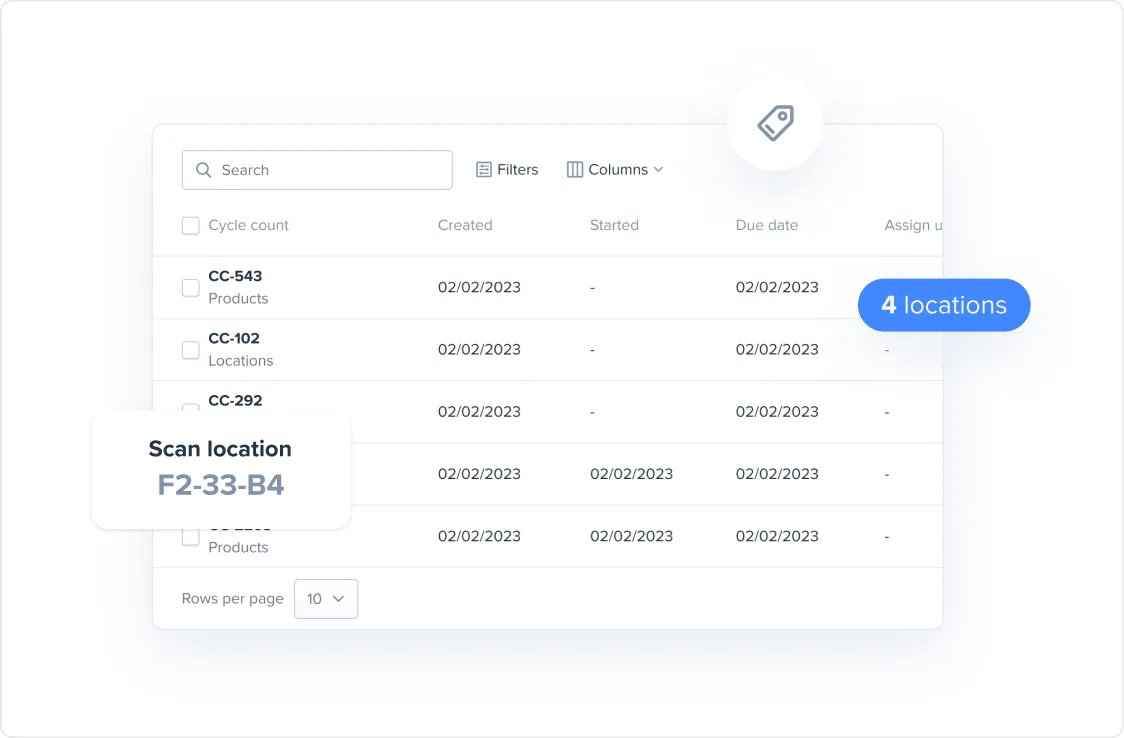
Location specifics are easily appended to records in NetSuite from ShipHero. The integration offers the flexibility of assigning sub-locations that reflect inventory not available for immediate sale or picking. Additionally, items can be placed in non-pickable, non-sellable locations or both.
Non-pickable, non-sellable locations can be assigned for different purposes, including quality assurance, cleaning, inspection and more.
The NetSuite SuiteApp can manage the following transfer order types:



Searches can be filtered by Lot number, customer, vendor or product. These searches are saved in the dropdown menu making it easy to conduct the search in just a few clicks. Our SuiteApp works seamlessly with this NetSuite functionality.
If you have an audience you want to share ShipHero with, this is the option for you. Whether shipping is an adjacent business or you just want to talk about ShipHero with your audience, join the ShipHero Affiliate program below.
Products updates are triggered by two specific actions:
· New SKUs are created.
· New Transfer or Purchase Orders are created.
It is also possible to set up product types for things like kitting. Kit SKUs can be stored in NetSuite and sent to ShipHero as a single kit SKU or as several component SKUs. With our SuiteApp, you can monitor the status of the kit components and monitor individual item fulfillment status to ensure that all items have been shipped as required.
When this feature is enabled you have additional control over how an order ships when inventory is limited. If an order cannot be shipped with its original items you can designate a replacement item or add an additional item to an order to ensure it is still fulfilled on time.
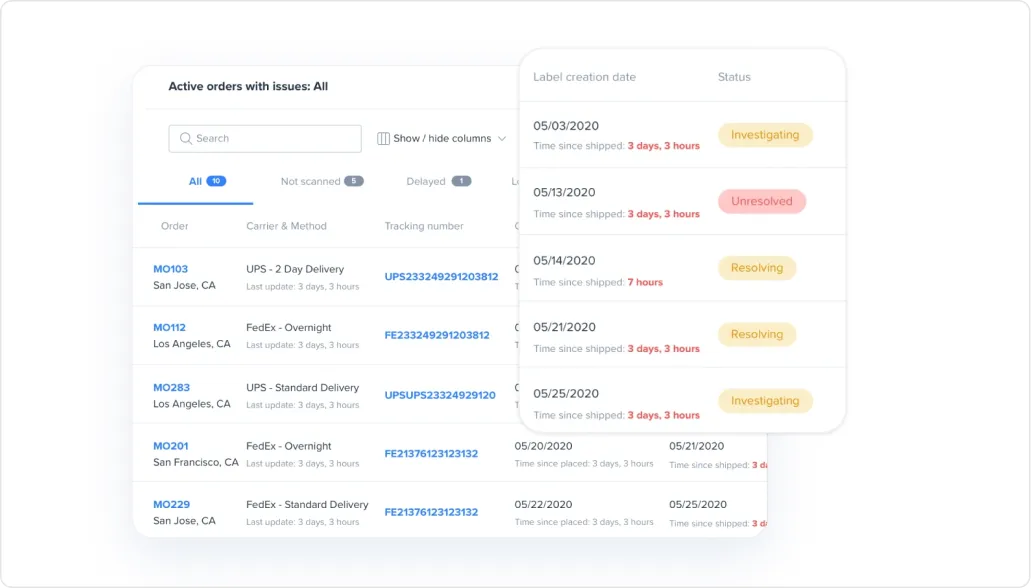
By combining NetSuite with the power of ShipHero’s WMS, you can easily view the different statuses of multiple workflows from one dashboard.
Integration status controls the progress stages of transactions.
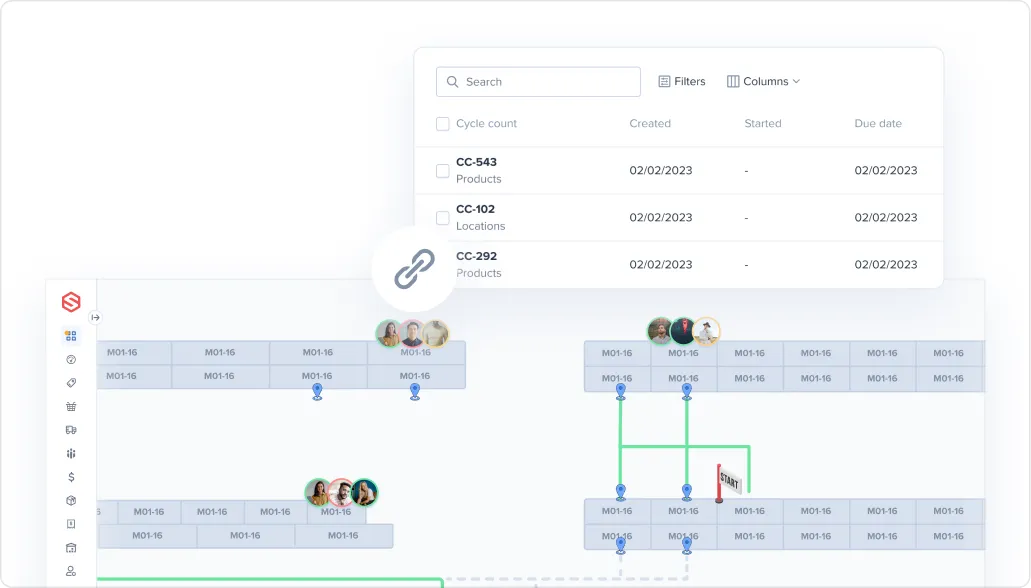
All the messages exchanged between Netsuite and ShipHero are stored in this custom record and can be easily accessed.
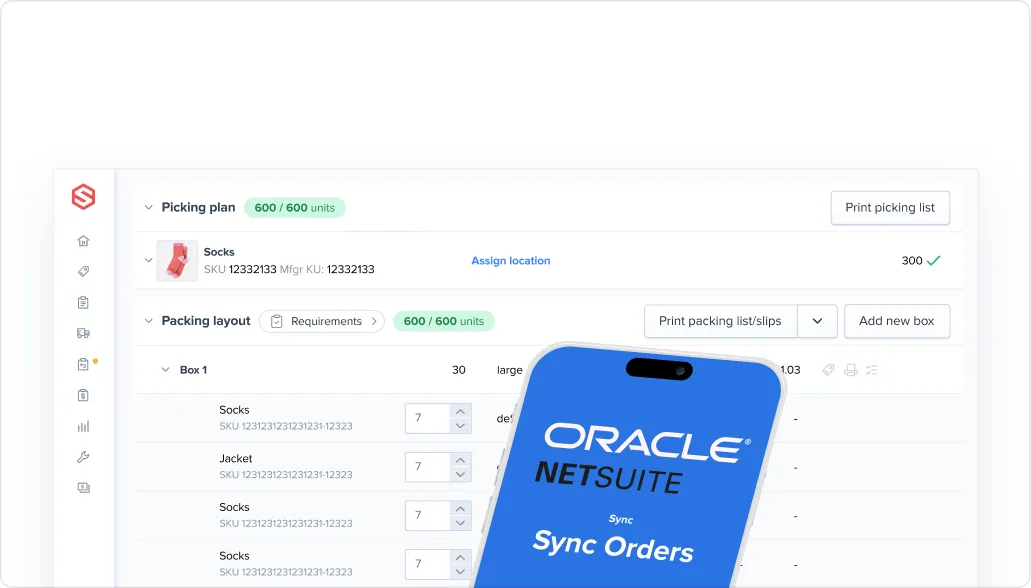
POs can be created and canceled on either the ShipHero or NetSuite, so long as the associated vendor exists within NetSuite.
All data shared between ShipHero and NetSuite is recorded, and a full audit trail is available to give you complete visibility.
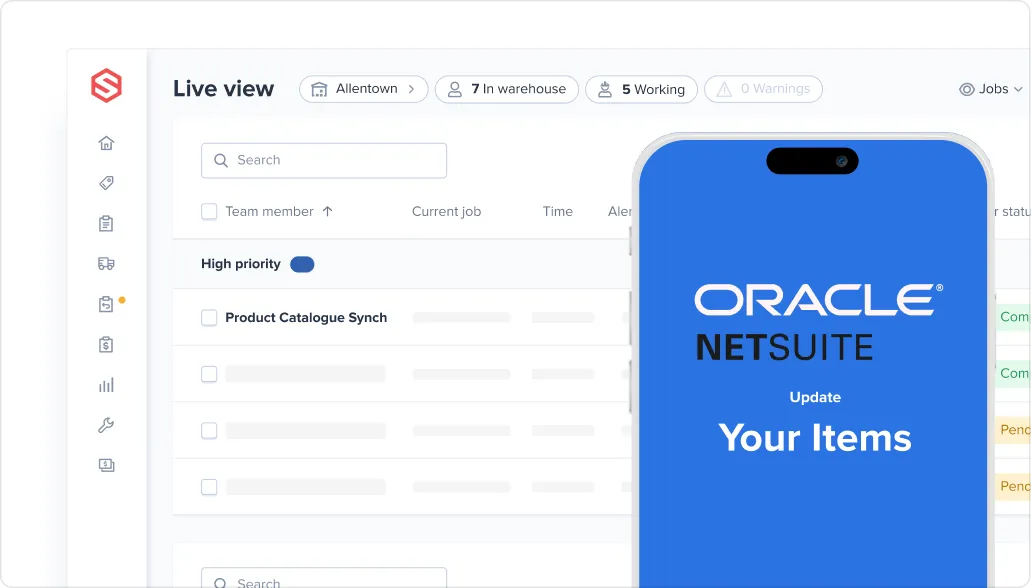
Edit: If a PO that was created in NetSuite needs to be changed, you can easily request an edit to ShipHero.
Cancel: A request to cancel a PO can be submitted from NetSuite to ShipHero. However, if the PO was initiated in ShipHero, canceling the PO in ShipHero will also cancel it in NetSuite.
Close: Once inventory for a purchase order is received, the warehouse will automatically close the PO, triggering a reconciliation within NetSuite.
Once an item is received in the warehouse, a confirmation is sent almost instantaneously to NetSuite and processed.
In instances where the received inventory amounts or SKUs do not match the purchase order, four distinct actions can be taken.
Append the SKUs to the purchase order and mark them as overreceived.
Create a child document linked to the original purchase order.
Create an inventory adjustment.
Receive the inventory, and status the document as “Reconcile to be Resolved.” This will trigger a manual reconciliation flag in the system.
Never Lose Track of Shipments
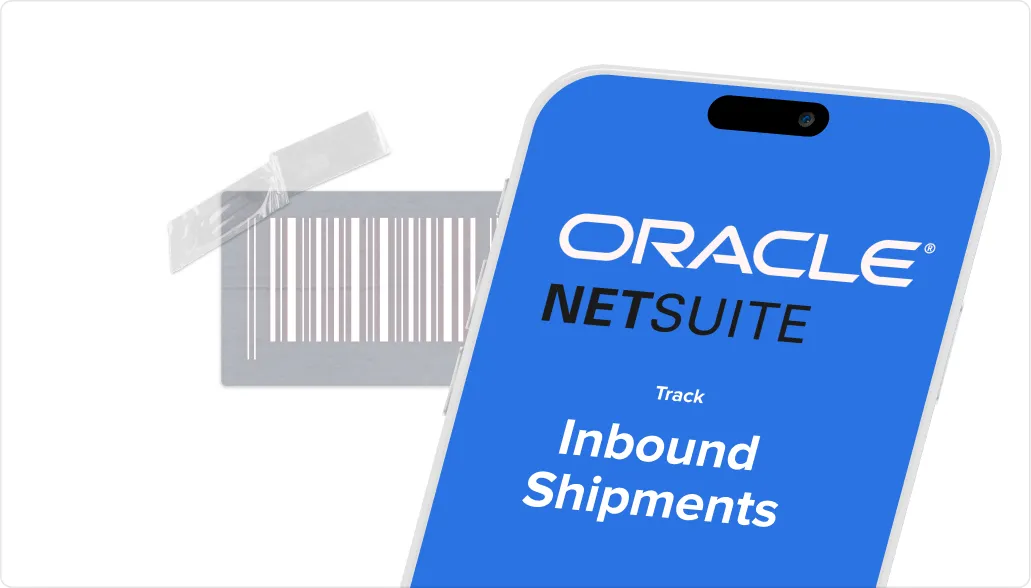
Inbound shipment records track shipment information such as expected delivery dates, items in the shipment, quantity to be received, and links to documentation and transactions.
With the NetSuite SuiteApp, you can assign items from multiple purchase orders to the shipment and then receive, bill, and transfer them from the newly created record.
If an inbound shipment is changed in transit, a detailed PO will be sent to ShipHero to keep track of the update. This update will then be passed along to NetSuite and updated there as well.
The system’s ability to handle high volumes was tested with up to 40,000 orders per day, which was achieved with zero errors or delays. The integration is designed to support even higher volumes of orders, ensuring your business can operate and scale smoothly without any limitations.
Based on your preferences, there are several options available to handle partial shipments, split shipments, and back-order scenarios. These options can significantly expedite the fulfillment and shipping process, ultimately leading to greater customer satisfaction.
Similar to Purchase Orders, requests can be submitted to edit Sales Orders from NetSuite to ShipHero. Additionally, a request can be made to have any Sales Orders that originated within NetSuite canceled within ShipHero. If the order was created in ShipHero, the order can be canceled outright.
Customer returns can be created in either system. Returned SKUs can be placed in a non-sellable location until a review of the item is completed and a decision has been made about reselling the item or trashing it. You’ll also be able to follow your own returns process flow.
In the case that a shipped item is Returned to Sender, the Returns Management record will be created in ShipHero.
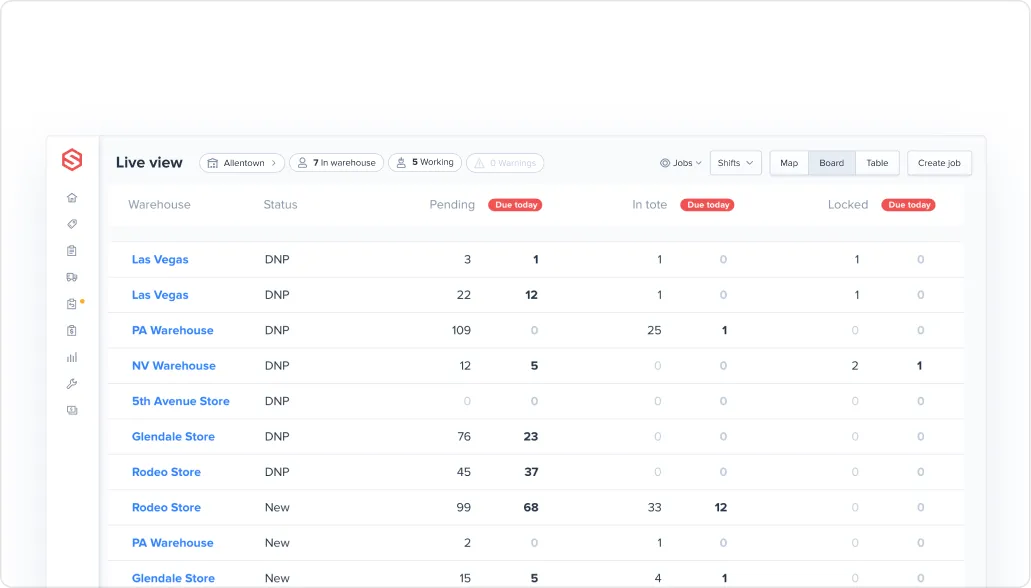
Stock sync – Stock syncs are conducted on a scheduled business. Inventory can be synced based on two categories: Stock On Hand and Available Stock.
Inventory relocation – If NetSuite sublocations are mapped to ShipHero’s non-sellable bins, all movements can be recorded in NetSuite to keep everything straight.

If you’re a current ShipHero & NetSuite client, enabling the direct integration can be done in a relatively short amount of time. Plus, ShipHero will do most of the heavy lifting, taking the bulk of the work off your plate. Contact your CSM to find out how to get the integration up and running for you and your warehouse.
If you’re interested in getting more from your Warehouse Management Software, including a direct integration with NetSuite, contact us for a demo today.




.webp)





.svg)



.webp)