
.svg)

Label generation issues are the single most common support ticket warehouses face. Use this practical pre-peak checklist to audit your integrations and hardware before the rush.

.svg)
Label generation issues are the single most common ticket our Support team sees, more than any other carrier problem we track. That is not a coincidence. A label that fails to print may only cost a few seconds when a warehouse ships 50 orders a day. However, when the same warehouse is shipping 5,000 orders a day during Peak Season, that costs compounds to hours, and furious customers. Luckily, the fix is usually small. But the window to make it on time is closing.
Most label failures come from the same handful of sources, no matter how random they feel in the moment.
Carrier connection drops are the biggest one. A carrier account token expires, a service goes down for maintenance, or a rate limit gets hit during a high volume batch, and every label tied to that carrier stalls at once.
Address validation is the second. A missing unit number, a PO box flagged for a service that does not deliver to one, or a state abbreviation typed wrong, and the label request bounces back instead of printing.
Package profile issues come next, typically caused by inaccurate package dimensions or packages that exceed carrier limits. To prevent fulfillment disruptions, maintain accurate product weights and box dimensions in your account upfront. To catch setup errors early, you can use ShipHero’s “Prevent Invalid Shipping Dimensions” setting, which prompts packers to correct package dimensions when all three are 1 inch or less. This check does not apply to generic labels.
Additionally, we recommend using the Packaging Recommendations feature, which uses historical data to recommend the packaging for shipping an order, reducing shipping costs and making packers more efficient.
Printer and format issues round it out. A driver update, a new printer model, or a label size that does not match the carrier’s template, and labels jam, print blank, or come out in the wrong format for the carrier to scan. The single most common avoidable version of this is a printer set to “Fit to Page” instead of “100% Scale”. This quietly shrinks the barcode below what a scanner can read.
Every one of those causes can be checked before peak volume makes them expensive.
Confirm every carrier account connected to ShipHero has current, valid credentials, not just active ones. If you ship USPS through Modern, confirm your payment limit is high enough to cover a daily volume spike, and that your linked bank trust is funded at 3x your expected daily limit, or that you have multiple high-limit credit cards on file as backup, since running out of funded balance stalls every USPS label the same way an expired credential does.
Pull a sample of SKUs from your fastest movers and confirm their weight and dimensions are accurate, not estimated. Run a batch of test labels through each printer you plan to use during peak, at the volume you expect, not one label at a time.
None of this takes long. It takes a fraction of the time a single stalled batch costs once 3,000 orders are sitting behind it.
It also helps to check ShipHero status page before assuming the fault is on your end, since a carrier-side outage shows up there before it shows up as a support ticket.
At normal volume, a label error is an annoyance one person fixes in a few minutes. However, at peak volume, the same error multiplies across every order behind it in the queue, while the person fixing it is also trying to keep up with everything else Peak Season throws at a warehouse.
The gap between a minor issue and a missed shipment deadline gets smaller every week between now and Black Friday.
Label errors are one of the most common issues we hear from 3PLs and brands shipping through ShipHero. If they have shown up in your support tickets before, this is the right moment to close the gap.
Carrier connection issues top the list, usually an expired credential, a rate limit hit during a high volume batch, or a brief carrier service outage. All three get more likely, not less, as order volume climbs. ShipHero also maintains a live status page for exactly this reason, which is worth checking before assuming the issue is something you configured wrong.
At least 4 to 6 weeks out. That gives enough time to catch and fix an expired credential or a mismatched package profile before it turns into a stalled batch during an actual peak volume day.
Check the carrier connection first, since that is the single largest cause. If the connection is active, check the batch for address or package profile errors next. Isolating the order type causing the failure is faster than troubleshooting the whole batch at once. If a batch partially fails, ShipHero shows a “View error details” link for each carrier. Check that first, it points straight to the carrier or order type causing the problem instead of the whole batch.
.webp)

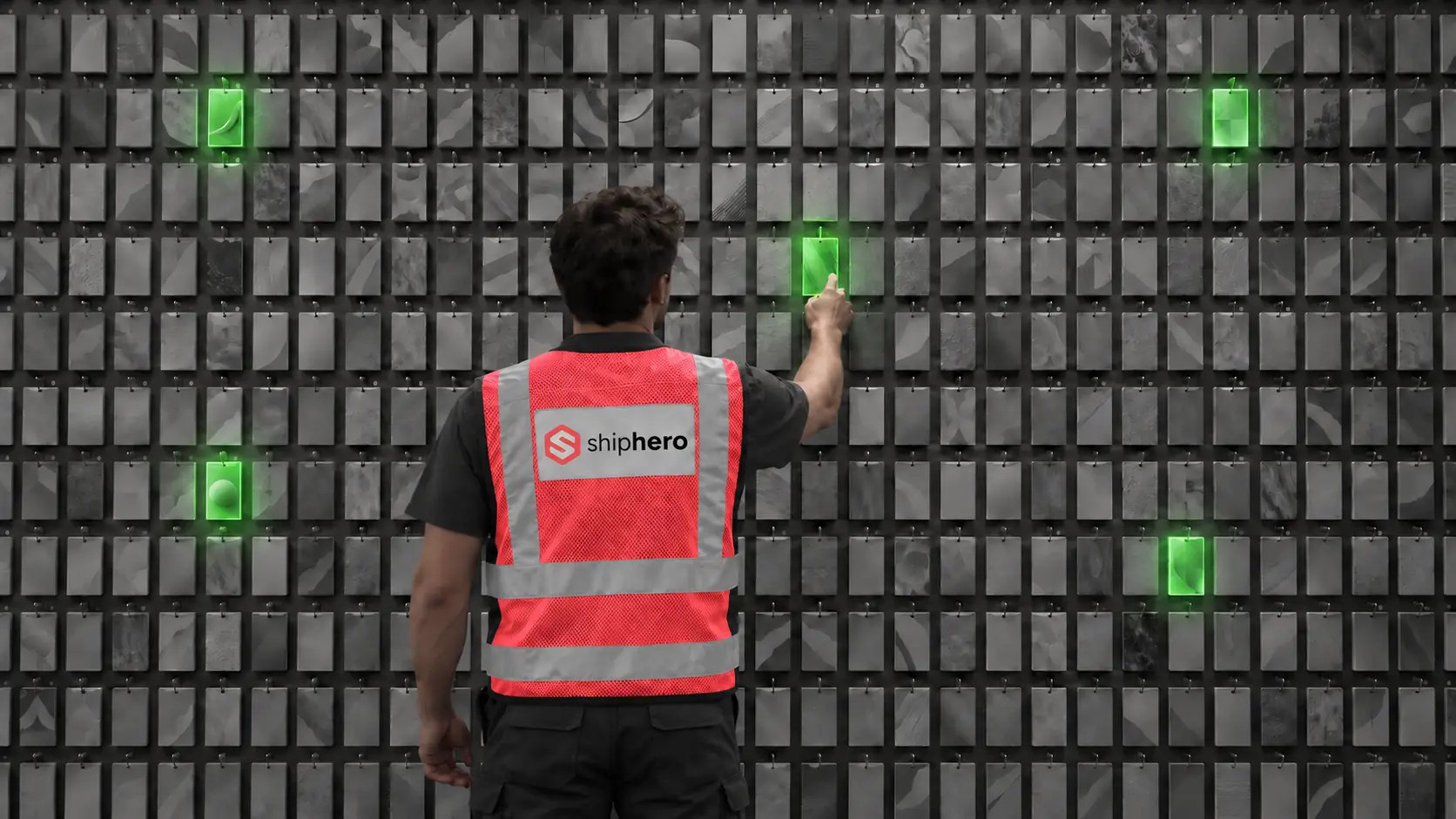
At the denser wall, average picking time per order fell from 40 seconds to 13, and orders that ran clean from start to finish rose from 18% to 97%. This is the companion to our Direct Pack + Pack-to-Light case study, from the same research.
.svg)

On September 1, 2026, Descartes Systems Group announced its acquisition of Extensiv for approximately $120 million. What was announced, what usually follows deals like this, and the questions Extensiv customers should put to their vendor before renewal.



.svg)



.webp)