Stop digging through reports to answer simple questions. The ShipHero AI Toolkit connects your ShipHero account to the AI tools your team already uses, including Claude and ChatGPT, so anyone can ask about inventory, orders, shipments, or returns in plain English and get an answer in seconds. You choose the access level when you connect: read-only for lookups, or read-write to let it make changes too.

Add ShipHero to your AI client as a connector and authorize it in your browser. Setup takes minutes, not a sprint, and your AI client can walk you through it.
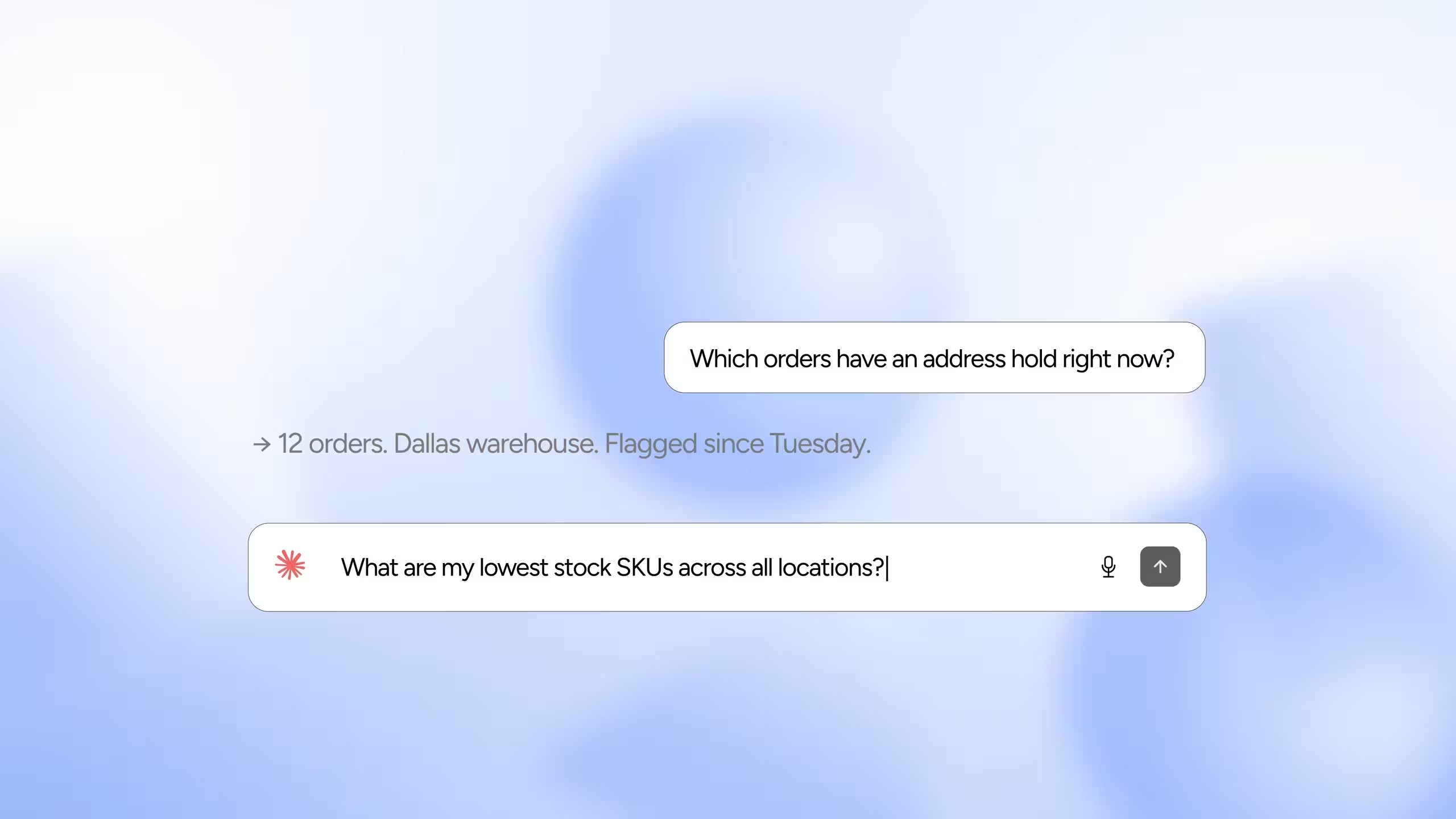
"Show me orders with an address hold." "List purchase orders arriving this week." No query language, no report builder, no waiting on someone else to pull the data.
Choose read-only or read-write when you authorize. Read-only can look but cannot touch. Read-write lets the AI make the changes you ask for, so grant it only to clients you trust.
What's the current inventory level on SKU ABC-123? Which orders have an address hold? What shipped yesterday? Which POs land this week?
These questions come up constantly, from account managers, from 3PL clients, from your own floor supervisors. Traditionally, answering them meant logging into ShipHero, running a report, exporting a file, or filing a ticket with whoever owns your integrations.
The ShipHero AI Toolkit removes that step. It gives AI assistants a secure, authenticated window into your live ShipHero data. Your team asks the question the way they'd ask a colleague, and the answer comes back grounded in real numbers from your account, not a stale spreadsheet.
If you grant read-write access, the same conversation can act on the answer too, such as removing that address hold or tagging the affected orders.

The AI Toolkit ships as two components. Most teams only need the first.
You control what the AI can do. When you authorize the MCP, you choose read-only or read-write access. Read-only can query your ShipHero data but cannot change a single record. Read-write also lets the AI make the changes you ask for, such as tagging orders, removing a hold, or adding an item to an order. The Skill requests only the permissions each task needs, and you review them before you approve.
The ShipHero MCP lives at one address, https://mcp.shiphero.com/mcp. Add it to the AI tool your team already uses, sign in with your ShipHero credentials, choose read-only or read-write access, and start asking questions.

The lookups that used to mean logging in, filtering, and exporting now take one sentence. Inventory levels, order status, shipments created yesterday, returns filed today: asked and answered before you'd have finished opening the report.
No new dashboard to learn and no seats to buy. The Toolkit plugs into the AI tools your team is already using every day: Claude, ChatGPT, Codex, Cursor, or anything else that speaks MCP.
With read-only access, there's no path for an AI to modify inventory, cancel an order, or edit a shipment. With read-write access, it can handle routine updates like tagging orders or removing holds. You pick the level when you connect and can change it by reconnecting.
The MCP option needs no GraphQL knowledge, no token management, and no custom integration work. Account managers and warehouse leads can self-serve the answers they'd otherwise queue up behind your technical team.
AI Toolkit usage draws from its own dedicated pool of 2,002 credits, entirely separate from your normal Public API allowance. Experimenting with AI won't slow down the integrations your business runs on.
It's a secure way to let AI assistants work with your live ShipHero data: querying it and, if you grant read-write access, making changes for you. It comes in two parts: the ShipHero MCP, for everyday operational lookups and simple updates from clients like Claude and ChatGPT, and the ShipHero Public API Skill, for advanced analysis and integration development inside coding agents like Claude Code, Codex, or Cursor.
Only if you allow it. When you authorize the ShipHero MCP, you choose read-only or read-write access. With read-only, the AI can query your data but cannot create, update, or delete records. With read-write, it can make changes in your account, so grant it only to AI clients and prompts you trust, and review the changes it makes. You can switch levels later by reconnecting and authorizing again.
The ShipHero MCP works in any AI client or agent that supports MCP. That includes Claude Chat and Claude Cowork on web and desktop, Claude Code, ChatGPT, and Codex, plus a growing list of others. The Public API Skill is built for agentic coding harnesses specifically, such as Claude Code, Codex, and Cursor.
No. The AI Toolkit queries the ShipHero Public API but draws from a separate pool of 2,002 credits reserved for AI Toolkit use. Credits spent through the MCP or the Skill do not reduce what's available for your normal Public API usage. Keep prompts specific, naming the exact SKU, order, warehouse, or date range, and you'll use fewer credits and get better answers.
Point your AI client at the ShipHero MCP server URL, https://mcp.shiphero.com/mcp, and follow your client's process for adding it. Claude calls these Connectors. ChatGPT calls them Plugins and needs Developer mode turned on first. During authorization you sign in to ShipHero and choose read-only or read-write access. Exact steps vary by client and plan, so the setup documentation covers each one, and most AI clients can configure the connection for you if you ask.
Operational lookups are the sweet spot: current inventory on a given SKU, orders sitting on an address hold, shipments created yesterday, purchase orders expected this week, or returns filed today. With read-write access you can also ask for simple updates, such as adding a tag to unfulfilled orders that contain a SKU, removing an address hold, or adding an item to an order. The more specific the request, the better the result.
Almost certainly not. The MCP handles everyday operational questions and simple updates, and is the right choice for most teams. The Skill only matters if someone on your side is doing advanced analysis or building a ShipHero integration inside a coding agent.
Your browser opens a ShipHero authorization flow where you sign in and choose read-only or read-write access. Nothing connects to your account until you approve it.