
.svg)

Read-only by default, opt-in read-write. Scoped credentials. Field-level PII control. Revocable tokens. How to evaluate whether a WMS is safe to connect an AI agent to.
.svg)
The most AI-friendly WMS is the one you can connect an agent to and still pass your own security review. In practice that comes down to four things: the agent gets read-only access by default, its credentials are scoped to the specific data it needs, customer PII sits behind a separate permission, and every token can be revoked. ShipHero's AI Toolkit does all four. Its MCP server defaults to read-only and will only write if a person explicitly grants read-write access during authorization. The Public API Skill is read-only throughout. Both sit on a GraphQL API with 20 read scopes, 16 write scopes, and a field-level view:pii scope, on a SOC 2 Type 2 audited platform.
That is a narrower definition than most of the industry is working with right now, so let me explain the reasoning.
Warehouse software is currently competing on AI surface area. One WMS vendor is marketing an MCP endpoint that exposes 290 warehouse operations, with each tenant provisioning its own API keys to connect any LLM to a live warehouse. Others reach agents through third-party middleware that promises an agent can read and act on your WMS data within minutes. Manhattan advertises MCP and A2A protocol compatibility across its Agent Foundry.
I understand the appeal. A number like 290 sounds like capability, and it photographs well in a launch announcement. But an API key that unlocks 290 operations is also the single credential whose compromise costs you the most.
The security research published over the last year is fairly unanimous on this. Microsoft Security's guidance on least privilege for AI agents, the FINOS AI governance framework's Agent Authority model, and API security guidance from Curity and Tyk all land on the same four requirements: read-only by default with explicit approval for writes, narrowly scoped credentials instead of account-wide keys, time-bound tokens with a revocation path, and granular control over sensitive fields.
An account-wide API key satisfies none of them.
1. Can an agent connect without an integration project?
The practical bar in 2026 is a native MCP endpoint you can point a client at. Some platforms clear it. Others want you to email for API credentials, wait on a partner program, or buy a developer enablement package. A third group is only reachable through third-party middleware, which does work, but it means another company is now holding a credential to your warehouse data. Put that in the evaluation.
2. Can the agent ask for exactly the data it needs?
GraphQL usually gets discussed as a performance feature. For agent access it is closer to a security feature. A REST endpoint returns a fixed payload, so if you request an order you get the whole object, customer email included, whether or not the task needed it. GraphQL makes the caller name every field it wants.
That matters more with agents than with conventional integrations, because everything an API hands an agent goes into a model's context window. A narrower response is a smaller problem if anything downstream goes wrong.
3. Does it work with the clients your team already uses?
An AI feature that only works inside the vendor's own assistant is not interoperability. ShipHero's MCP server works with Claude (Chat, Cowork, and Code), ChatGPT Work, Codex, Cursor, and any other MCP-compatible client, from one endpoint at https://mcp.shiphero.com/mcp.
4. Can a developer go deeper when the question gets harder?
Asking about yesterday's shipments and building an integration are different jobs, and we split them on purpose. The MCP handles operational questions. The Public API Skill gives coding agents the full GraphQL schema for custom query logic and integration work.
Take an AI-connected WMS to your security team and the conversation narrows quickly.
The ShipHero Public API Skill is read-only. It can query data and cannot create, update, or delete records. The MCP defaults to read-only, and a person has to deliberately choose read-write access during the authorization flow before it can change anything.
The enforcement mechanism is the part worth asking about. Read-only by configuration is a setting, and settings get changed, sometimes by a well-meaning admin and sometimes by a prompt injection buried in an order note. Ours is enforced at the API. A token carries the access level it was granted, and a read-only token attempting a write is refused by the server, not by the client asking politely. Nothing in a prompt can widen it. Changing the level means going back through the authorization flow, where a person has to approve it.
We made read-only the default rather than the exception, and our own documentation warns you before you grant anything more. An agent with write access reads whatever your customers typed into order notes and address fields, which means a well-worded delivery note becomes an instruction. If you do turn on read-write, grant it to a client and a set of prompts you actually trust, and review what it changes. When a vendor tells you their agent access is read-only, ask whether that is the default or the only option, and what it takes to change it.
ShipHero's Public API has 20 view: scopes and 16 change: scopes covering separate areas of the account: orders, inventory, products, billing, labor, returns, shipments, webhooks, and others. A token carries only what it was granted, and the API refuses anything outside that rather than failing open.
An agent that watches stock levels can be issued view:inventory and nothing else.
This is the control most platforms do not have, and it is the one that starts to matter as soon as warehouse data begins flowing into AI clients.
In ShipHero, view:pii is a field-level scope. Leaving it out does not fail the query. It nulls the protected fields inside a response you are otherwise allowed to see, and it tells you it did so. Here is a token holding view:orders but not view:pii:
And the response it gets back:
The order data comes back normally. The email address does not come back at all.
Protected fields cover order emails, tax identifiers, shipping and billing contacts, third-party shipping account numbers, vendor contacts, worker names, user hourly rates, and return label details. What that buys you in practice: an agent can work out which orders shipped late yesterday and what it cost, without ever seeing who those orders went to.
If you are using the Public API Skill, you can also constrain this in the prompt itself:
Scoped tokens come from the OAuth 2.0 Authorization Code flow with PKCE, so there is no shared client secret sitting in a config file waiting to leak. Access tokens expire. Refreshing one does not widen its scopes; getting more access means going back through authorization, which a human has to approve. Revocation runs through a documented endpoint at https://login.shiphero.com/oauth/revoke, and the Public API Skill ships scripts for setup, refresh, and revoke, so you can tell an agent to hand its access back when it is finished with a task.
You can also check what a token actually holds:
Requesting a scope does not guarantee it was granted, so read the token response before you trust it.
Runaway agent loops are a real operational risk, and a rate limit is as much a containment control as a billing one.
The AI Toolkit draws on a credit pool that is separate from normal Public API usage, so an agent stuck in a loop cannot starve the integrations actually running your warehouse. Throttling is based on query complexity rather than a flat request count, and you can price any query before running it with analyze: true. Accounts are also capped at 7,000 requests per rolling five minutes.
Agent controls sit on top of a platform, and your reviewers will audit that too. ShipHero is SOC 2 Type 2 audited and attested with annual reassessment, is GDPR compliant, and monitors controls continuously through Drata. MFA and SAML2 single sign-on are available for account access. Our Trust Center documents the security and privacy program, with the SOC 2 report available under NDA, and we run a public bug bounty program.
One thing I would rather say here than have you find later. Legacy tokens minted at public-api.shiphero.com/auth/token, and tokens belonging to third-party developer users, are not scope-restricted. They carry whatever access the underlying user has. They exist because integrations built years ago still depend on them. For anything involving an AI agent, use the OAuth PKCE flow and grant explicit scopes. If a vendor cannot tell you which of their credential paths are scoped and which are not, that answer is worth more to you than a feature list.
Based on publicly available vendor documentation as of August 2026. “Not publicly documented” means we could not find a public source, not that the control is absent. Vendors may offer additional controls under NDA or on request. Verify directly during your evaluation, and hold us to the same standard: every ShipHero claim above is documented at developer.shiphero.com.
I would weight that last row heavily. If you cannot read about a control before you sign, you cannot evaluate it.
How quickly a vendor can answer these tells you almost as much as what they answer.
If you are evaluating WMS platforms on AI readiness, read our documentation rather than taking my word for any of this. The AI Toolkit and Scopes pages cover everything above, including the parts that are less flattering.
If you would rather see it running against real warehouse data, book a demo.
.webp)

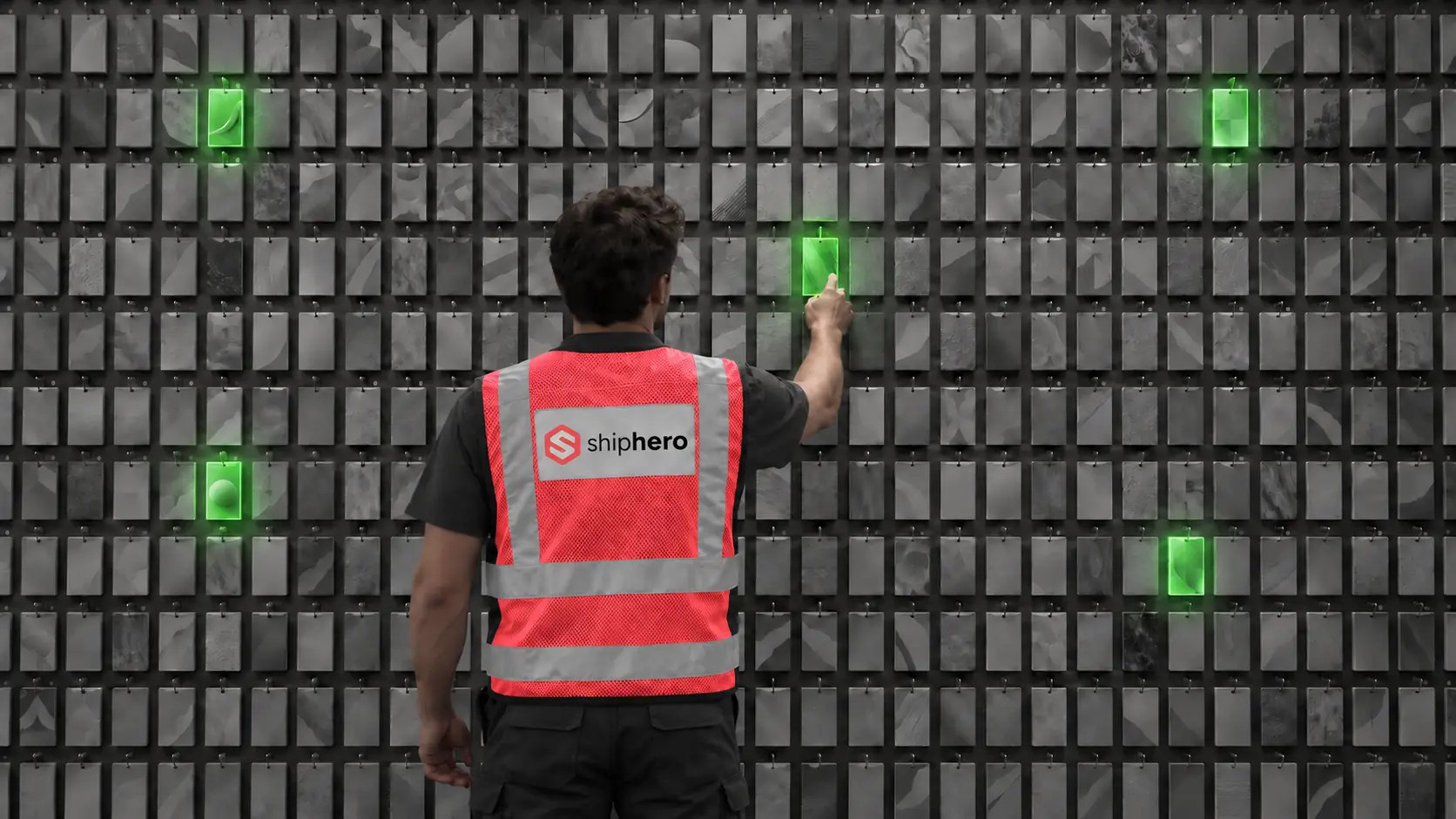
At the denser wall, average picking time per order fell from 40 seconds to 13, and orders that ran clean from start to finish rose from 18% to 97%. This is the companion to our Direct Pack + Pack-to-Light case study, from the same research.
.svg)
On September 1, 2026, Descartes Systems Group announced its acquisition of Extensiv for approximately $120 million. What was announced, what usually follows deals like this, and the questions Extensiv customers should put to their vendor before renewal.



.svg)



.webp)