
.svg)

Connect ShipHero to your favorite AI client. Ask operational questions in plain English, and choose whether the agent can read your warehouse data or also act on it.
.svg)
The ShipHero Model Context Protocol (MCP) connects supported AI clients directly to your live ShipHero data, so warehouse teams can ask questions and get specific answers from their own account. It is built for day-to-day operational checks, including inventory levels, open orders, shipment status, holds, returns, purchase orders, and exceptions. You choose the access level when you connect it: read-only, or read-write if you want the agent to make changes as well as answer questions. For ShipHero customers, it is available at no additional charge and draws on its own pool of API credits, separate from the ones your production integrations use.
Every order, shipment, inventory movement, hold, return, and purchase order creates data inside ShipHero. Your warehouse information is right there, but getting to it can be a slow, complex process.
Before the ShipHero MCP, answering a specific operational question often meant logging in, finding the right report, applying the right filters, exporting data, or asking the one person on the team who knew where to look.
Even when the answer was simple, like a quick inventory check, it could turn into a 20 to 45 minute task. A customer question could sit half a day while someone pulled the right numbers. That delay adds friction to the floor. It slows decisions. It keeps teams waiting on data they already own.
The ShipHero MCP gives supported AI clients secure access to live ShipHero data, at the level you authorize.
That means operators can ask questions in plain English and get answers from their actual account, not from a generic help article or static knowledge base. A chatbot can tell you where to find a number. The ShipHero MCP can return the number itself, and if you grant read-write access, act on it.
It works with MCP-enabled AI clients, including Claude, ChatGPT, Cursor, and Codex. Connect it once, choose your access level, and your team can start working from the AI tool they already use.
The workflow is simple:
The MCP does not replace ShipHero. It makes the data inside ShipHero easier to reach when your team needs a fast answer.
The ShipHero MCP is designed for everyday operational questions, such as:
If you grant read-write access, the same client can also make changes:
PRIORITY to unfulfilled orders containing SKU ABC-123.123456.GIFT-WRAP to order #10582.SUMMER-BUNDLE into a kit containing two shirts and one cap.#10582 with a UPS tracking number.T-SHIRT-WHITE.The MCP is built for operational questions and everyday changes. It is not the tool for building full integrations or generating custom application code. That is what the Public API Skill is for, and the Skill remains read-only.
Speed matters. So does not breaking anything.
When you connect the ShipHero MCP, you log in and choose what the client is allowed to do. Read-only lets it answer questions and nothing else. Read-write lets it change data in your account, including orders, products, and shipments. You can change your mind later by reconnecting and going through the authorization flow again.
Read-only is the default, and for most teams it is the right place to start. Operators can ask. Managers can check. 3PL teams can answer client questions faster. The records stay exactly as they were.
Read-write is worth granting deliberately, not casually. An AI agent working in your warehouse data reads whatever text your customers typed, including order notes, delivery instructions, and address fields. An agent that can also write will treat some of that text as instruction. That is a real failure mode, not a hypothetical one, and it is why we made read-only the default rather than the only option.
If you do grant read-write:
Whichever level you choose, three things hold underneath it.
The access level is enforced at the API. Not in the client, and not by a setting an admin can quietly switch. A read-only token attempting a write is refused by the server, and nothing in a prompt can widen what a token was granted. Changing the level requires a person to approve it in the authorization flow.
Customer personal information is a separate permission. ShipHero treats PII as its own scope. Without it, protected fields such as customer emails, phone numbers, and tax identifiers come back empty, while the operational data in the same query resolves normally. An agent can tell you which orders shipped late yesterday without ever seeing who they went to.
Access is granted at authorization and can be revoked. Tokens are issued through OAuth 2.0 with PKCE and carry only what you approved. For custom work built directly on the Public API, permissions get finer still: twenty read scopes and sixteen write scopes cover separate areas of the account, so a token can be narrowed to a single data area. Any token can be revoked at any time.
Underneath all of it, ShipHero is SOC 2 Type 2 audited and attested, GDPR compliant, and supports MFA and SAML2 single sign-on. Our Trust Center documents the full security and privacy program.
For the technical detail behind each of these, see the ShipHero AI Toolkit and Scopes documentation. If you are evaluating WMS platforms on how safely they hand data to AI agents, our VP of Engineering wrote up the framework we use for that decision.
For founders, the MCP can turn a quick inventory check into a simple question.
For operations leads, it can surface shipment status, holds, exceptions, and low-stock SKUs without digging through reports.
For 3PL operators, it can help answer client questions faster, using live account data instead of manual follow-up.
The result is a faster way to reach the information already inside ShipHero, and to act on it when you want to.
The ShipHero MCP is available to all ShipHero customers at no additional charge. It draws on a dedicated AI Toolkit credit pool, separate from the credits your production integrations consume, so AI usage cannot throttle the systems running your warehouse. Specific, well-scoped questions still use fewer credits and come back faster.
To get started, visit the ShipHero AI Toolkit documentation or contact your ShipHero account representative.
What is ShipHero MCP?
ShipHero MCP is a connection between supported AI clients and your live ShipHero data. It lets your team ask operational questions in plain English and get answers from your actual account, and if you grant read-write access, make changes too.
Can ShipHero MCP change my account data?
Only if you grant read-write access. The MCP defaults to read-only, which can query data but cannot create, update, or delete anything. You choose the level when you log in during the authorization flow, and you can change it later by reconnecting.
Which access level should I choose?
Start with read-only. It covers the majority of what teams use the MCP for, which is getting answers fast, and it cannot change anything. Move to read-write when you have a specific workflow in mind, a client you trust, and a way to review what the agent changes.
How is the access level enforced?
At the API, not in the client. A read-only token attempting a write is refused by the server, and nothing in a prompt can widen what a token was granted. Changing the level means going back through the authorization flow, where a person has to approve it.
Can I stop ShipHero MCP from seeing customer personal information?
Personal information sits behind its own permission on the ShipHero Public API. Without it, protected fields such as customer emails, phone numbers, and tax identifiers come back empty while the rest of the query resolves normally. See the Scopes documentation for the full list of protected fields.
How is ShipHero MCP different from a chatbot?
A chatbot answers from fixed, generic information. ShipHero MCP connects to live account data, so it returns specific answers about your orders, shipments, inventory, holds, and returns. A chatbot can tell you where to find a number. The MCP returns the number, and with read-write access it can act on it.
Which AI clients work with ShipHero MCP?
ShipHero MCP works with any AI client that supports the Model Context Protocol, including Claude, ChatGPT, Cursor, and Codex. The server URL is https://mcp.shiphero.com/mcp
Do I need a developer to use ShipHero MCP?
No. The MCP is built for operators and can be connected from a supported AI client in minutes. Developers may prefer the Public API Skill for deeper analysis or integration work. The Skill is read-only.
Is ShipHero MCP included for ShipHero customers?
Yes. ShipHero MCP is available to ShipHero customers at no additional charge. It uses a dedicated AI Toolkit credit pool, separate from your regular Public API credits, so AI queries never reduce the capacity available to your production integrations.
.webp)

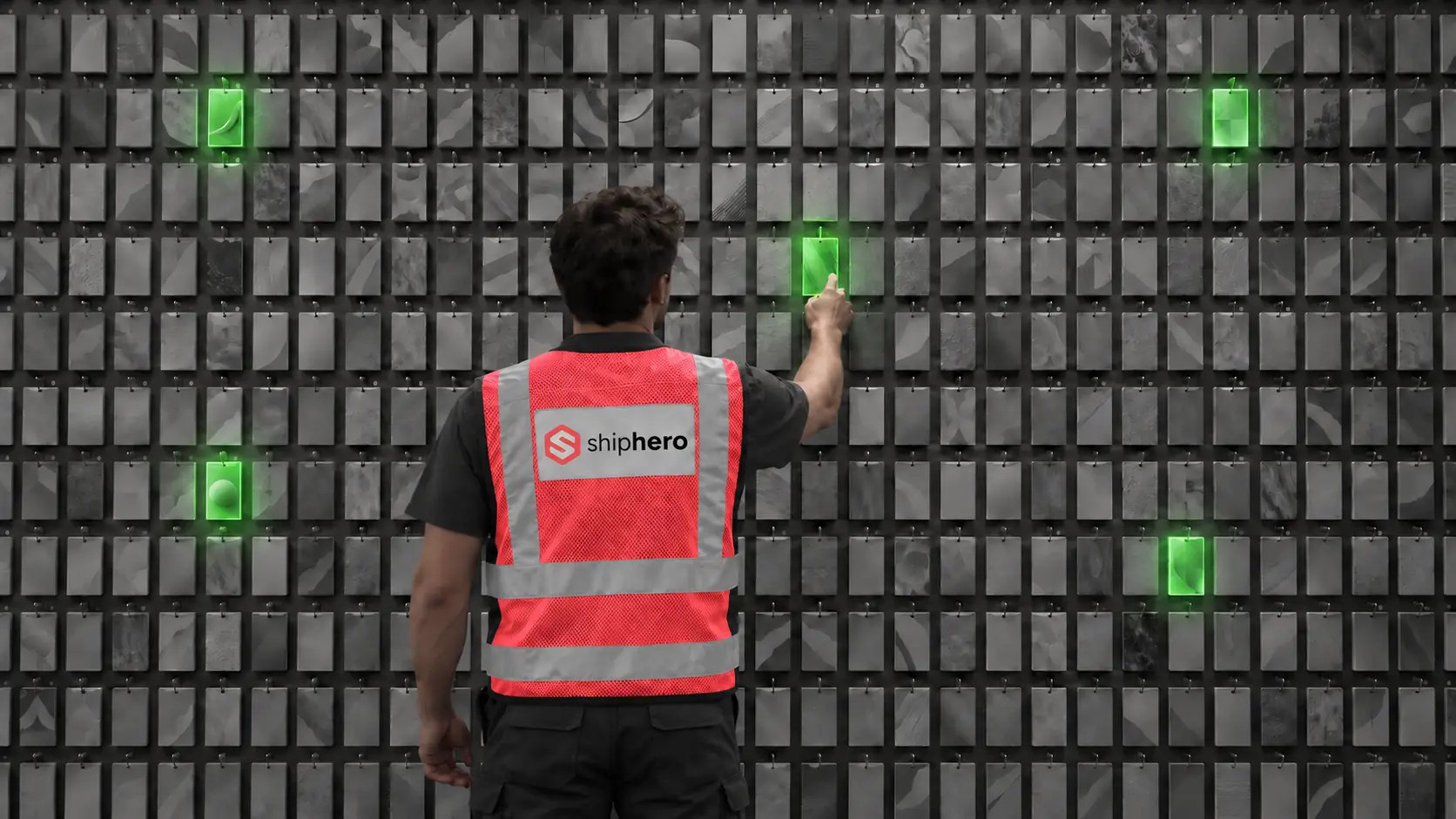
At the denser wall, average picking time per order fell from 40 seconds to 13, and orders that ran clean from start to finish rose from 18% to 97%. This is the companion to our Direct Pack + Pack-to-Light case study, from the same research.
.svg)
On September 1, 2026, Descartes Systems Group announced its acquisition of Extensiv for approximately $120 million. What was announced, what usually follows deals like this, and the questions Extensiv customers should put to their vendor before renewal.



.svg)



.webp)