
.svg)

Zonos makes it easy for merchants to sell internationally by providing accurate landed cost calculations, duty & tax collection, and fully compliant customs documentation. With Zonos, merchants can confidently expand into new markets without unexpected fees, delays, or customer frustration. Whether you’re using a plugin or API, Zonos fits seamlessly into your workflow, improving the checkout experience, reducing customs issues, and helping you scale globally.


%20(1).svg)
Fewer surprises. Happier customers.

Provide customers with fully accurate landed costs at checkout. Zonos calculates duties, taxes, and fees, removing uncertainty and preventing surprise charges at delivery. Plus, the calculations are guaranteed. Zonos pays the customs bill on your behalf and covers any discrepancies—meaning you’re billed exactly what your customer paid, with no risk or reconciliation headaches.
Zonos handles global tax compliance for you by remitting taxes using Zonos tax IDs—so merchants don’t need to register for international tax schemes or track emerging regulations. As new tax schemes arise, Zonos adapts automatically, keeping your cross-border operations running smoothly.
Automate HS code classification and inform compliant customs documentation. Reduce manual errors and ensure smoother border crossings.
Give customers clear expectations with delivery options, localized cost displays, and the ability to prepay duties & taxes (DDP), all backed by Zonos’ cross-border expertise.
.svg)
Zonos calculates duties, taxes, and fees using global trade data and real-time logic. Merchants can present the true total cost of an order upfront, reducing refused shipments and improving confidence from your international customers. And because Zonos pays the customs bill, your landed cost is fully guaranteed—no surprises, no variance, no reconciliation.
Zonos automates customs documentation, HS code classification, and VAT/tax rules across dozens of markets. Spend less time on compliance and more time selling. You never need to register for foreign VAT or GST schemes—Zonos remits taxes using its own tax IDs and takes full responsibility for tax remittance compliance. If regulations or schemes change, Zonos updates in the background without requiring action from the merchant.
Connect through the prebuilt integration or if desired, via the ShipHero and Zonos open API. Zonos integrates smoothly into your existing checkout with minimal development work.
Whether you ship hundreds or millions of packages globally, Zonos supports high-volume shippers, logistics partners, 3PLs, and enterprise retailers.
By collecting duties/taxes upfront (where applicable), guaranteeing calculations, and generating clean customs data, Zonos helps reduce delays, refused packages, and unexpected carrier fees.
Most integrations take about an hour when using the native plugin, and a short development cycle for any API connections (if required). Zonos provides clear documentation and onboarding support for a fast setup.
Yes. Zonos automates HS code classification at checkout, applying machine learning and updated trade rules to continually improve accuracy over time.
Though you can retrieve a quote for DDP shipping with any carrier, Zonos will also guarantee quotes for shipments sent through UPS, FedEx, DHL, DHL eCommerce, Asendia, Landmark, APC, and ePost.
You can set up Zonos with ShipHero by following the step-by-step instructions in the ShipHero + Zonos setup guide. The guide walks you through connecting your account, enabling landed cost calculations, configuring tax remittance settings, and verifying everything is working correctly.

.webp)
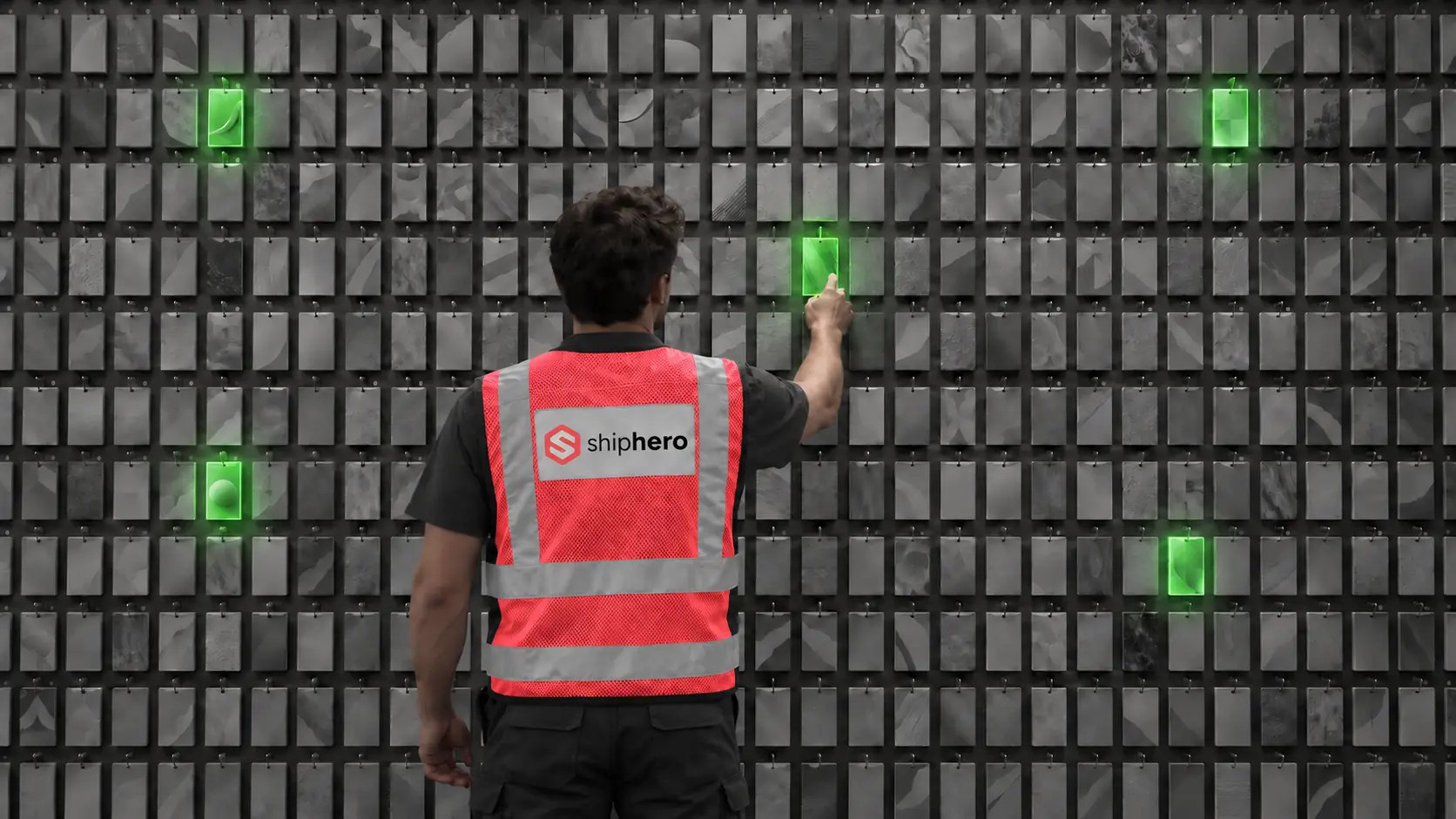
At the denser wall, average picking time per order fell from 40 seconds to 13, and orders that ran clean from start to finish rose from 18% to 97%. This is the companion to our Direct Pack + Pack-to-Light case study, from the same research.
.svg)
On September 1, 2026, Descartes Systems Group announced its acquisition of Extensiv for approximately $120 million. What was announced, what usually follows deals like this, and the questions Extensiv customers should put to their vendor before renewal.

.webp)
.webp)





.webp)

.webp)
.svg)
.webp)



.webp)




.svg)



.webp)