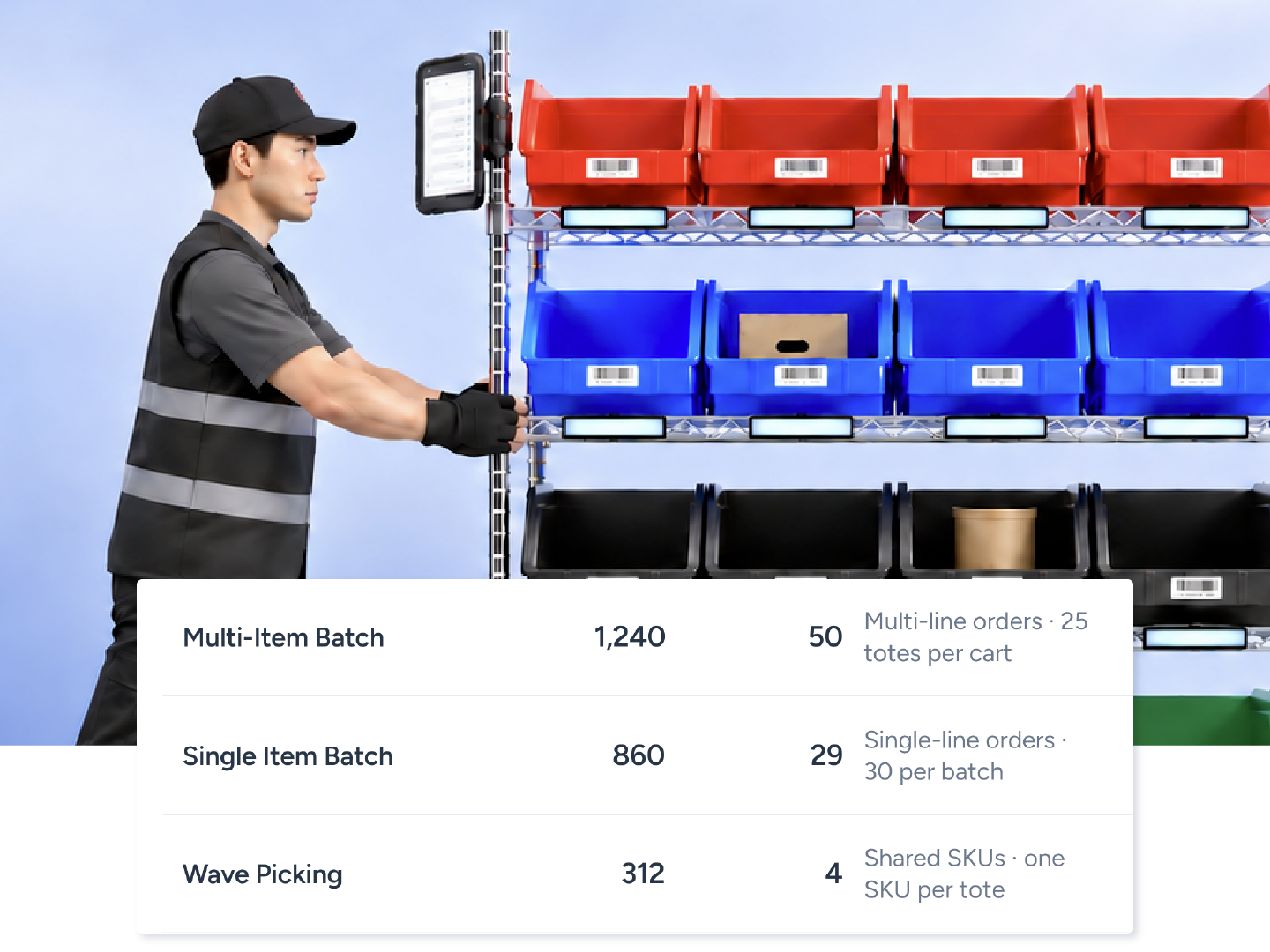
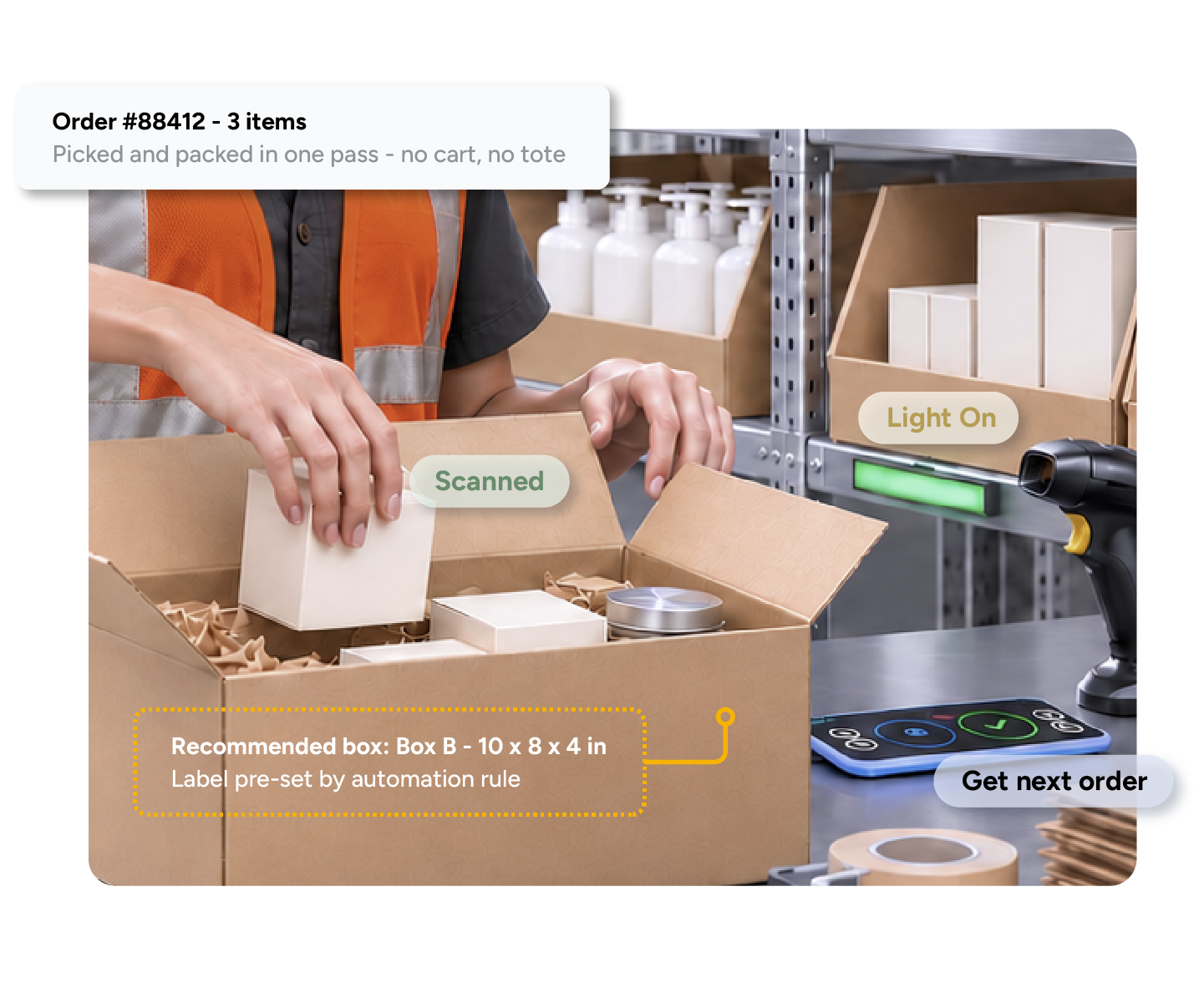
Generate labels for up to 1,000 matching orders before picking starts. Bulk Ship then guides location, item, and quantity checks through a QR-coded pick list. It's the fastest workflow for identical orders from subscription cycles, launches, or promotional drops.
One batch. Labels first.
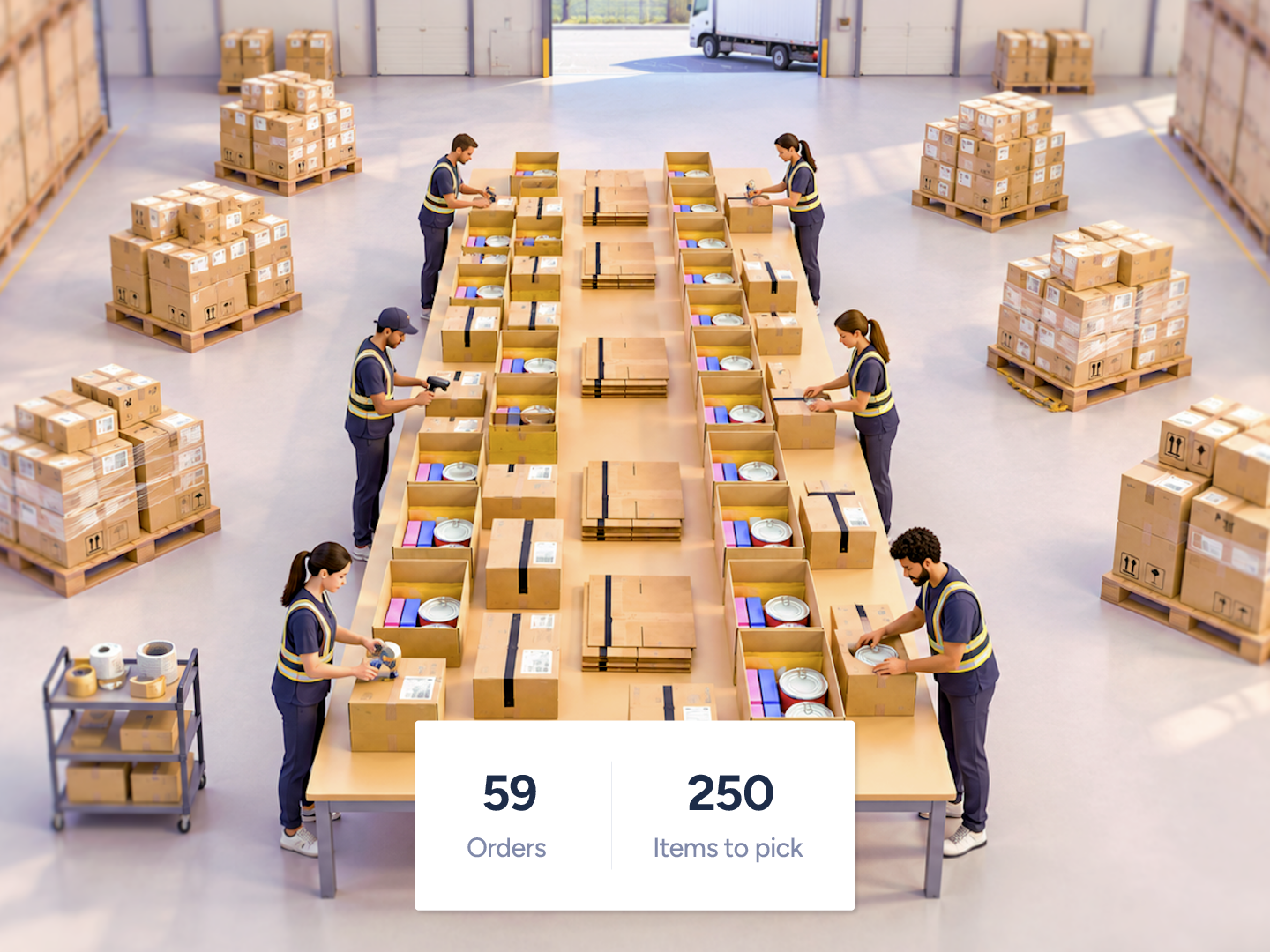





Up to 1,000 orders per batch.
Labels, or labels plus invoices, as one PDF.
QR-guided pick with location, item and quantity confirmation.
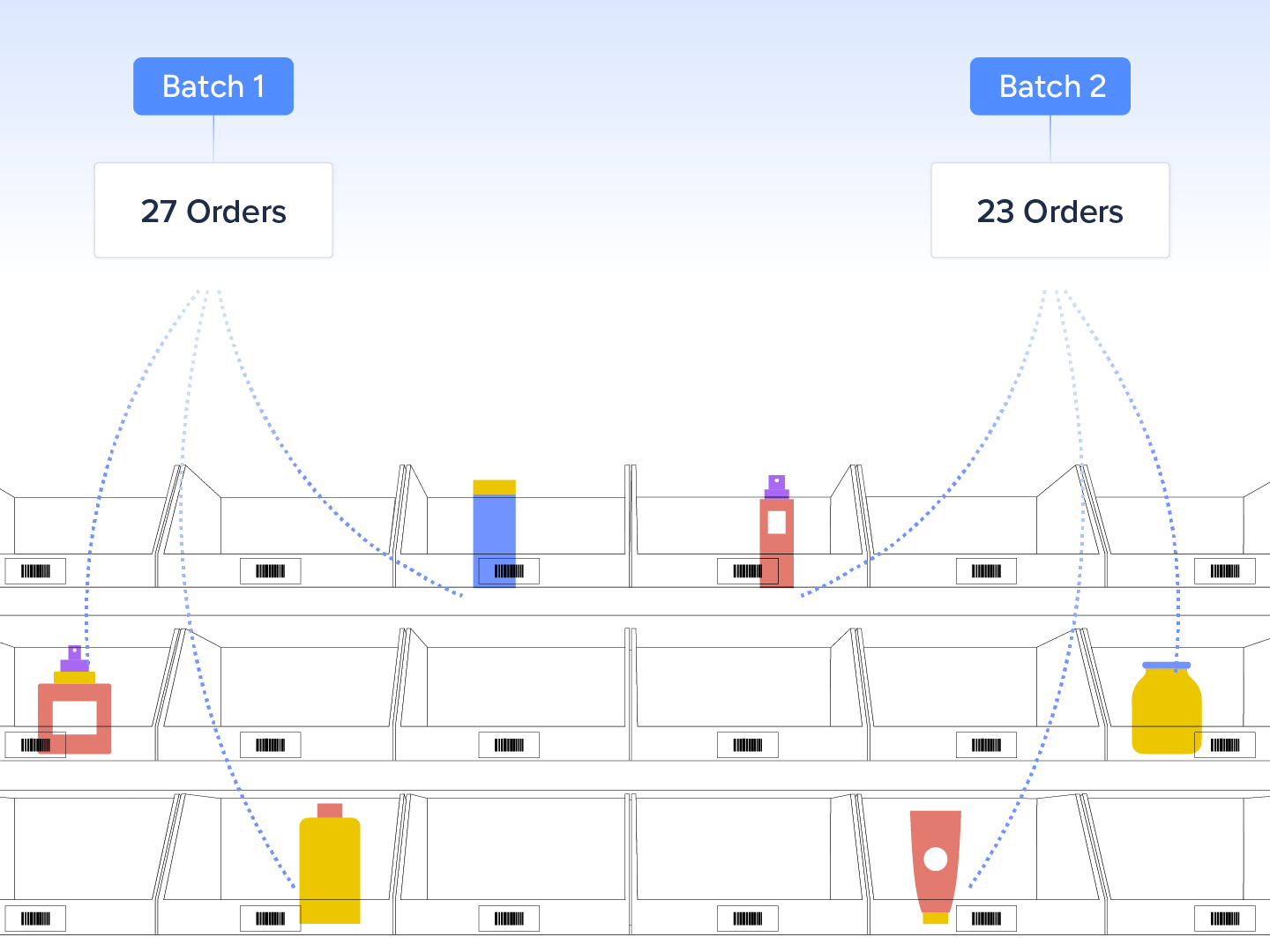
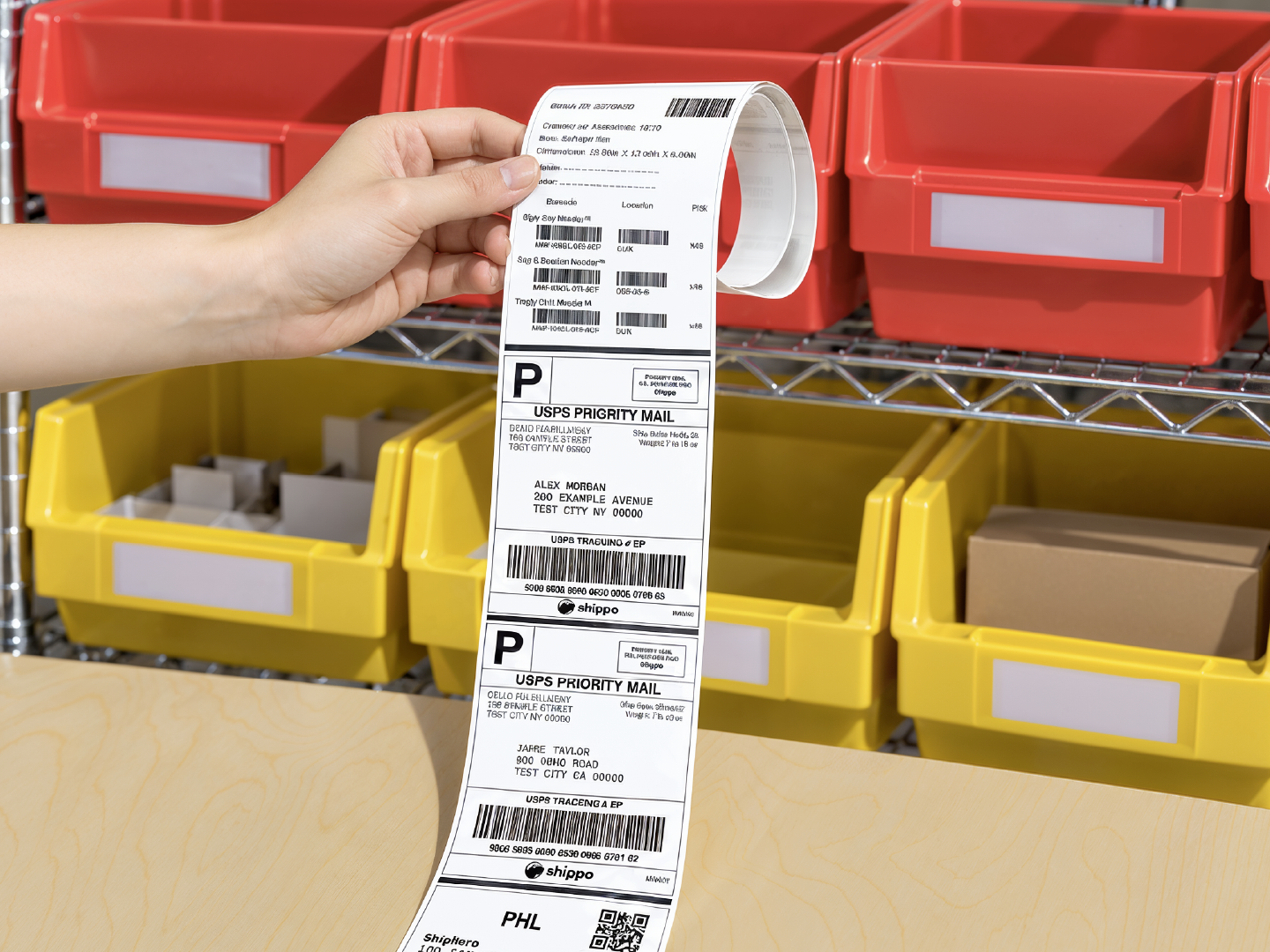
Bulk Ship generates labels and deducts inventory before picking begins, because identical orders do not need individual verification at a pack station. The picker scans the Picking List QR code, then confirms the location, item, and quantity. Your team still packs the orders, applies labels, and hands them off for shipping. Labels and invoices can be generated together as one PDF.
Rate shopping runs once for the batch.
Inventory deducts at label generation.
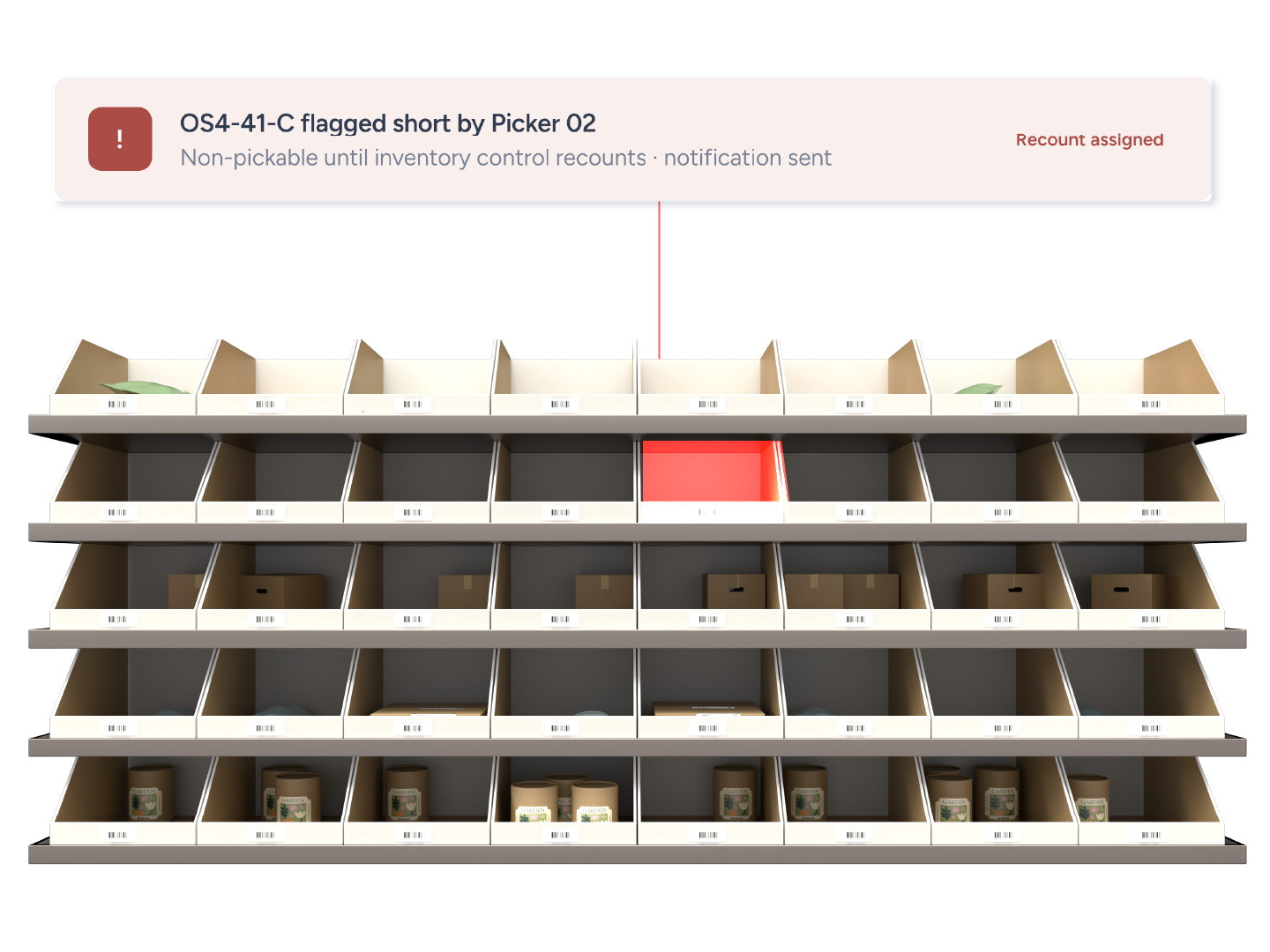
A scan at every location as quality control.
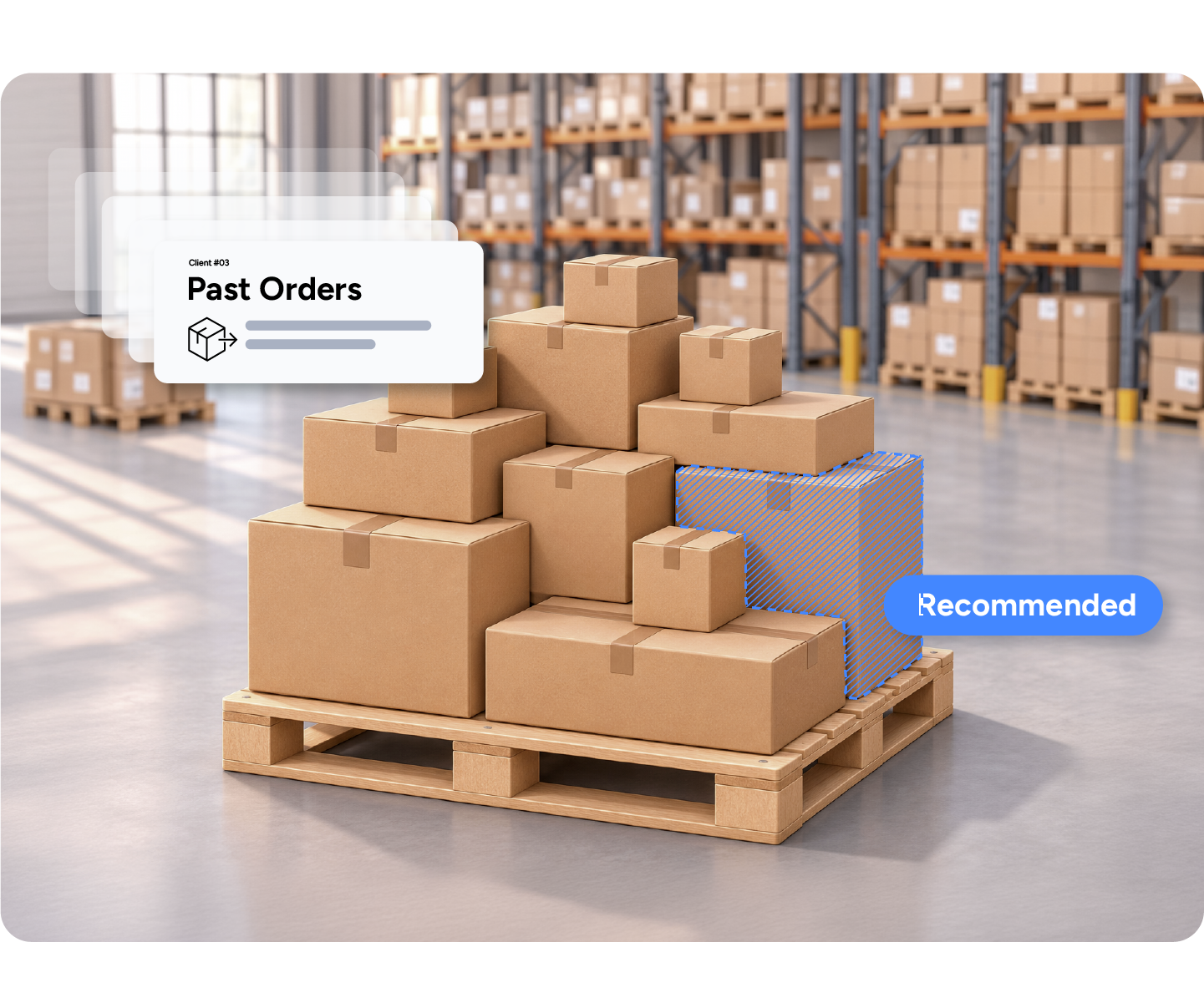
Bulk Ship works well for 3PLs and high-volume brands shipping repeat orders with the same products and quantities. Instead of processing each matching order separately, your team generates the labels together and follows one picking list for the batch. For 3PLs, suggested batches keep each client's orders separate. Ten or more identical orders is a useful starting point, though the right cutoff depends on your operation.
Ten or more identical orders.
Subscription cycles, pre-orders, launches and promo drops.
Kits sold as one SKU and wholesale case packs.

A launch or subscription cycle means hundreds of identical orders picked one by one.
Bulk Ship prints every label up front and picks the batch in one QR-guided pass.
Rate shopping each identical order wastes time.
Rate shopping runs once for the whole batch.
Customers get tracking emails before the truck arrives.
Delayed Notifications hold the shipped webhook until your team marks orders shipped.
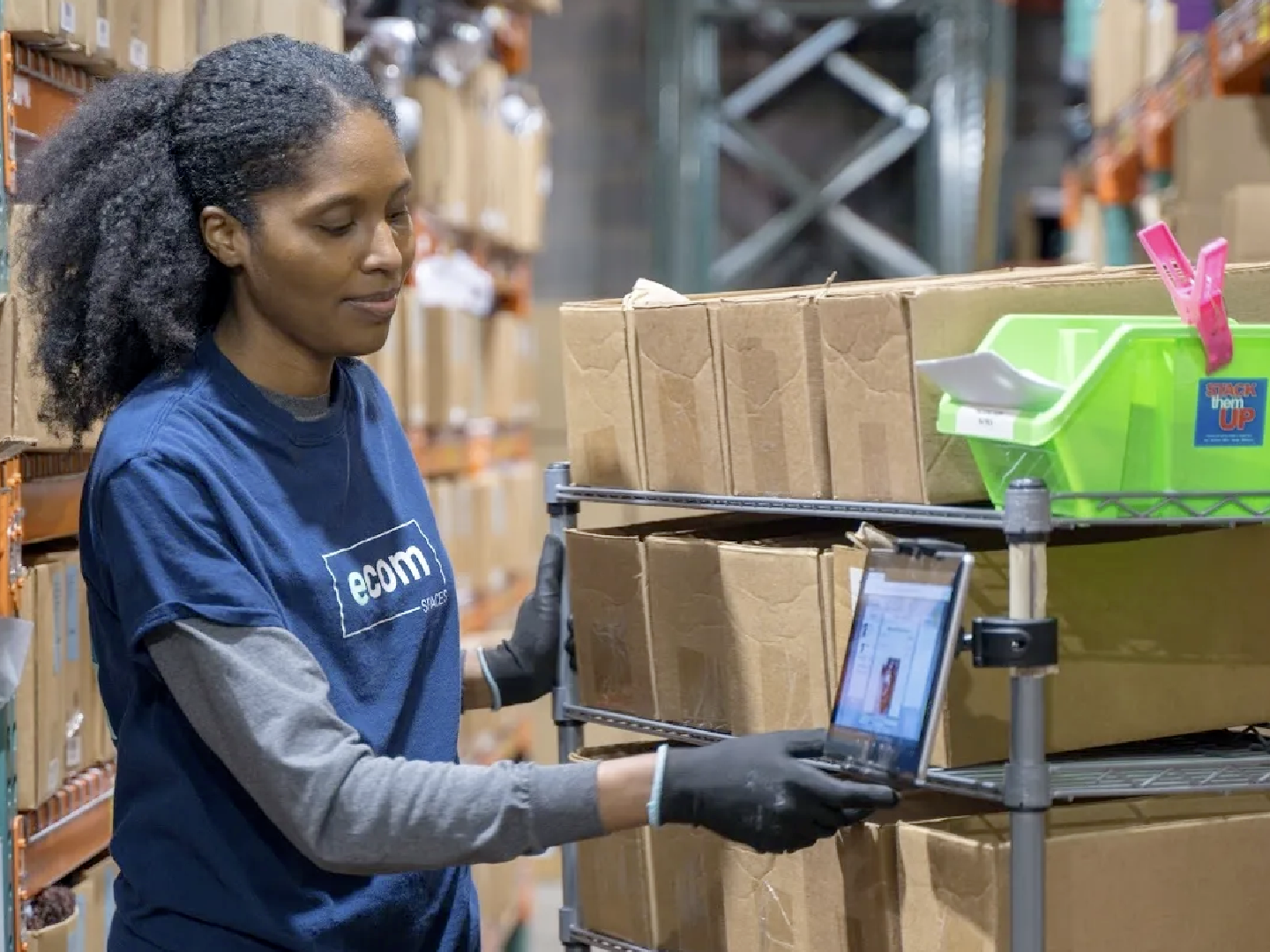
It's allowed us to increase our daily order volume by 10x. And our client list by 5x.
Maire Rosa
Owner, ecomspaces
10x
daily order volume
5x
client list
1 week
from onboarding to shipping on ShipHero
Can't find your answer? Our team can walk you through your setup.
Talk to our teamUp to 1,000.
Yes, for single-package orders, using Cheapest or RateShop+.
No. SKUs that require serial numbers are excluded.
Batch creation and label generation run on a PC or Mac in the Packing App or at shipping.shiphero.com. The QR-guided pick runs in the mobile app.
Bulk Ship is a full pick-and-pack method, not a print job. It selects the pick location for each SKU, deducts inventory when the labels generate, prints labels and invoices as one PDF, and guides a scan-verified pick of location, item and quantity.