Match the picking method to your order mix. Multi-item orders, single-item orders, hundreds of orders that share a SKU, a thousand identical orders, or a core set of SKUs packed straight from the shelf. ShipHero has a picking method for each, and the batch generator sorts orders into the right one for you.
Five ways to pick. Switch any time.
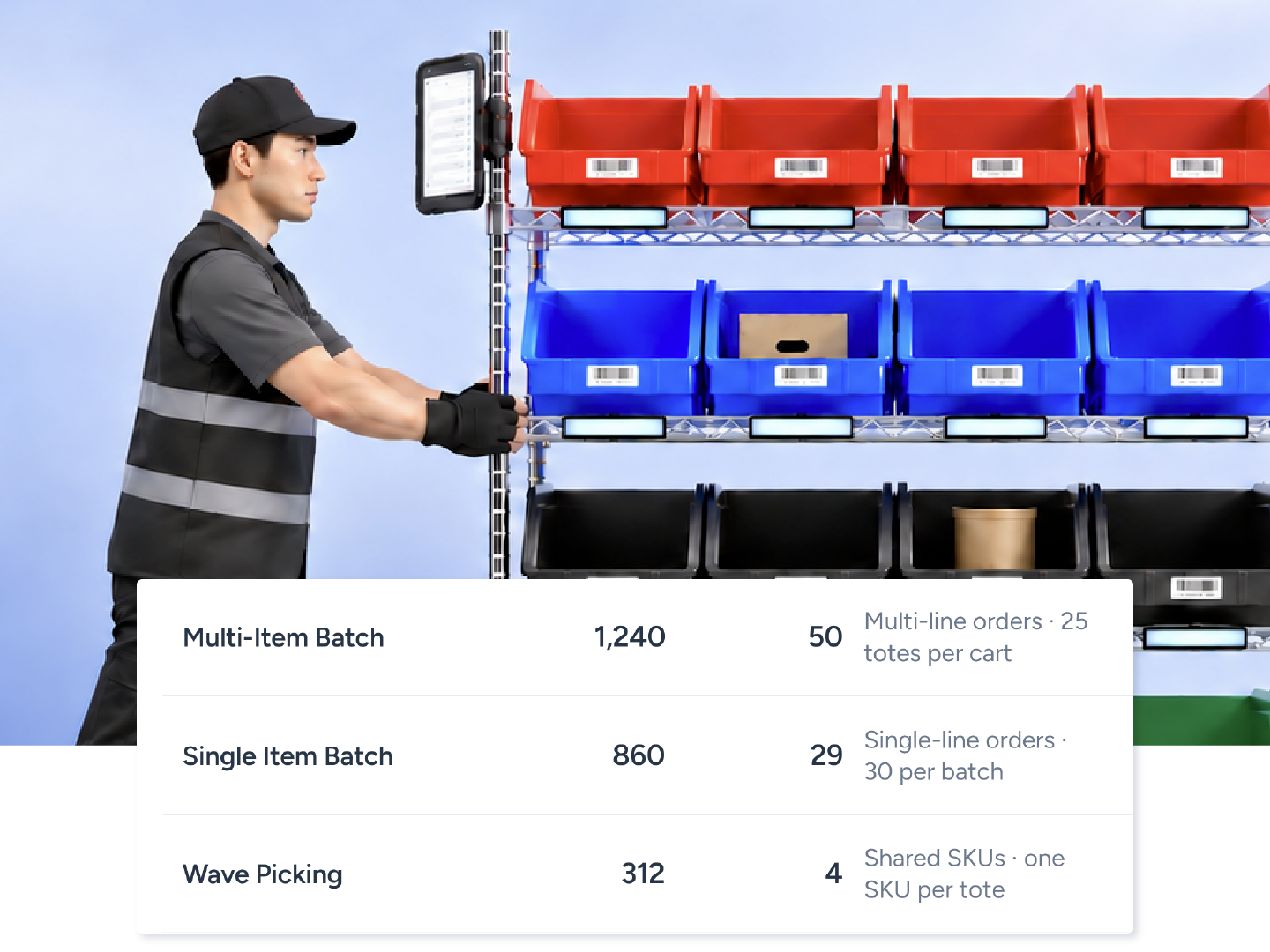





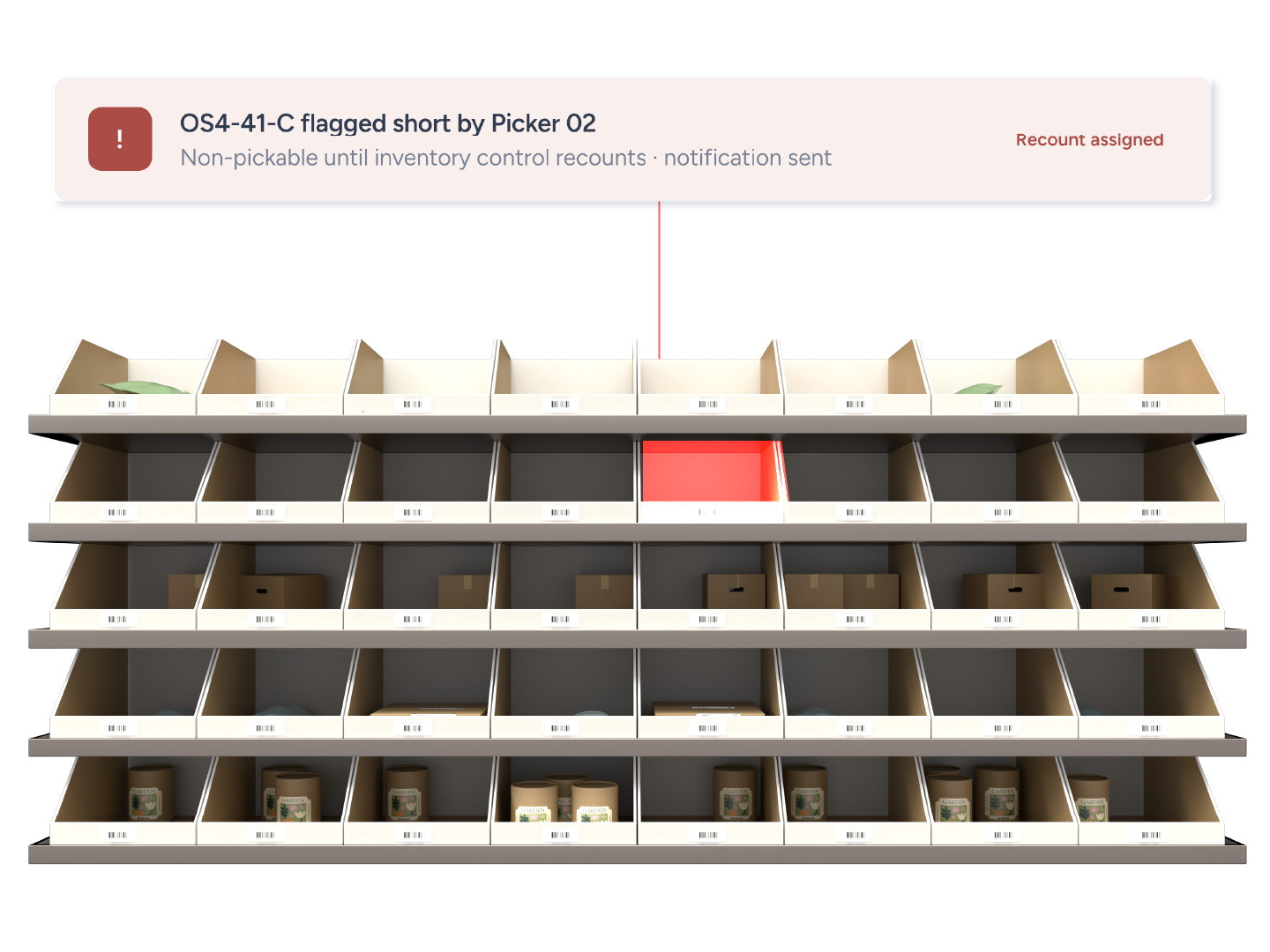
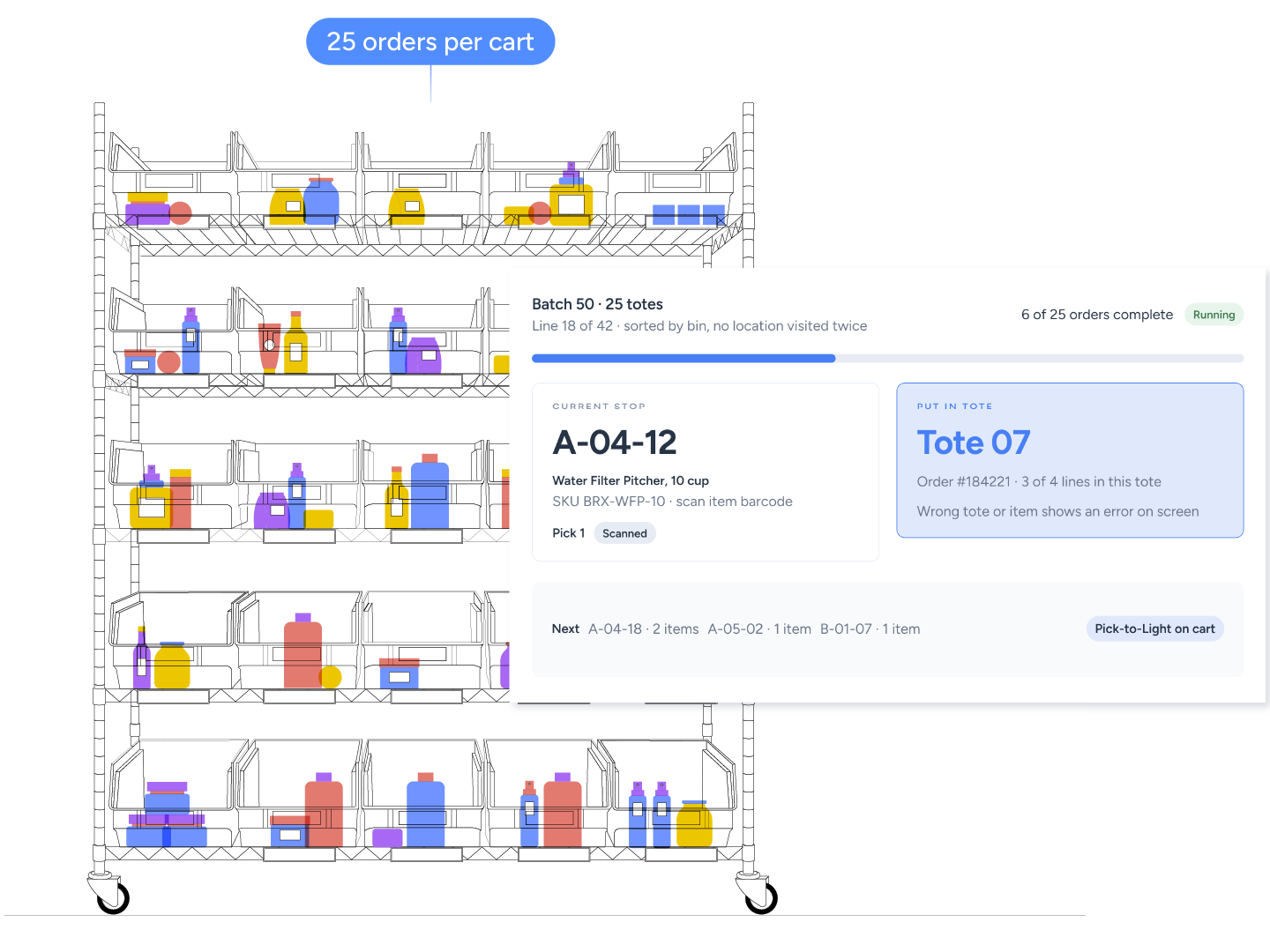
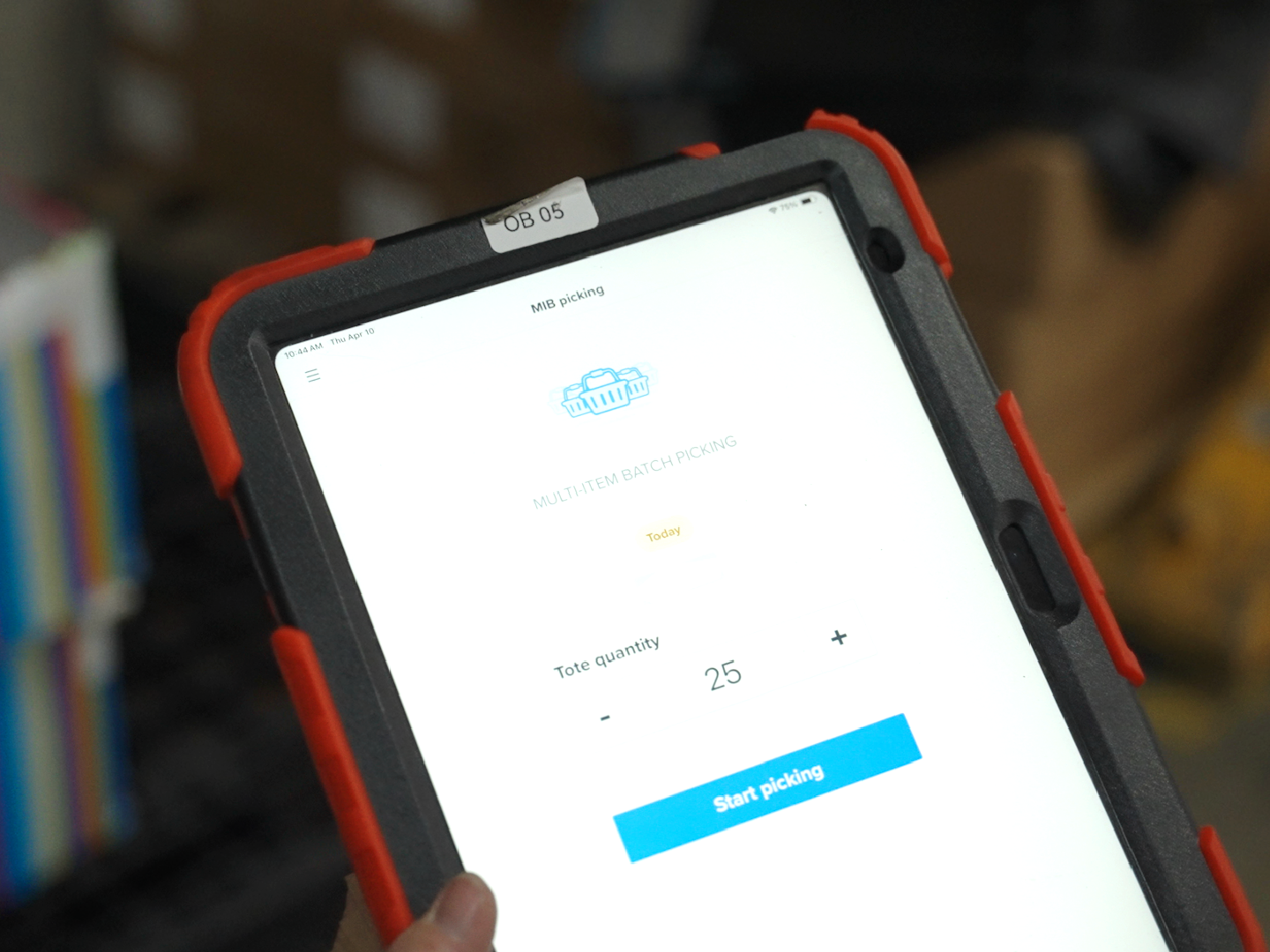
A picker starts a Multi-Item Batch from the mobile dashboard and chooses the tote count. The app routes them location by location, sorted by bin so no location is visited twice. At each stop they scan the item, then scan the tote the app names. A wrong tote or wrong item triggers an error on screen. When the cart reaches packing, every tote is a complete order. Add Pick-to-Light and the correct tote lights up instead.
One barcoded tote per order.
Wrong tote or item triggers an error on screen.
Batch by Location, by Location Prefix, or by Required Ship Date then Priority.
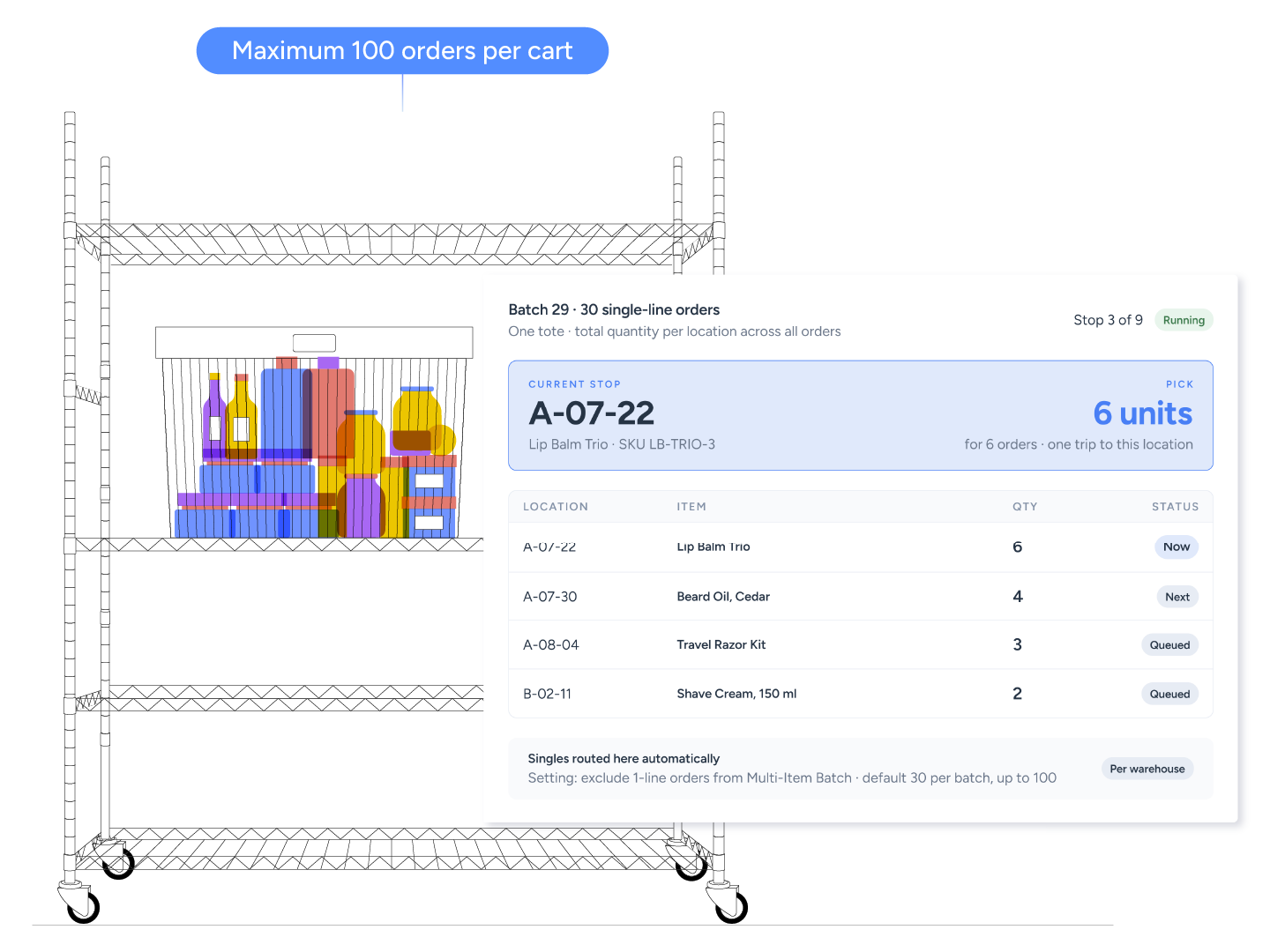
This is one of the fastest picking methods in ShipHero. Single-line orders share one tote. The app shows the total quantity needed at each location across all orders, so a picker grabs six units once instead of visiting six times. One setting, "Exclude orders containing 1 line item from Multi-Item Batch Picking", routes singles here automatically.
Single-line orders share one tote.
Total quantity per location across all orders.
Default 30 orders per batch, up to 100.
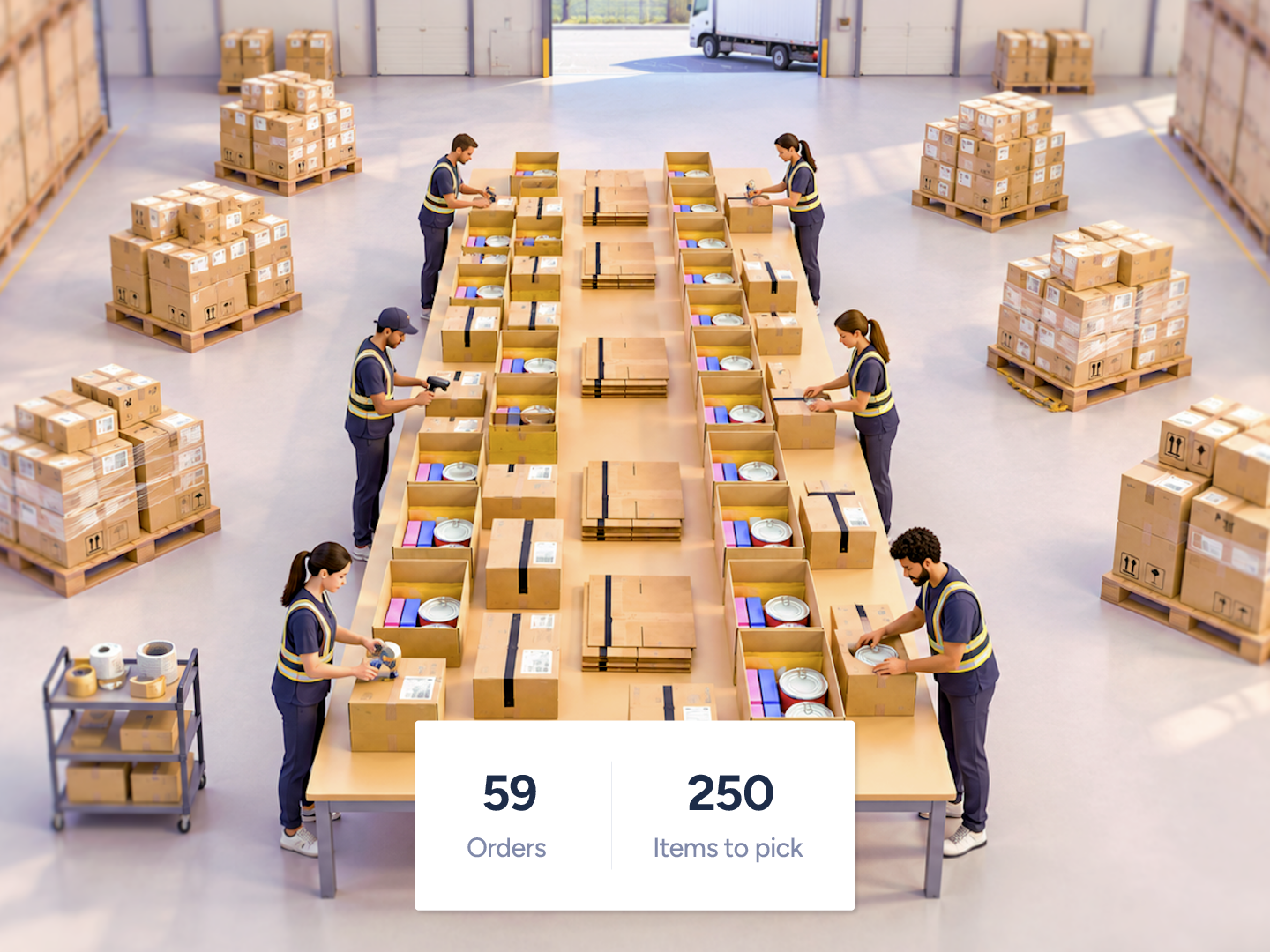
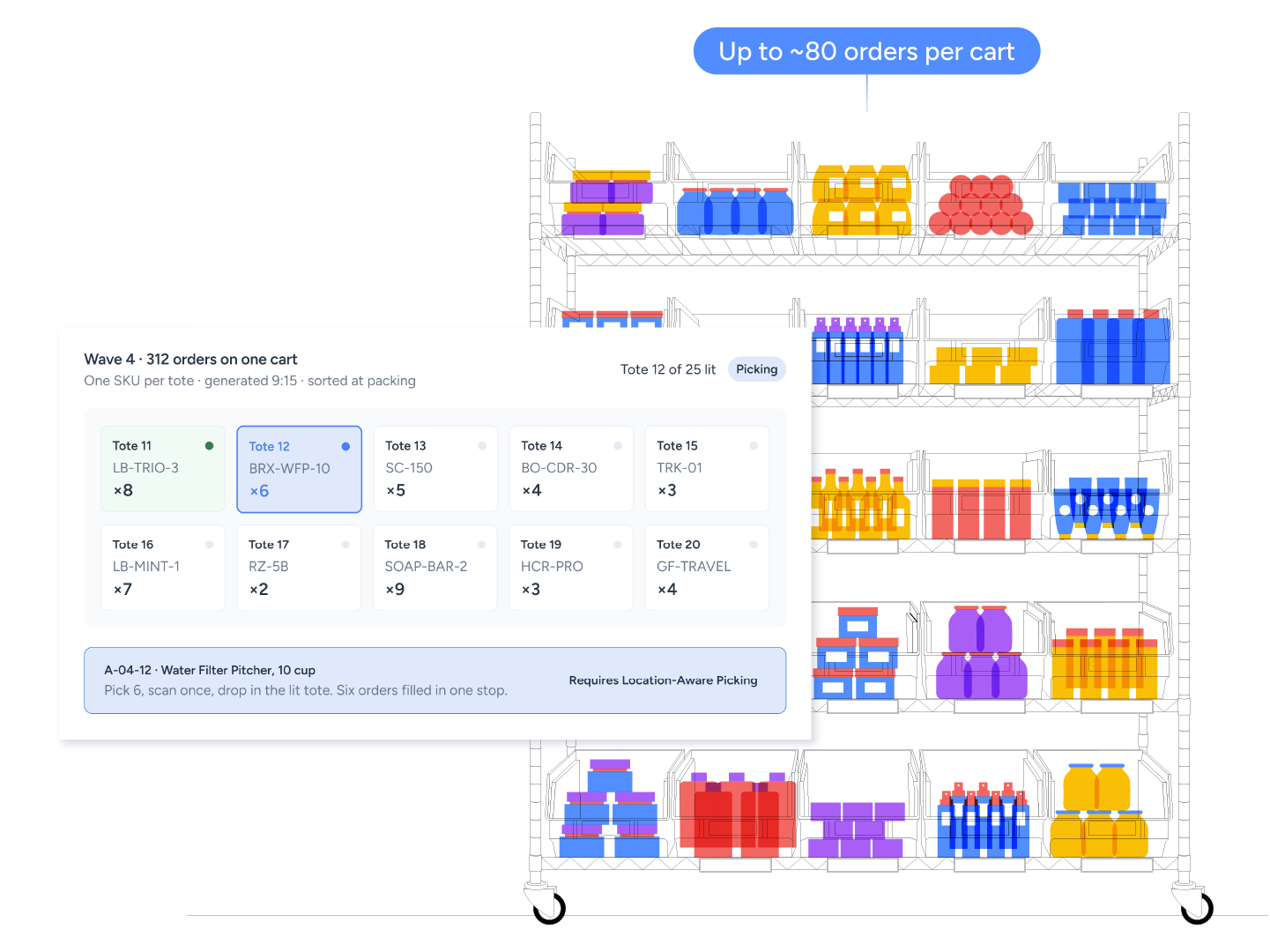
Wave Picking fits multi-item orders that share the same SKUs. Each tote holds one SKU across the wave, instead of one order, which removes the Multi-Item Batch's one-order-per-tote ceiling. The wave generator checks for overlapping orders every 15 minutes and creates a wave when there are enough orders to fill a cart. Everything else flows through MIB. Good fit: roughly 250 or more multi-item orders per picking window with a top SKU in 10 percent or more of orders.
One SKU per tote across every order in the wave.
Generated every 15 minutes when enough orders overlap.
Requires Location-Aware Picking and a Pick-to-Light kit.
Single-line and multi-line orders go through the same slow process.
The batch generator routes singles to Single Item Batch and multi-line orders to Multi-Item Batch automatically.
Expedited orders get stuck behind the rest of the queue.
Configure Priority Flags, shipping cut-off times, and order-sorting settings to bring urgent orders forward.
A launch floods the floor with identical orders.
Bulk Ship labels and picks up to 1,000 identical orders in one batch.
Multi-Item Batch picking and packing was huge. Now, each picker could walk through the warehouse once and get what they needed.
Jake Rajsky
Vice President, American Tall
275%
increase in picking efficiency
50%
fewer misshipments
400%
business growth supported
Can't find your answer? Our team can walk you through your setup.
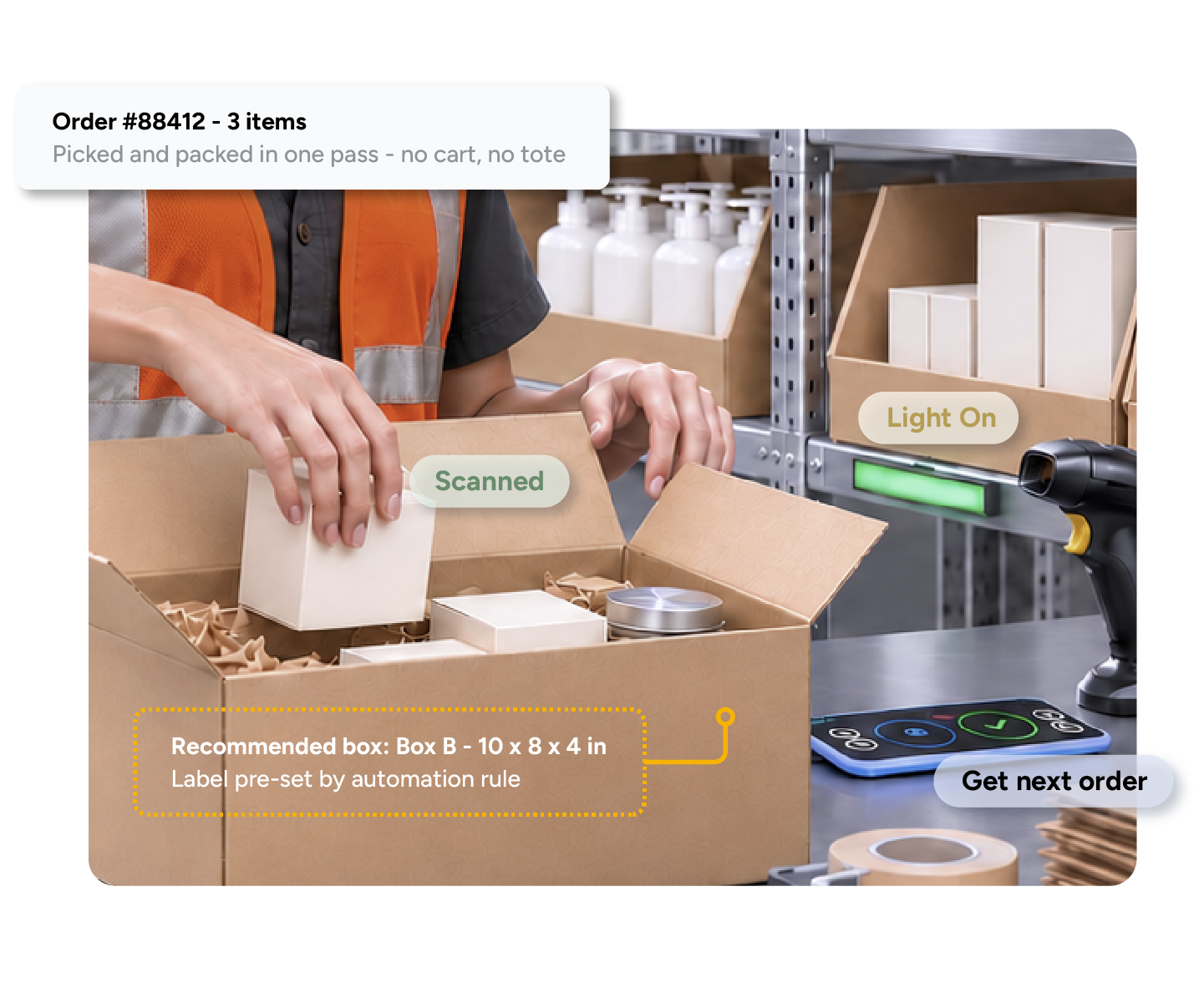
Talk to our teamMatch the method to the order profile. Multi-line orders go to Multi-Item Batch, one barcoded tote per order, so orders reach packing pre-sorted. Single-line orders go to Single Item Batch, where all items share one tote and the packer separates them, 30 orders by default and up to 100. Many orders that share a few SKUs go to Wave Picking: one SKU per tote across every order in the wave, generated every 15 minutes when enough orders overlap. Ten or more identical orders go to Bulk Ship, with labels printed before picking, up to 1,000 orders at a time. A core set of SKUs that ship together goes to DirectPack, where the packer picks and packs one order at a time from a stocked station with no separate picking pass.
While Single Item Batch puts single-line orders in a shared tote, Multi-Item Batch assigns one order per tote. Wave picking assigns one SKU per tote across multiple orders, removing the one-order-per-tote limit. This allows one cart to fulfill dozens or hundreds of orders in a trip.
Yes. The batch generator separates single-line orders into Single Item Batch or Bulk Ship and multi-line orders into Multi-Item Batch or Waves. Advanced DirectPack stations take only the orders they can fully fulfill. Settings can change during the day.
30 by default, up to 100.
No. Multi-Item Batch and Single Item Batch run on the ShipHero mobile app with a Bluetooth scanner. Pick-to-Light is optional. Wave Picking requires a Pick-to-Light kit and Location-Aware Picking.
Items sort by bin for a linear route. With Location-Aware Picking, Smart Routing builds the path from a map of the warehouse and updates it after every pick.