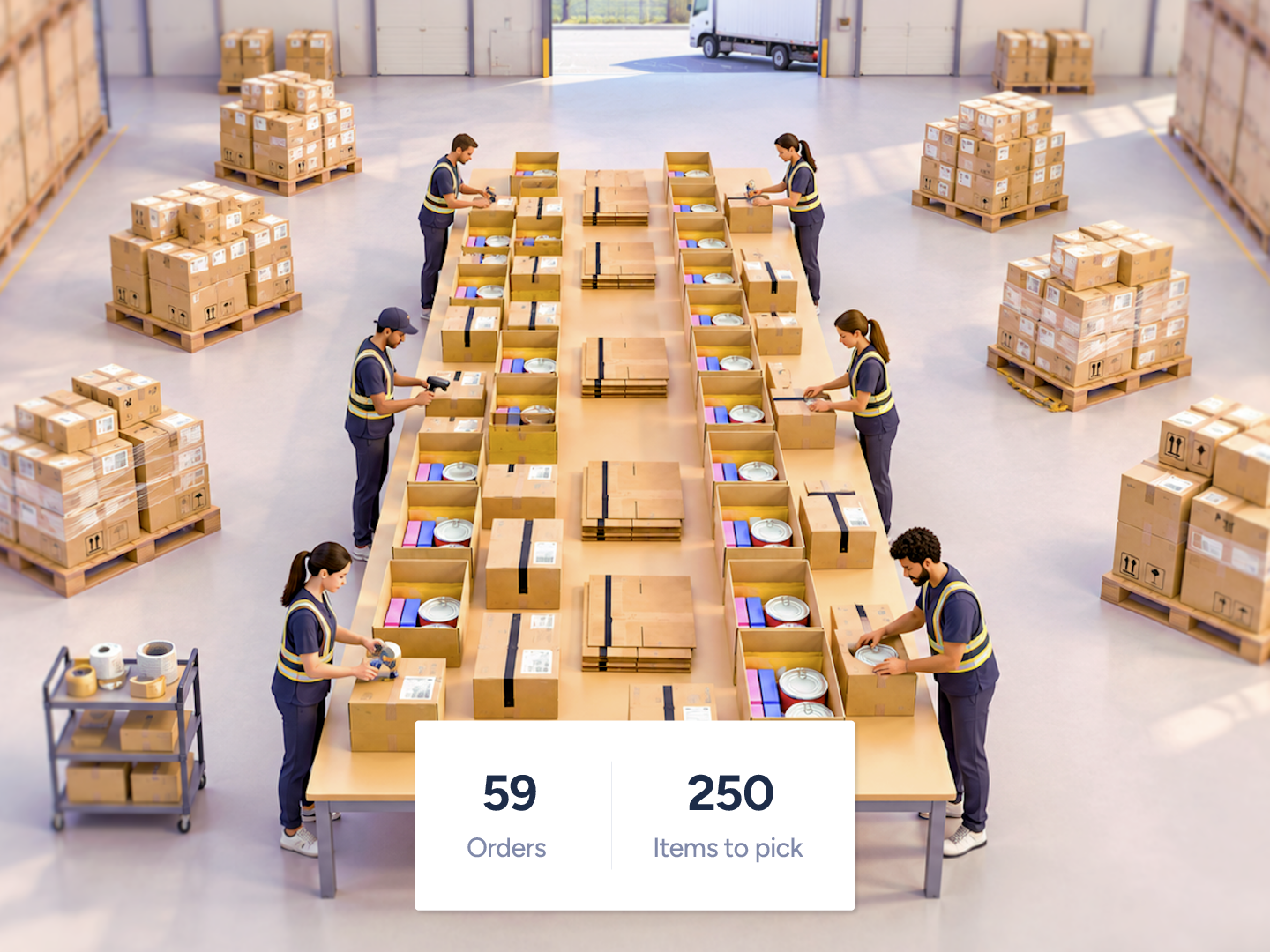
Pick and pack from a stocked station without a separate picking pass. The packer gets the next order, pulls items from the listed station locations, and scans them before shipping. Choose Basic DirectPack or add light guidance with Advanced DirectPack. No cart, no tote, no hand-off.
Skip the pick. Pack straight from the shelf.
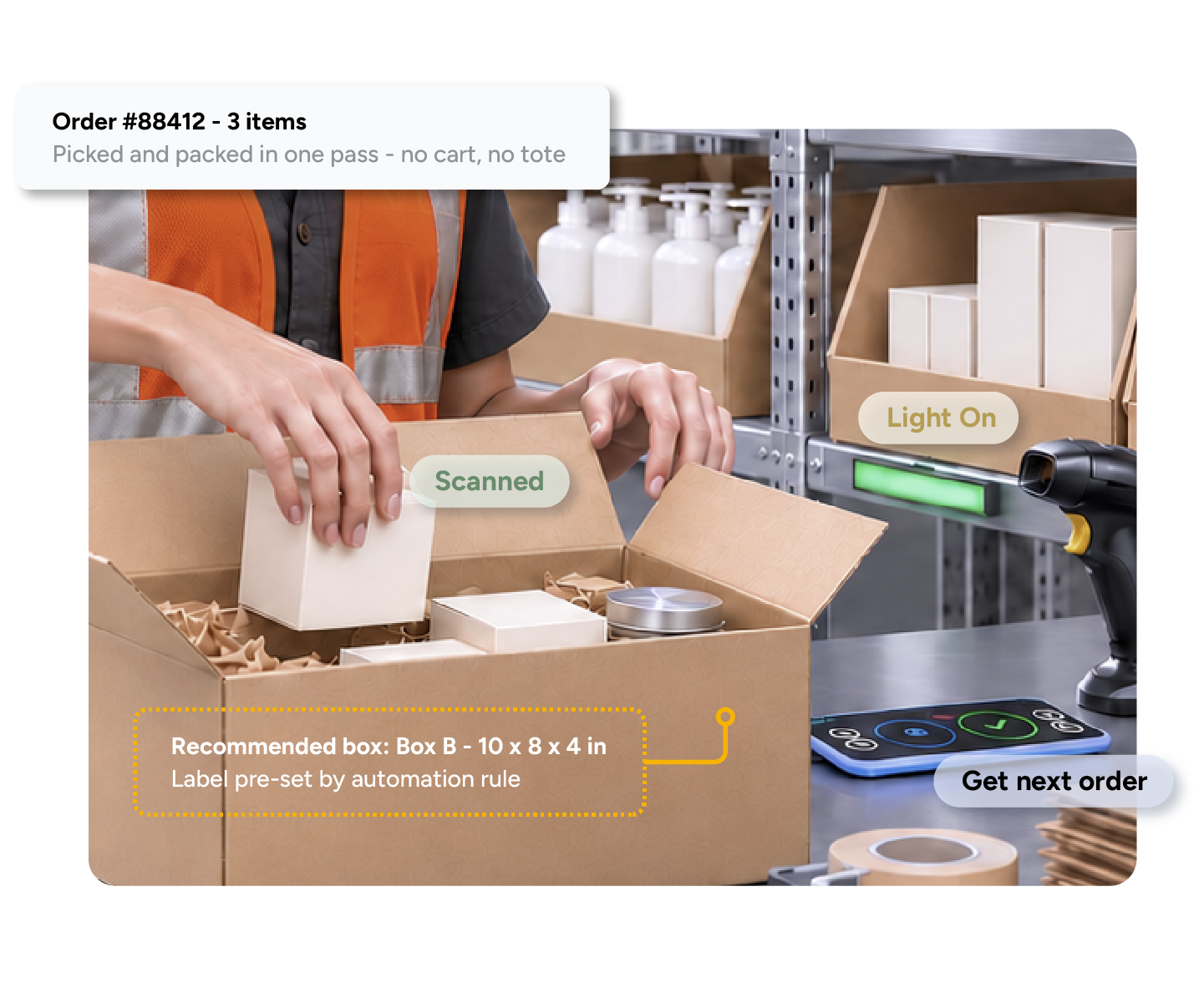




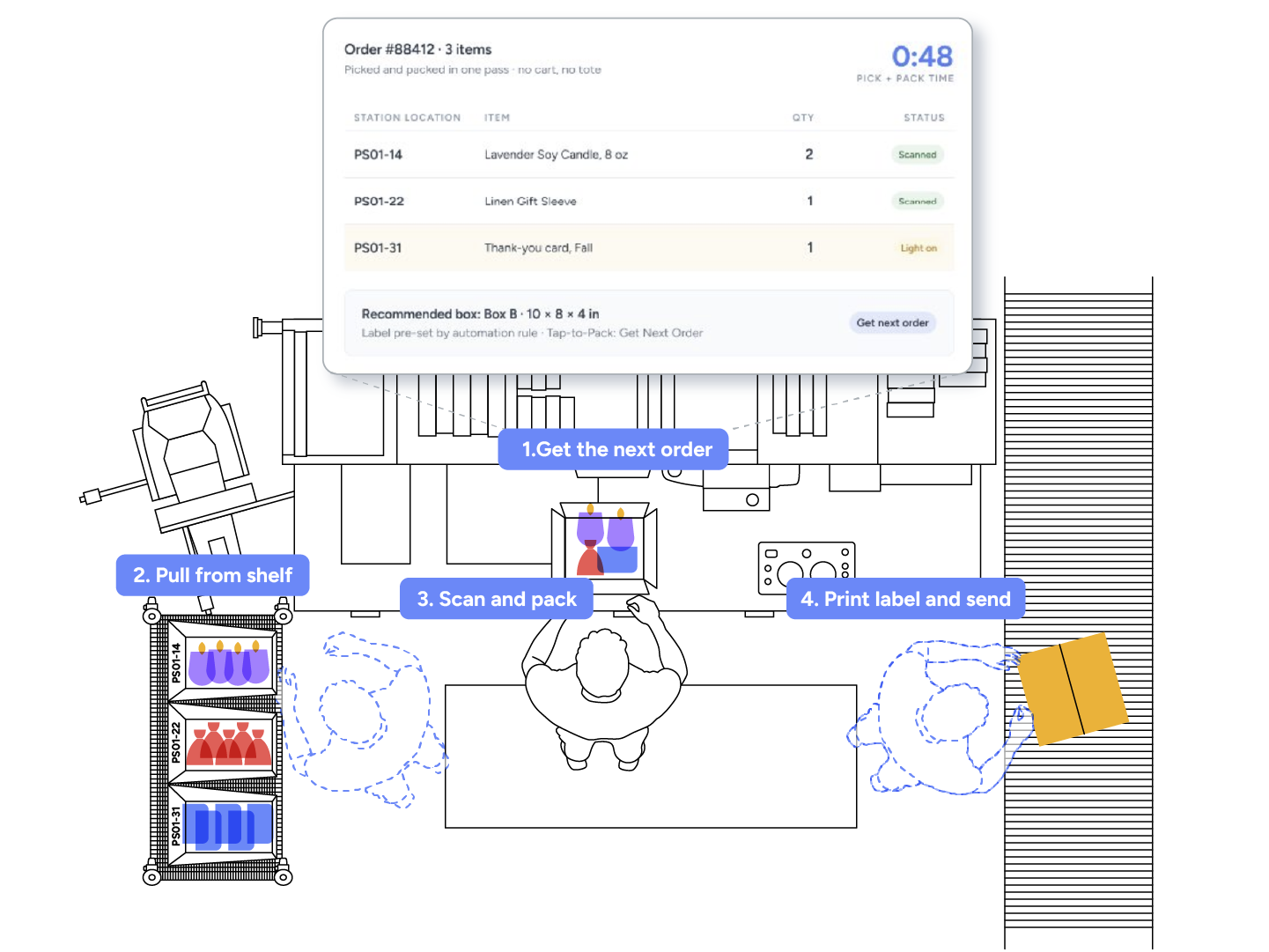
Stock the SKUs an order needs in pickable locations at the station. Mark everything else non-pickable for that station. The packer scans Get Next Order, the Packing App lists each line item with its station location, the packer pulls and scans each item, chooses the box, prints the label and gets the next order. Inventory deducts from the station location.
Packer scans Get Next Order
Each item pulled and scanned from its station location
Inventory deducts from the station location
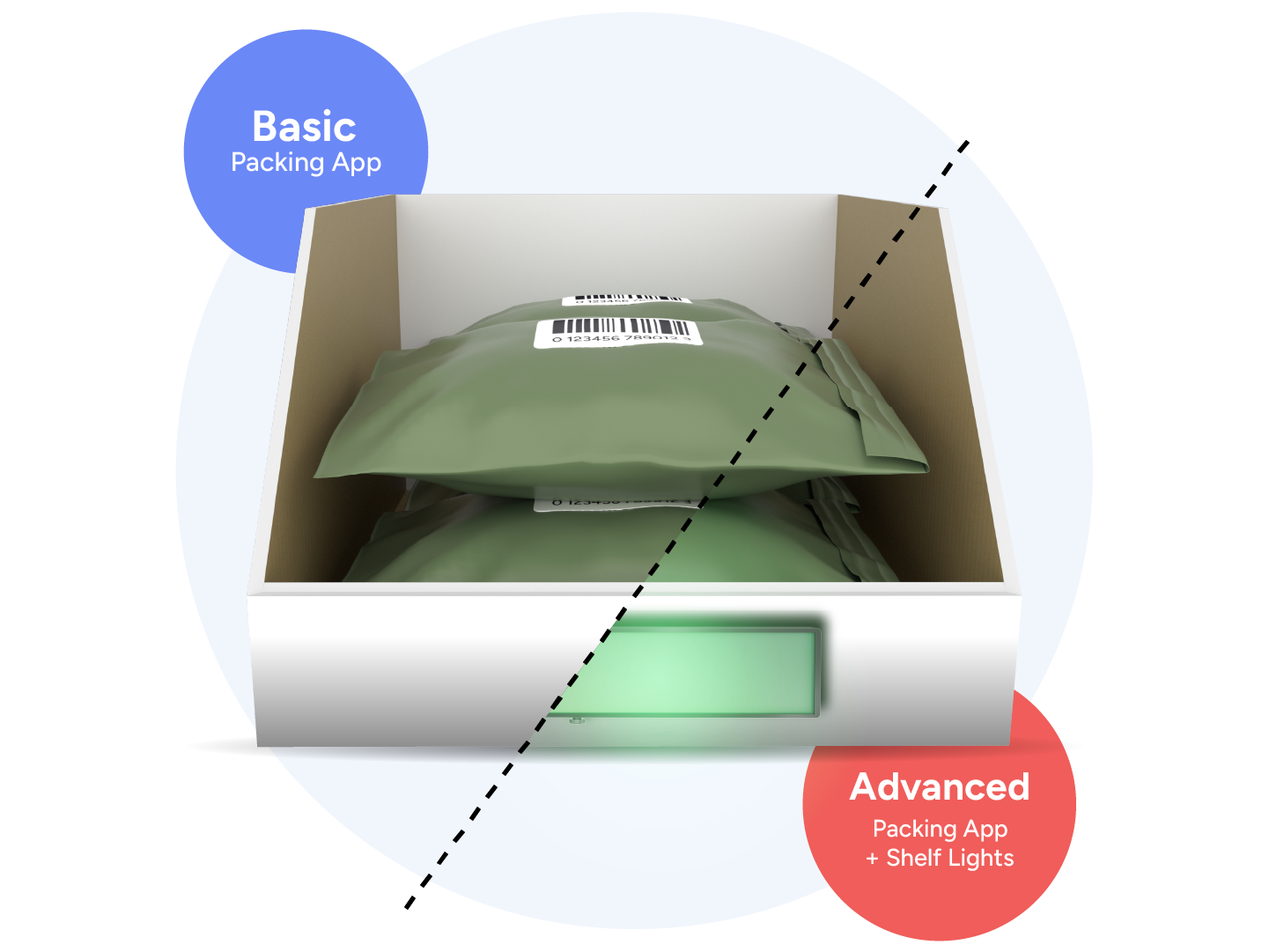
Basic: one order at a time, one pickable location per SKU, standard software, self-serve setup.
Advanced (Pack-to-Light): a group of locations assigned to each station, only orders fully fulfillable from that station enter its queue, multiple stations can carry the same SKUs alongside normal batch picking, LED modules light each location, a Force Allocate QR code locks the app to the station, Mega Station mode lights every item on the order at once.
Advanced is enabled by Support and uses the Attainable Automation Starter Kit.
Basic: Packing App only, self-serve setup
Advanced: Pack-to-Light LEDs light each location
Advanced is enabled by Support
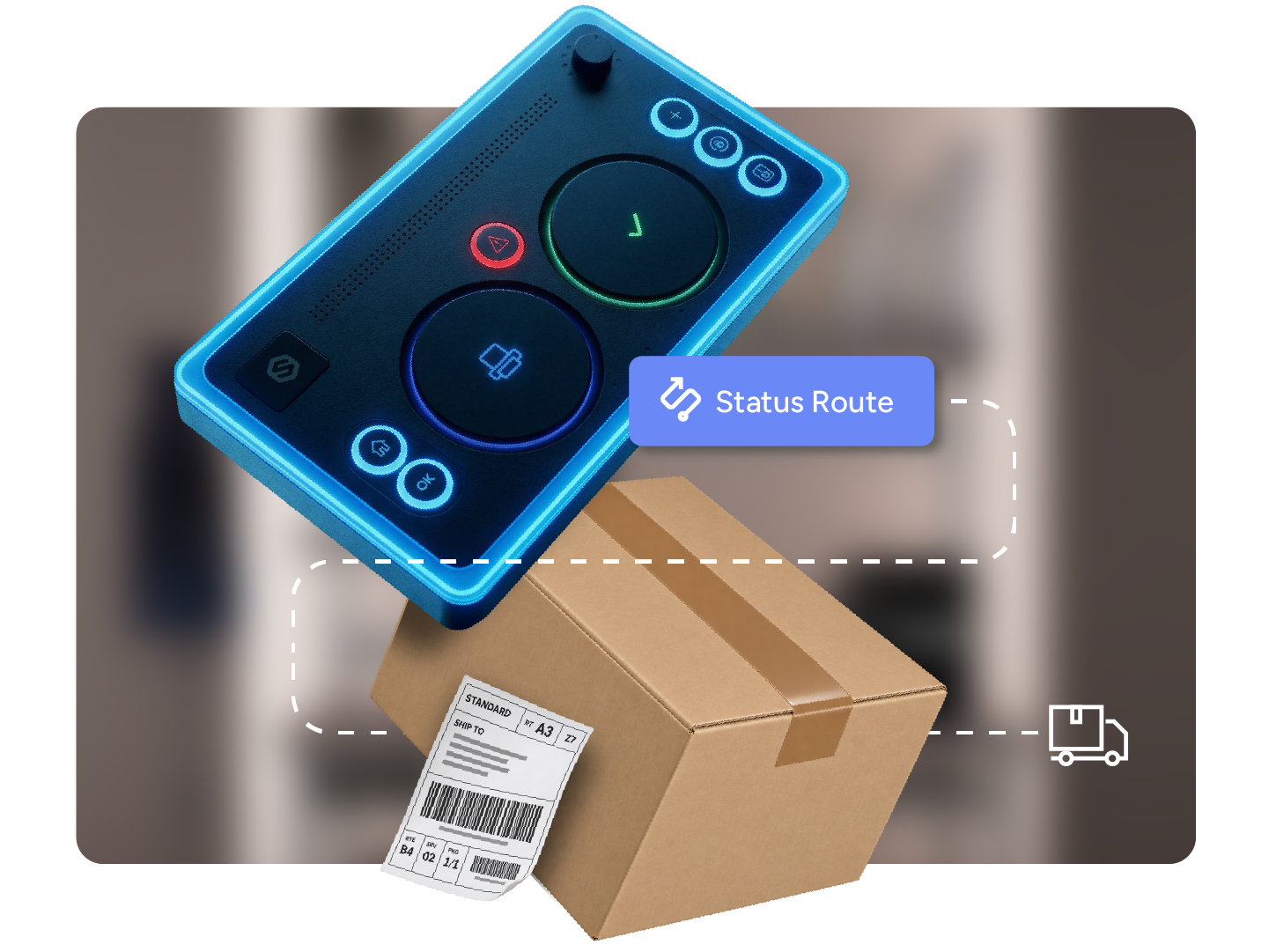
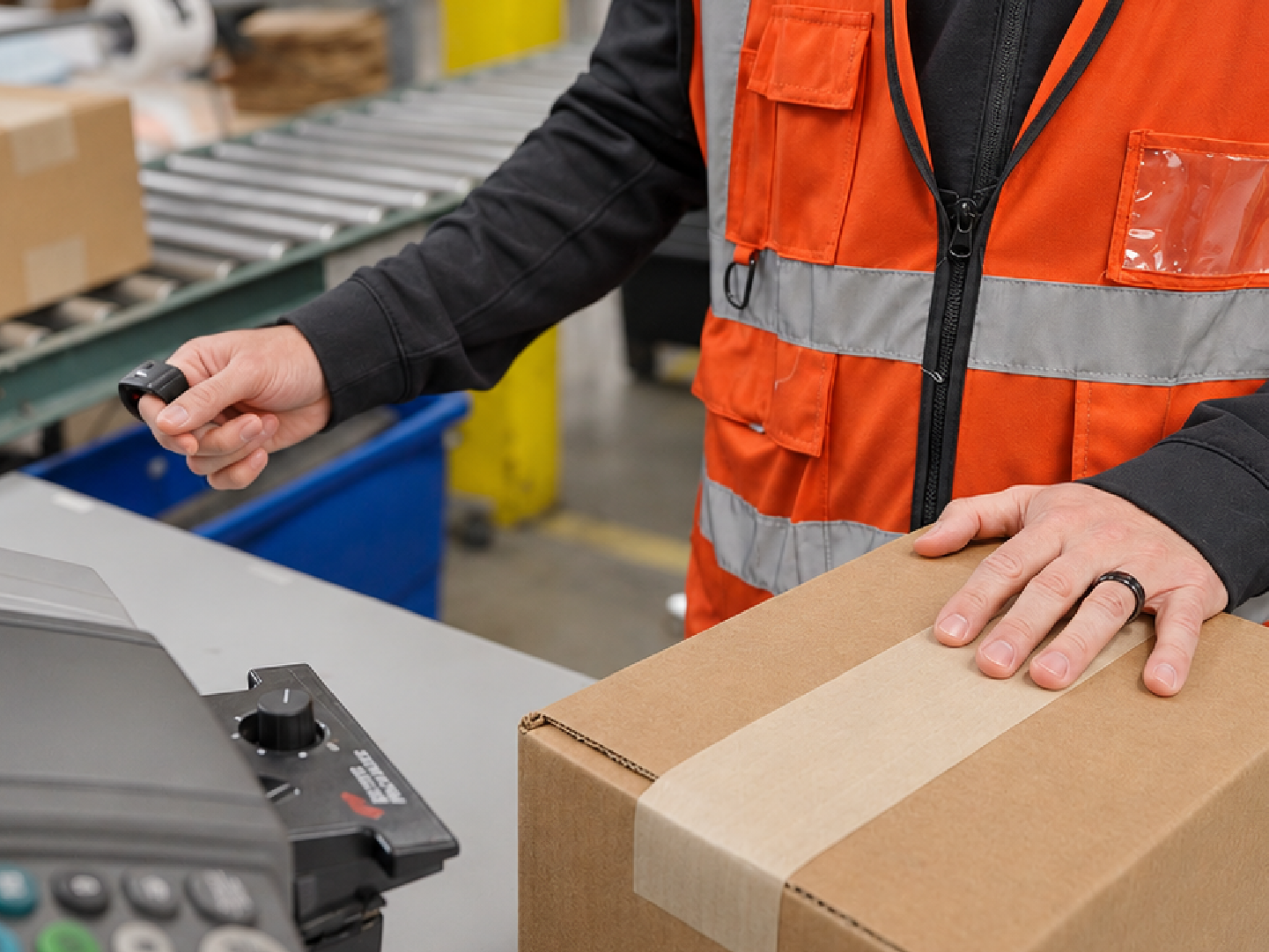
Command barcodes (Get Next Order, Print Labels, Send to Hospital), or a Tap-to-Pack controller in place of them. Automation rules that pre-set the box and shipping method and auto-print the label. Tags or statuses that route only the right orders to each station.
Command barcodes or a Tap-to-Pack controller
Automation rules pre-set the box and shipping method
Tags or statuses route the right orders to each station
A small warehouse doesn't need a full picking crew for a few core SKUs.
Basic DirectPack lets one packer pick and pack at the station with no extra hardware.
Orders that repeat the same few SKUs still go through a separate pick.
Stock those SKUs at the station and skip the picking pass.
Stations run out and orders stall.
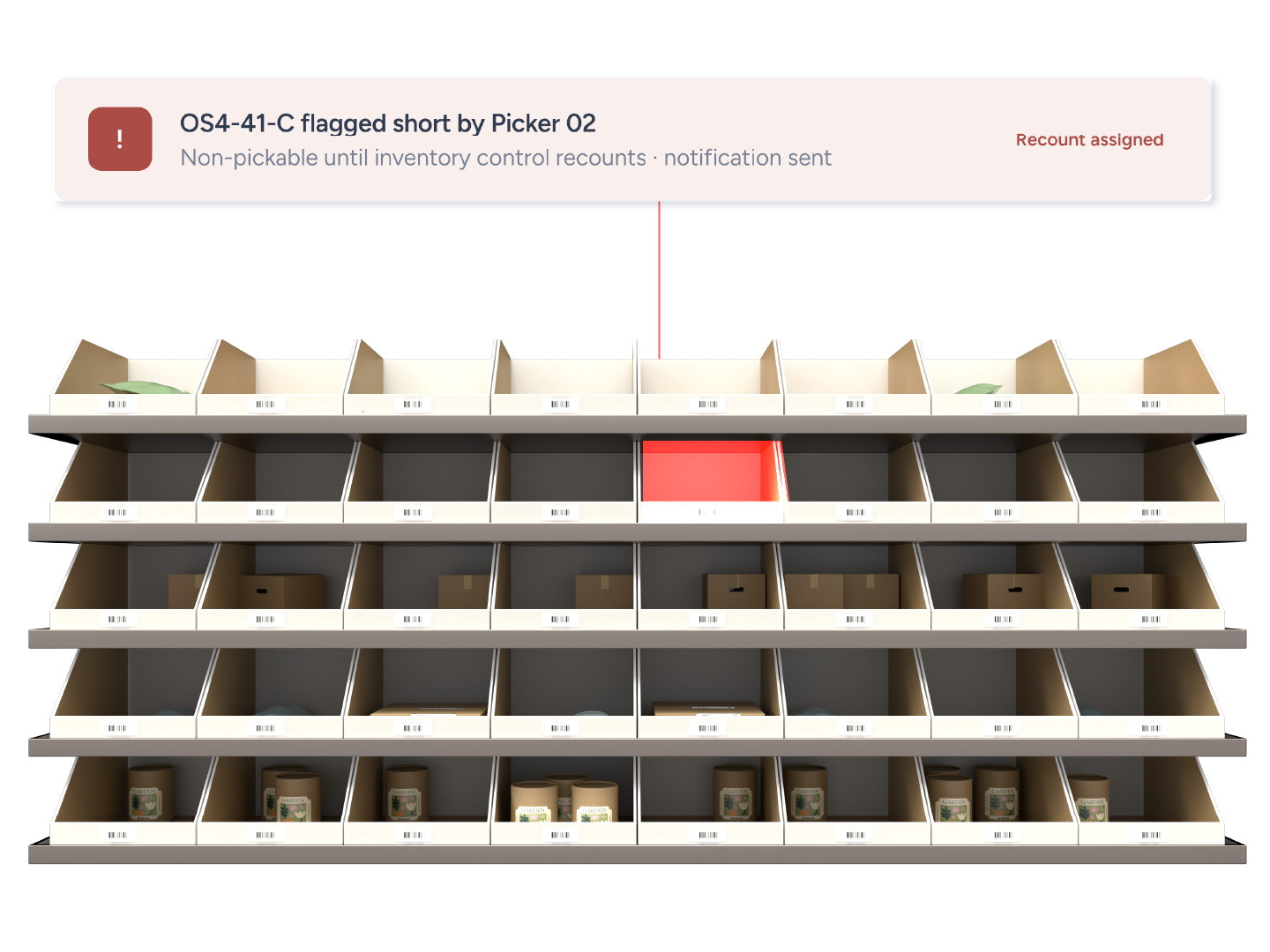
Orders stop allocating when a station SKU is out, and a mobile inventory transfer restocks it.
Pack-to-Light was undoubtedly a game changer; it allowed us to handle the entire projected peak volume from a single facility.
Key Accounts Director
National 3PL with 7 locations (anonymized)
555
items an hour at peak from one station
142
orders an hour at peak
99.9%
order accuracy
Can't find your answer? Our team can walk you through your setup.
Talk to our teamBasic DirectPack needs only the ShipHero Packing App, a scanner, printer and scale. Advanced DirectPack uses the Pack-to-Light kit (Hub and LED modules) and a dedicated station computer.
Advanced DirectPack is ShipHero's Pack-to-Light system. Basic DirectPack is the same workflow without lights.
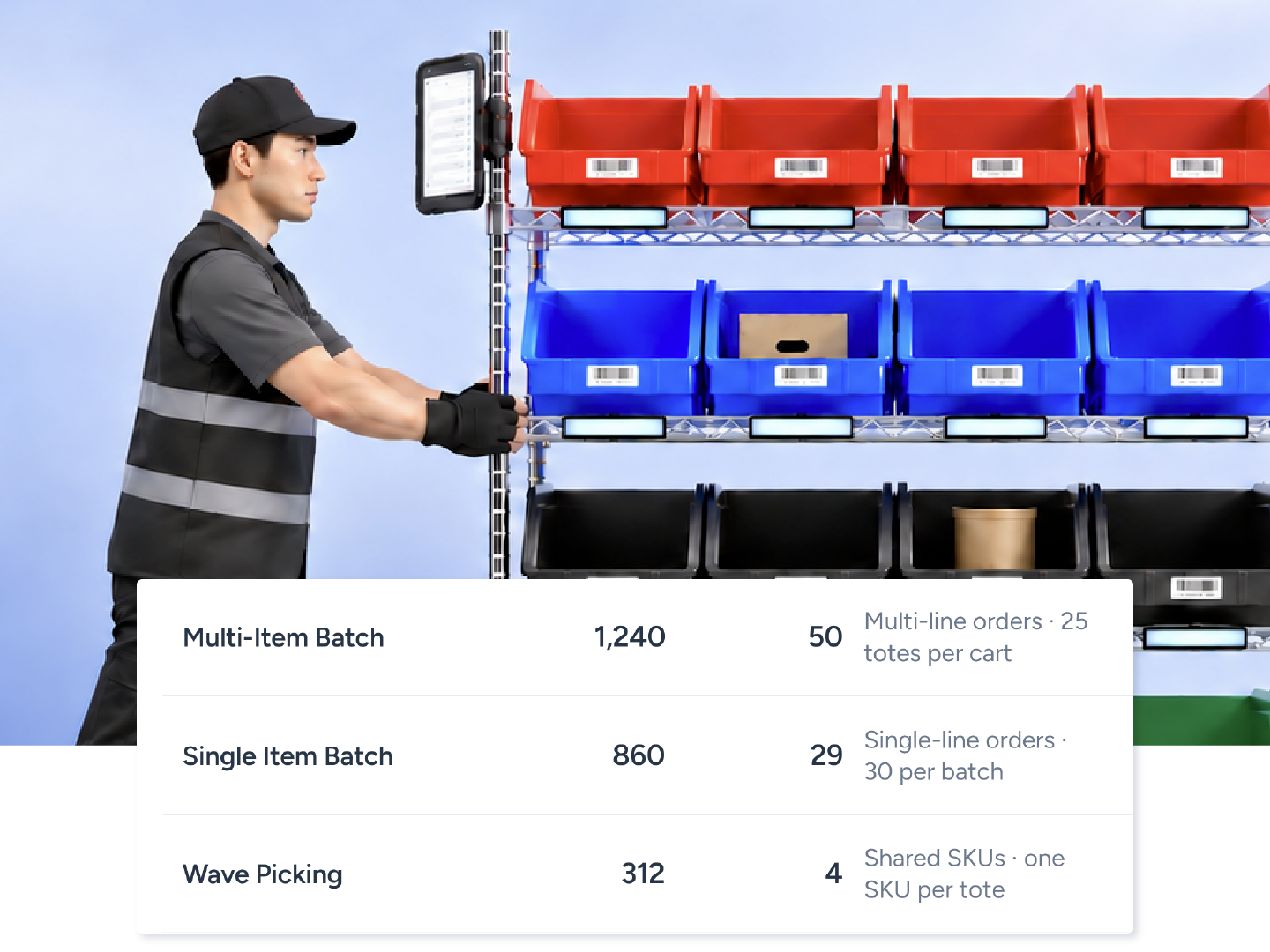
Yes, with Advanced DirectPack. Stations take orders they can fully fulfill; everything else flows to Multi-Item Batch or Single Item Batch.
If a SKU sits in two pickable locations, ShipHero picks one at random to deduct from, which creates count discrepancies. Station locations are pickable; overstock is not.
Prefix plus numeric ID, for example PS01-01 to PS01-40. ShipHero provides a free web tool to generate the locations, CSV and QR codes.