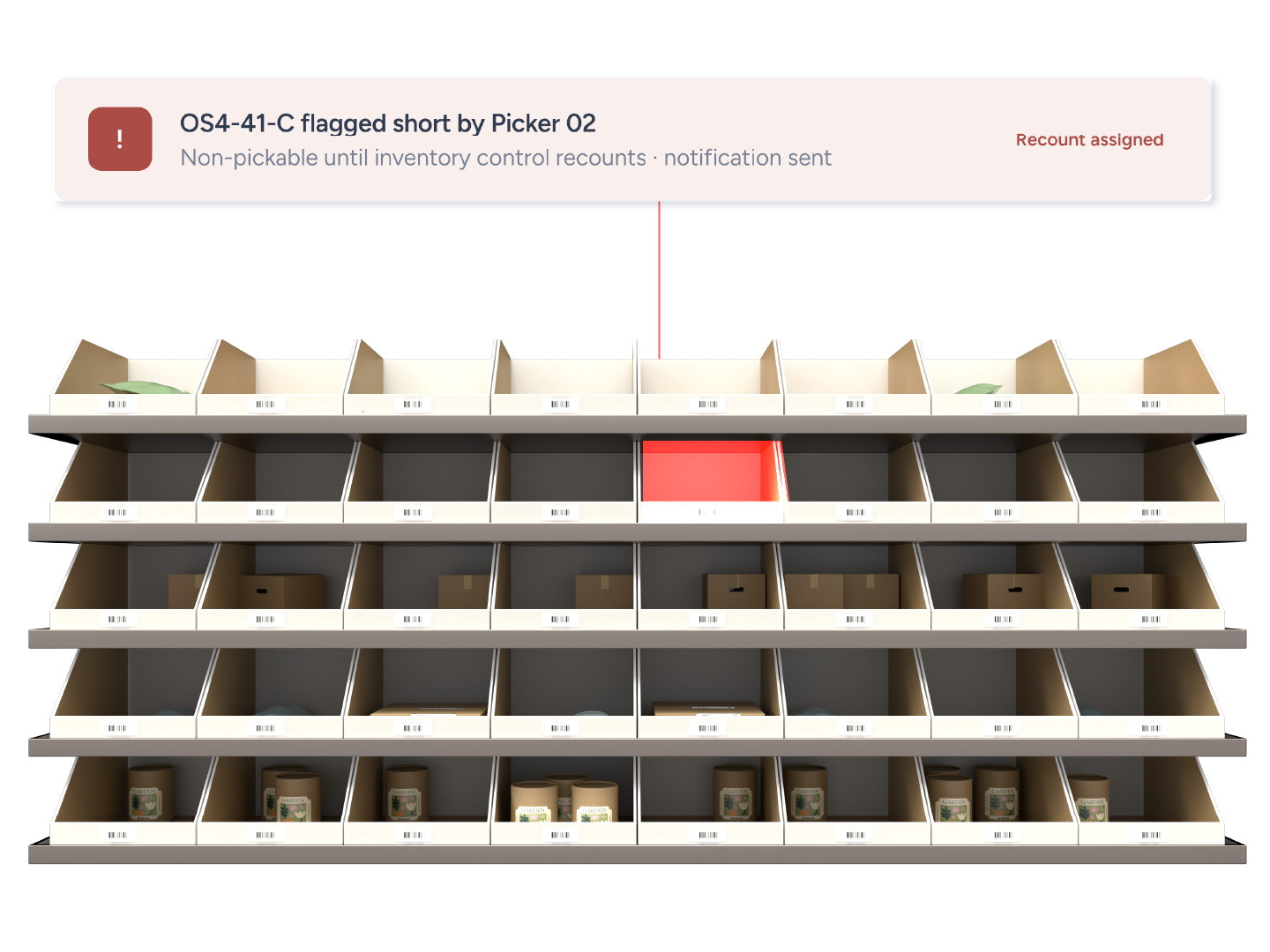
A damaged item, a short location, a carrier error. Hospital pulls the problem out of the active queue with one tap or one button, tells the right person, and keeps everyone else picking and packing.
One bad order should not slow the other 999.





Three ways:
The order moves to the hospital status and disappears from packing queues so no one else works on it by mistake.
Report an issue from the order menu
Scan the sh-hospital command barcode
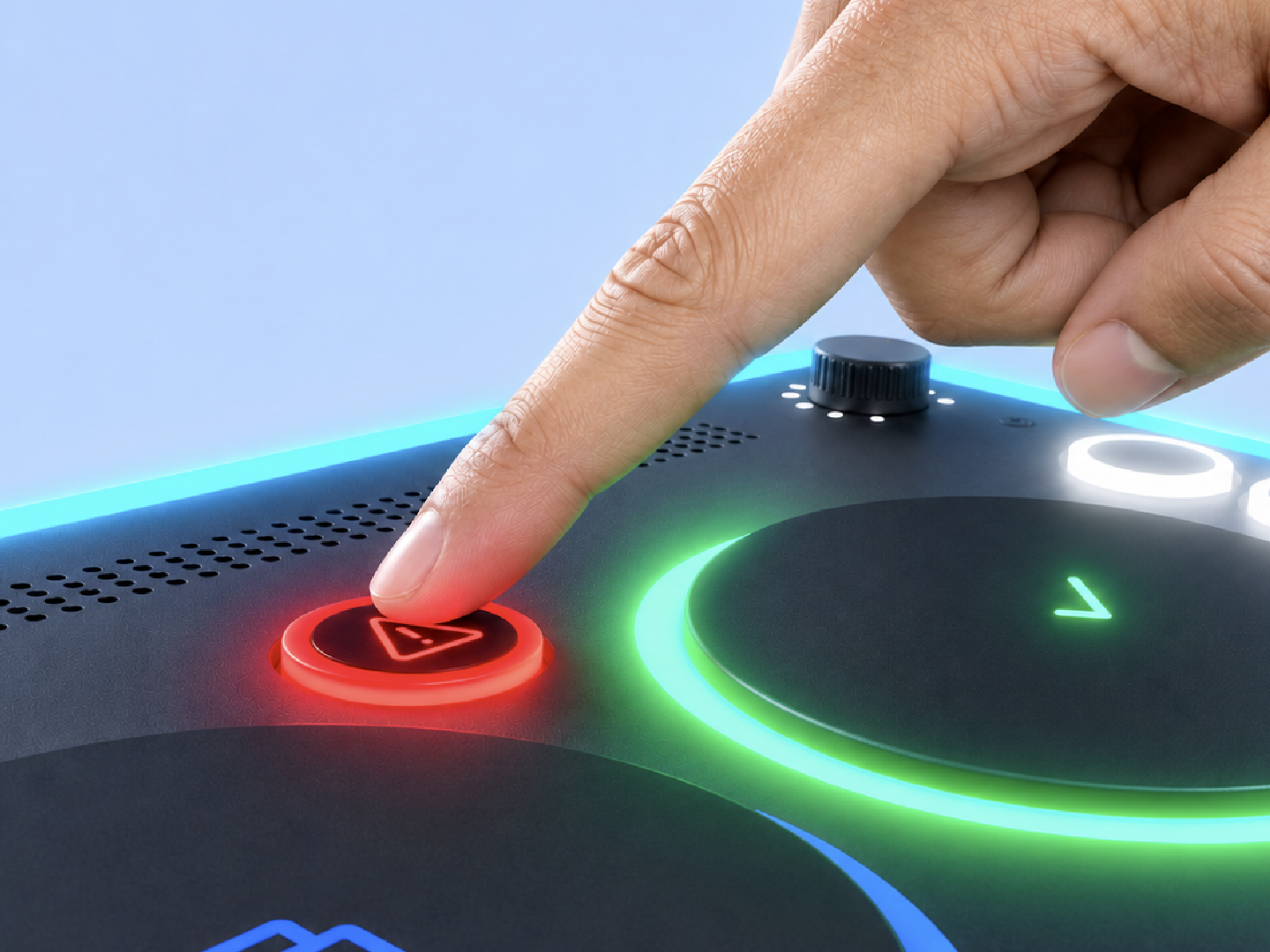
Press the Hospital button on Tap-to-Pack
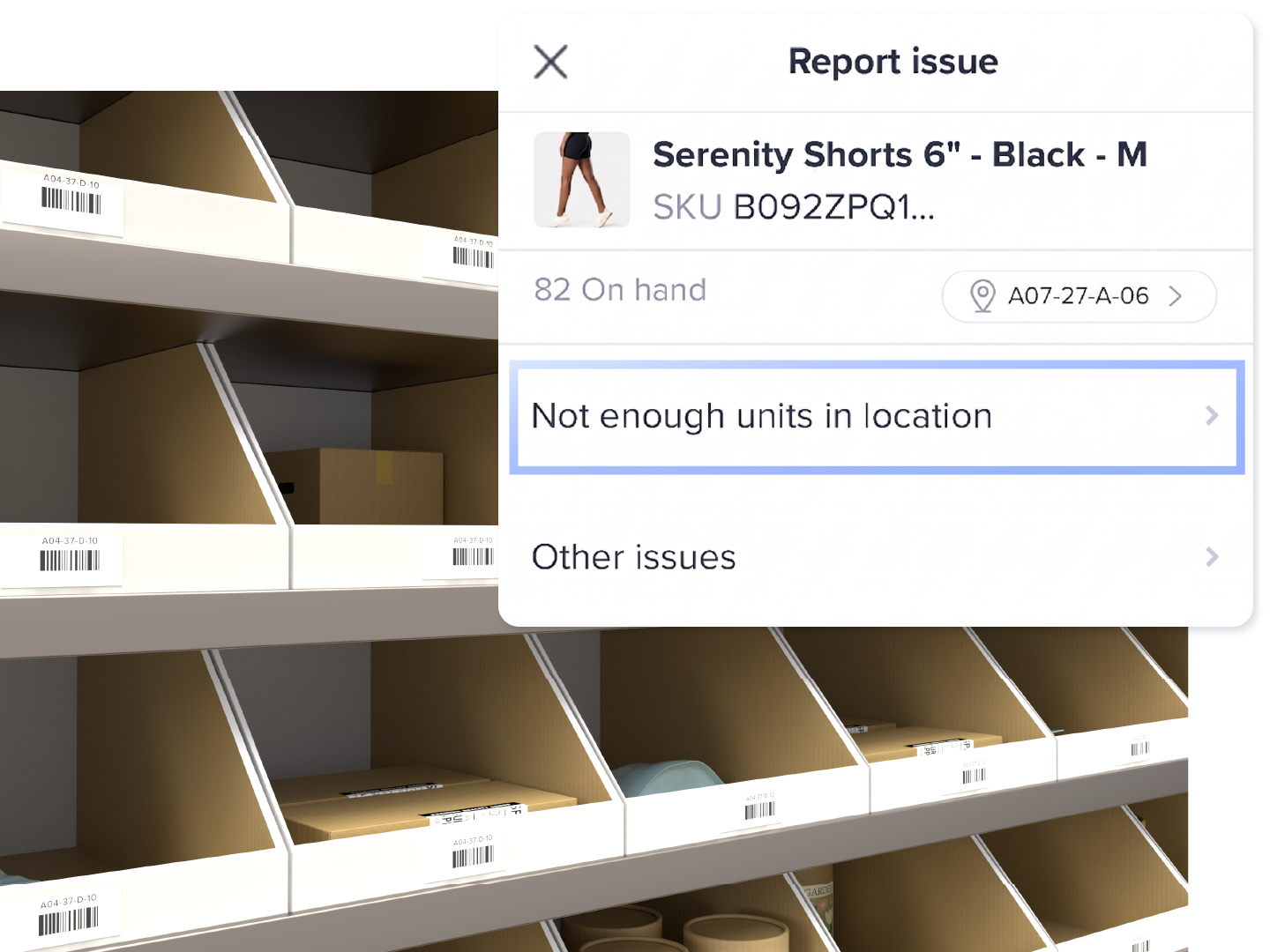
Tap Report Issue, choose "Not enough units in location", confirm. The location is flagged Hospital and set non-pickable. No other picker is routed there. The help center recommends an inventory control specialist check for Hospital locations at least once an hour.
Location set non-pickable
No other picker routed there
Notification email with order, location, SKU and note (app v2.14.19 or later)
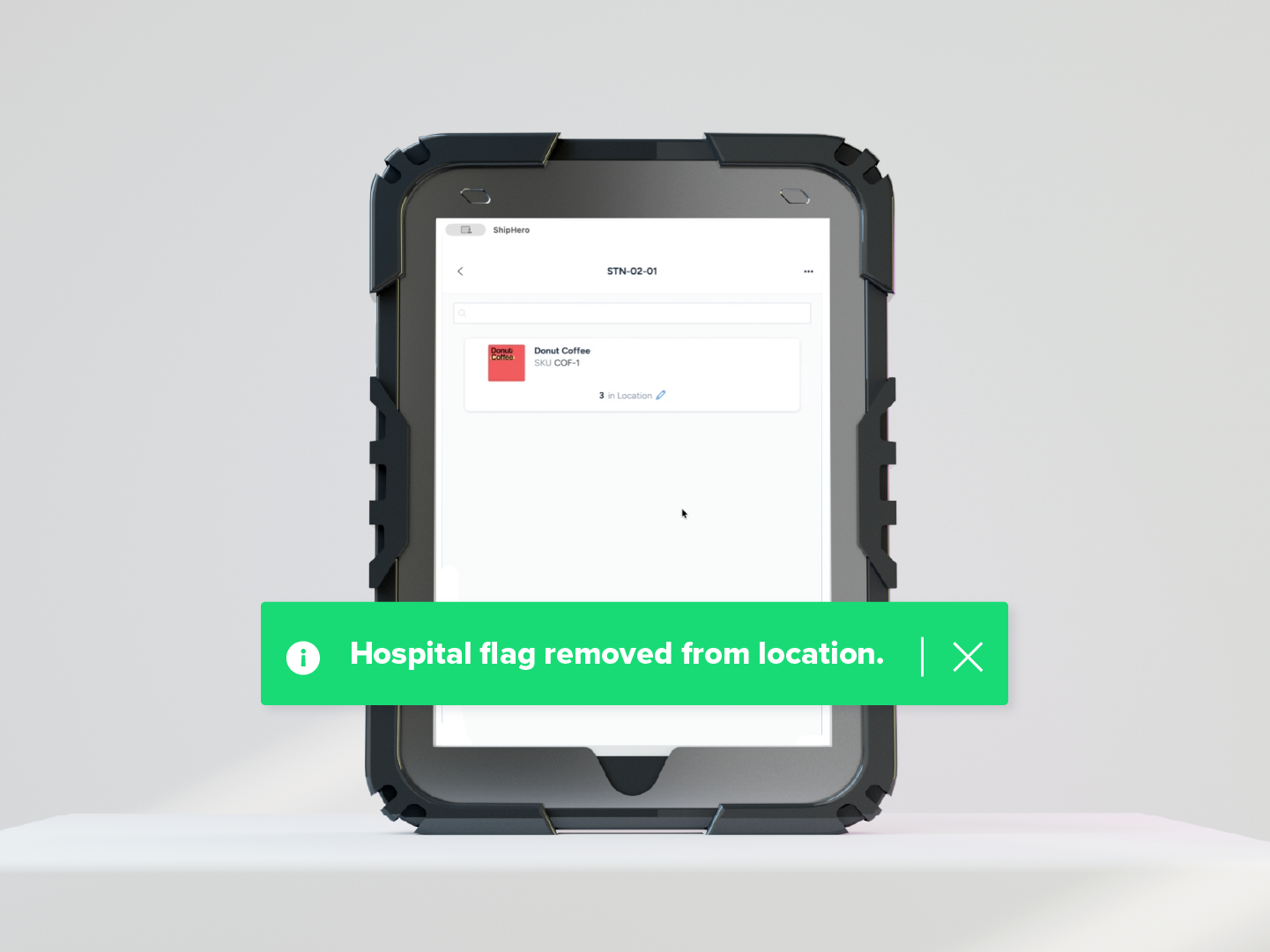
Filter the Orders dashboard by hospital status, fix the issue, set the status back to Default. For locations: Inventory, Search by Location, filter Hospital, recount, clear.
Filter Orders by hospital status
Recount and clear Hospital locations
Bulk clear from the Item Locations report
One damaged item or short location stops a packer or picker.
Hospital pulls the order or location out of the active queue with one tap or one button.
Nobody knows a location is short until the next picker hits it.
A flagged location goes non-pickable and emails inventory control.
Failed labels mean guessing what the carrier rejected.
Display Previous Shipping Errors shows the exact carrier error from the last attempt.
Moving to ShipHero is a no-brainer. The larger your business gets, the more beneficial ShipHero is.
Abi Rein
Operations Manager, DFTBA
57%
fewer shipping errors a month
56,000
orders a month
6 weeks
to go live
Can't find your answer? Our team can walk you through your setup.
Talk to our teamAn order moved to the custom status "hospital" because of a damaged item, pick discrepancy, address problem or carrier error. It is removed from active packing queues until a manager changes the status back.
A pickable location a picker has flagged as short. ShipHero marks it non-pickable until inventory control recounts and clears the flag.
A hold is set from the dashboard and stops an order from shipping. Hospital is triggered from the floor in one tap or one button, removes the order from active packing queues immediately so no one else picks it up, and also covers short locations, which a hold does not.
The packing flow needs a custom order status named exactly "hospital". The mobile location flag is enabled by Support and needs Bins Edit permission.
Yes. The Main Hub has a fixed Hospital button.
Yes. The help center documents the Hospital flag for wholesale picking.