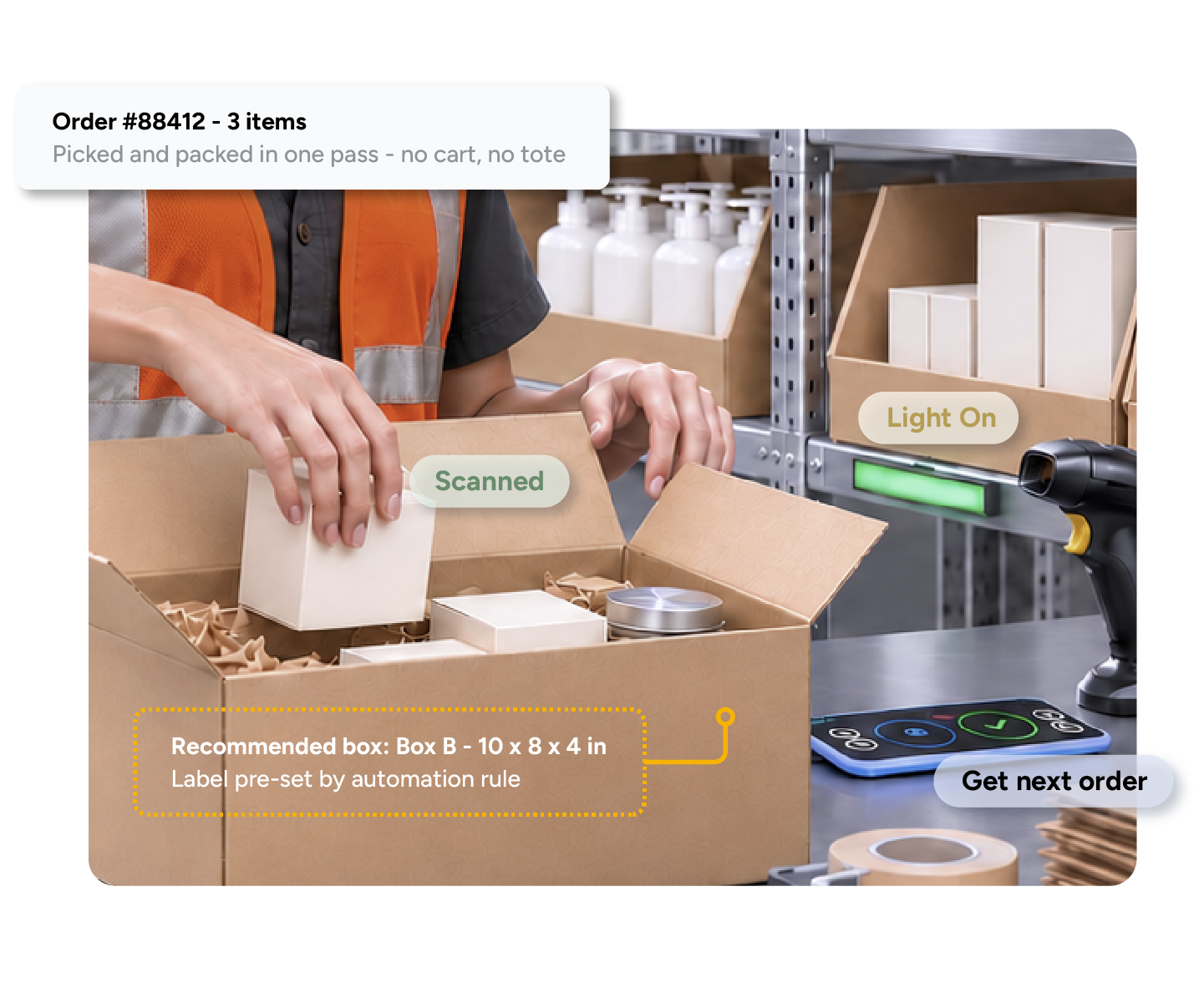
ShipHero learns which boxes your team actually ships each order in and recommends the smallest one that works. Packers see the recommendation at the station and get a warning if they pick something else.
The right box, every order.
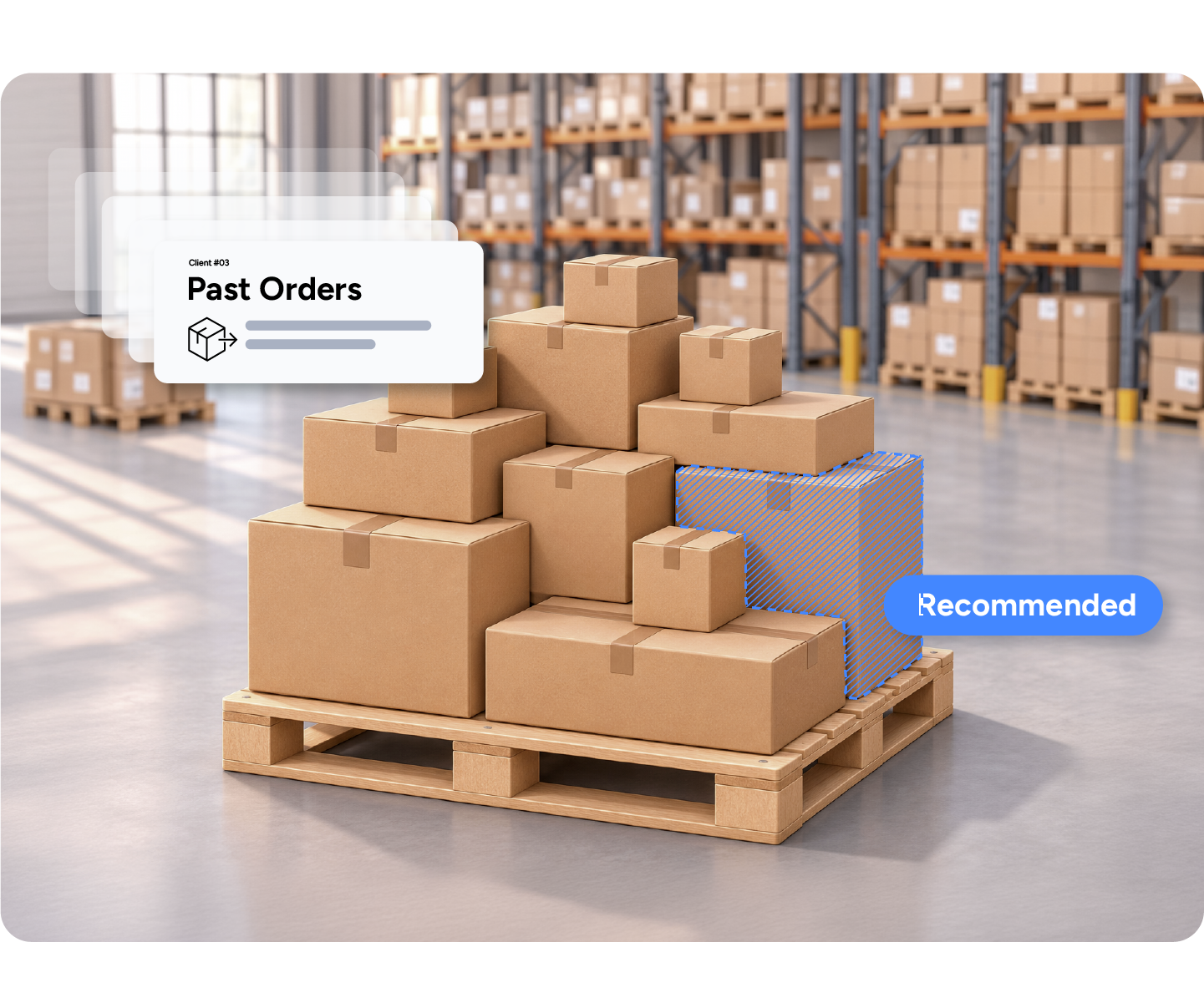





From what your warehouse has already shipped. When one box has been used, that is the recommendation. When several have, ShipHero recommends the smallest box used in at least 20 percent of matching orders. There is no minimum history to start, and recommendations strengthen as you ship more.
Smallest box used in at least 20 percent of matching orders
No minimum history to start
Updates can take up to 24 hours
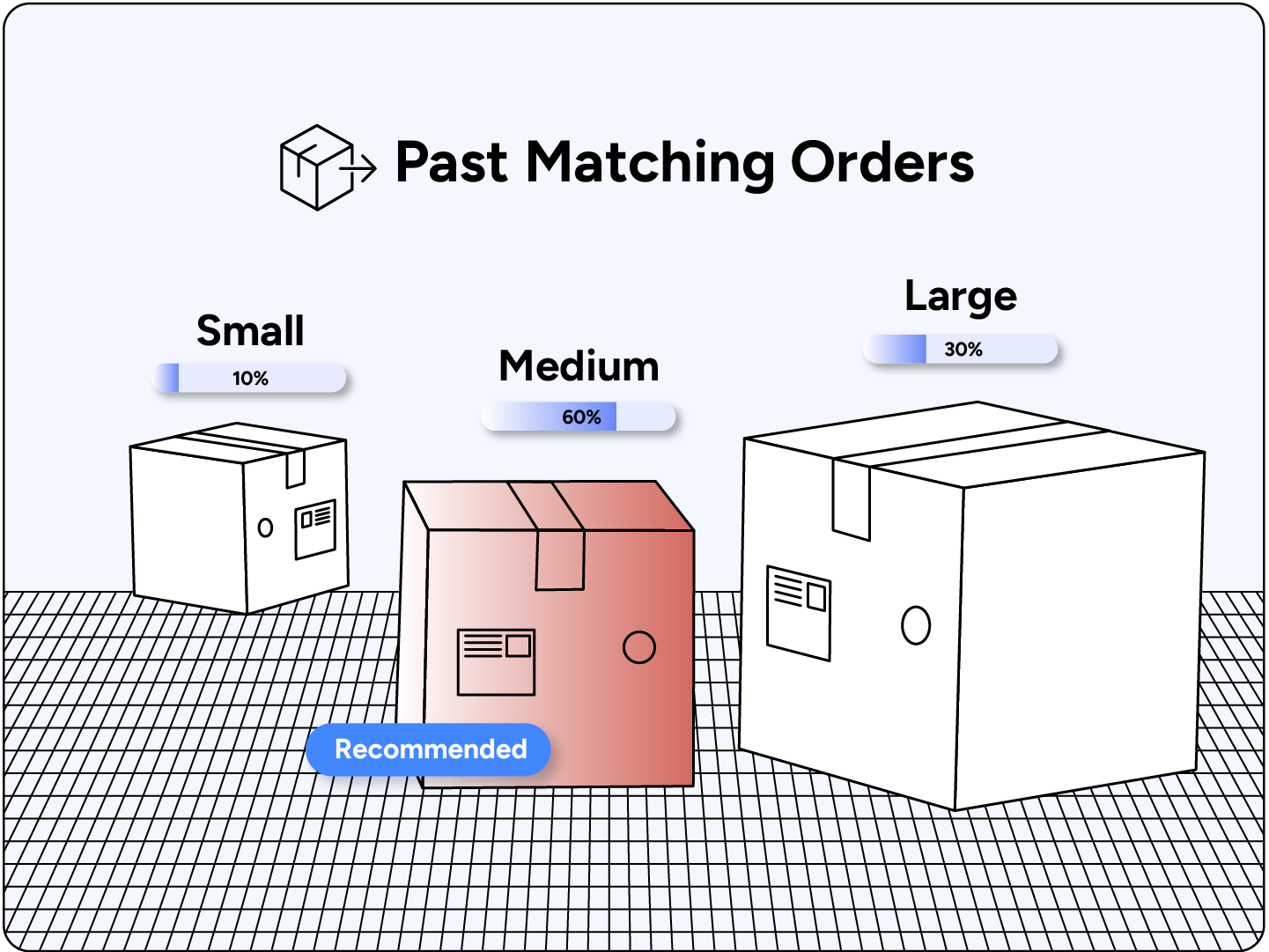

Cubic math does not know that a candle ships with a void-fill sleeve or that a hoodie compresses. Your packers do, and their choices are already in your data. Recommending from history captures those decisions and stops the one packer who reaches for a bigger box out of habit, and it works with whatever carton set you already stock.
Learns how your packers actually pack
Stops habit-driven oversized boxes
Works with the carton set you already stock
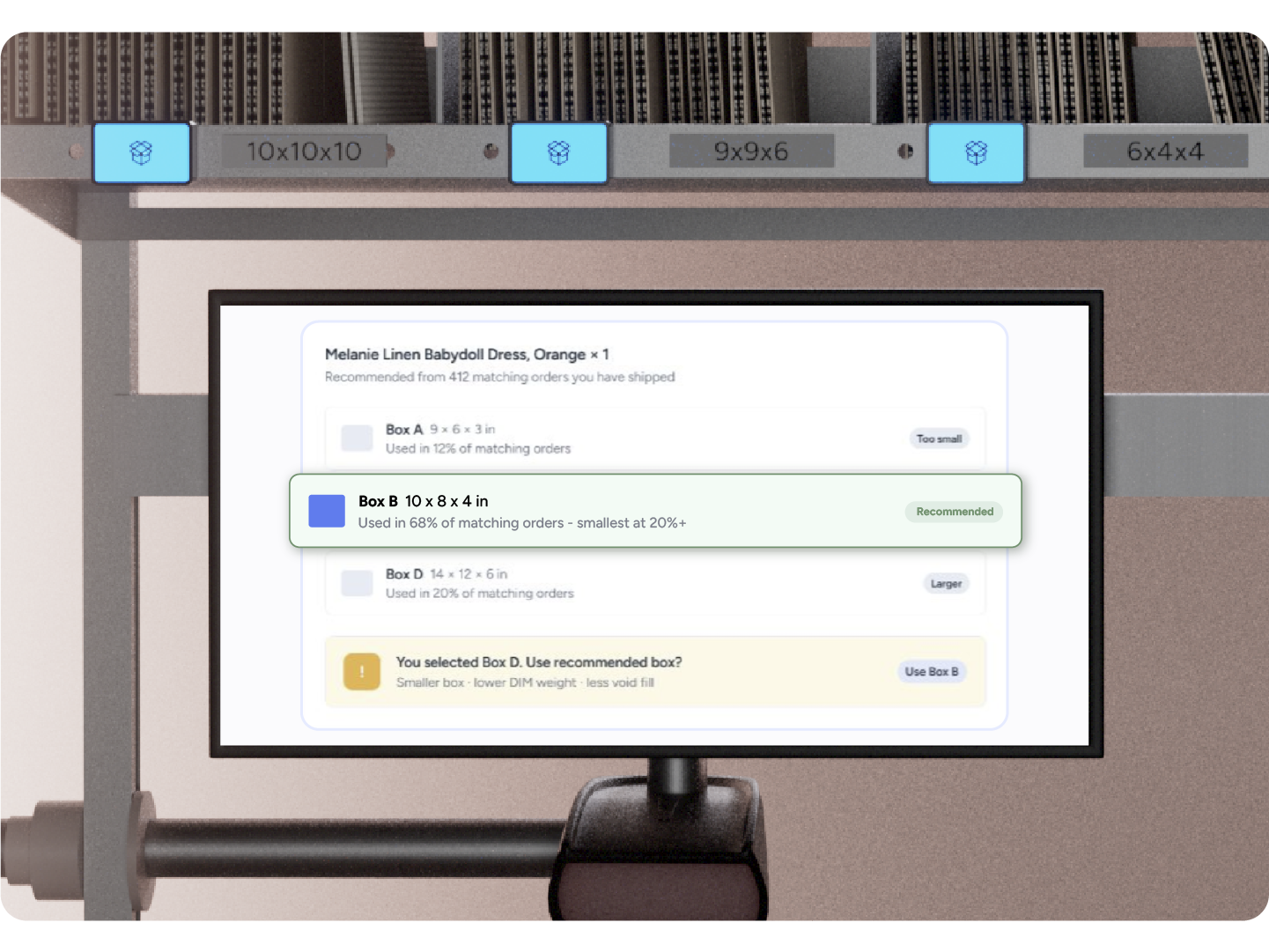
The recommended box on the packing screen. If they select a different one, a warning appears with a "Use recommended box" button. They can also choose it from the dropdown or scan the box barcode. To turn it on: My Account, Settings, App Settings, "Enable Packaging Recommendations". No add-on, no hardware.
Recommended box on the packing screen
Warning with a Use recommended box button
Accept by click, dropdown or barcode scan
Packers reach for a bigger box out of habit.
ShipHero recommends the smallest box used in at least 20 percent of matching orders and warns when a packer picks another.
Oversized boxes raise dimensional weight and void fill.
A smaller box lowers dimensional weight, void fill and damaged-in-transit claims.
Mis-packs and bad dimensions reach the carrier.
Weight Discrepancy Detection and Prevent Invalid Shipping Dimensions stop them first.
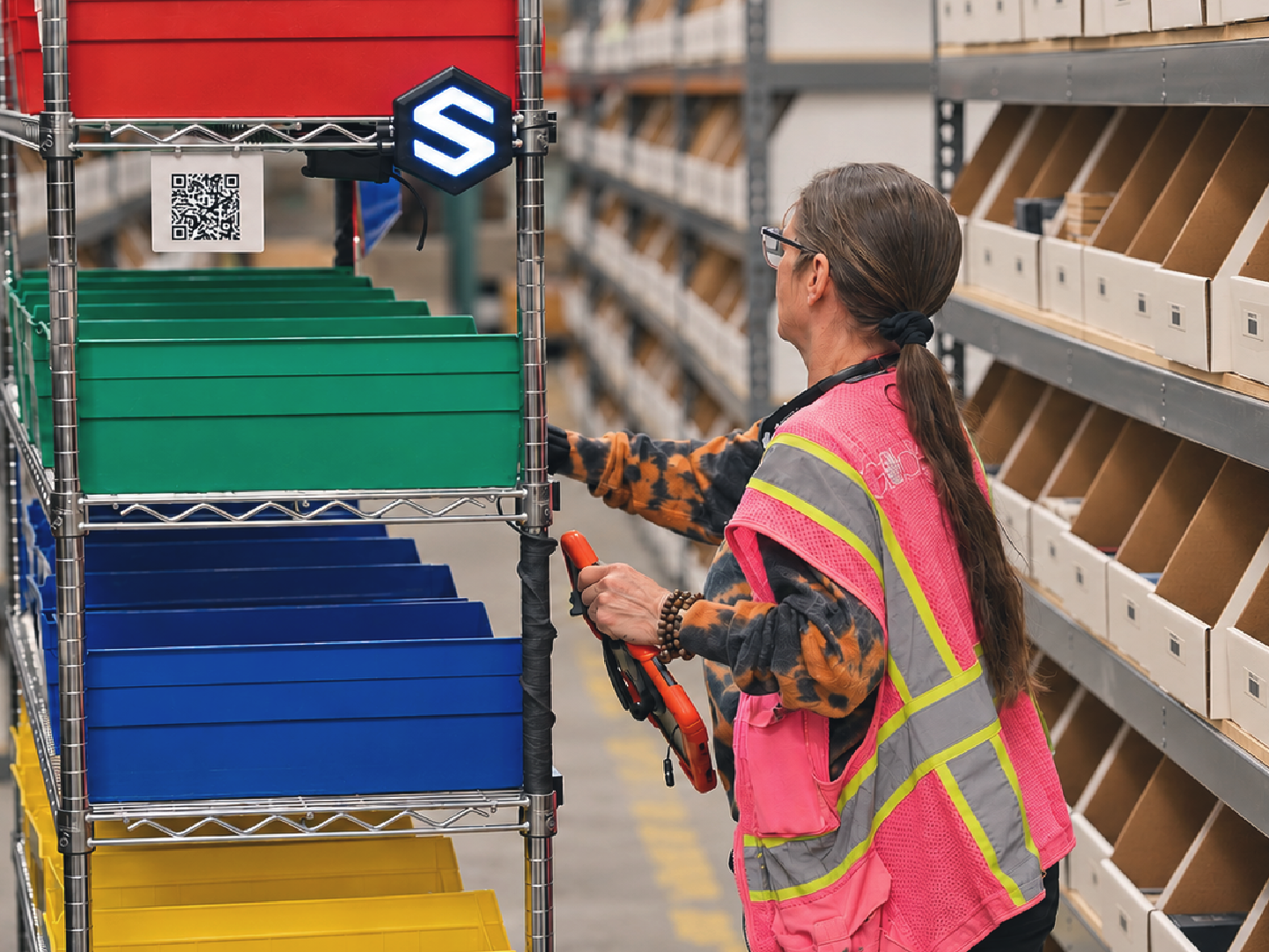
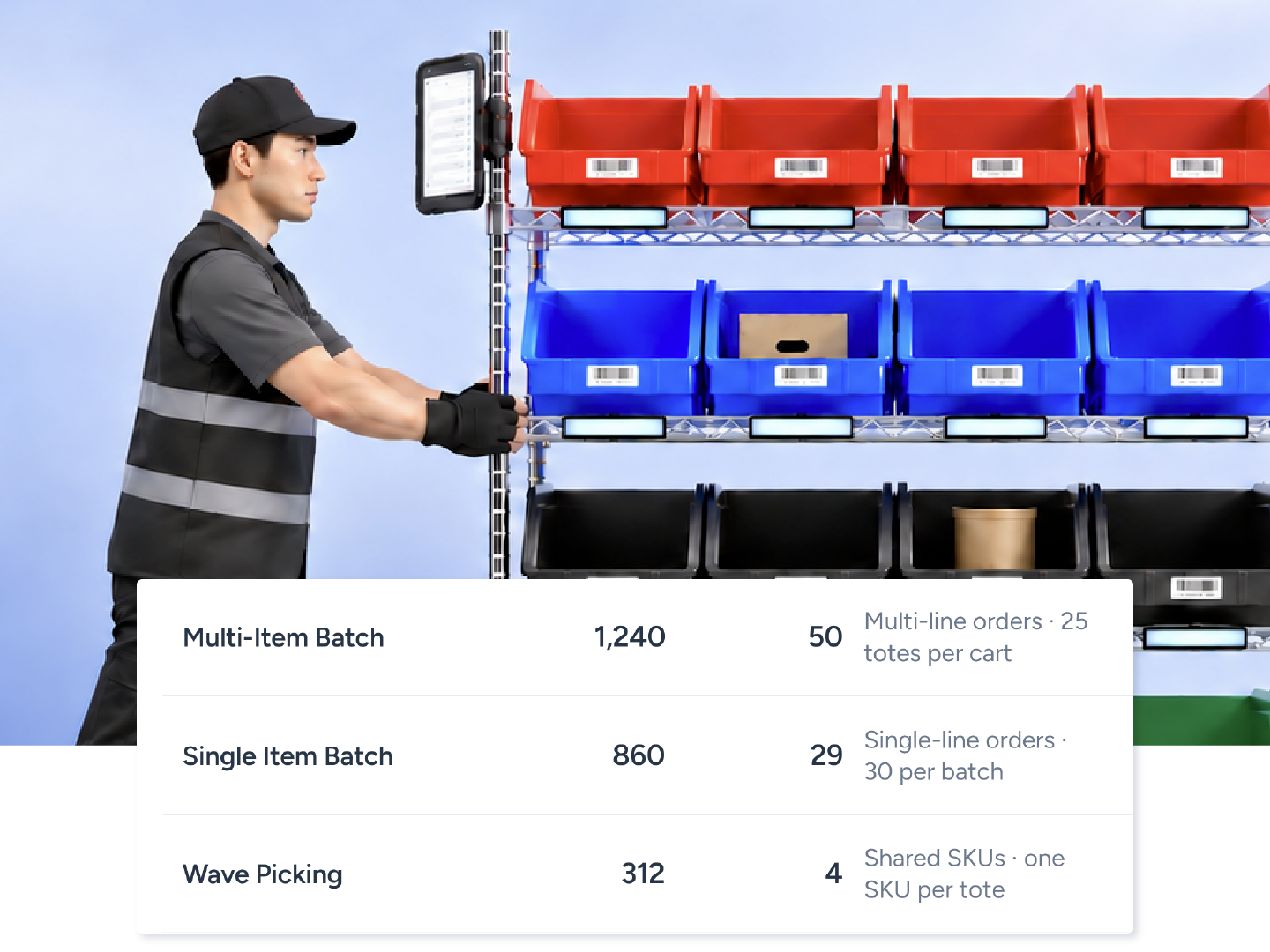
On day 1, a new picker processed 27 orders at 55 seconds per order, and by day 5, they were picking 200 orders at 34 seconds per order.
Matt Candrian
VP of Operations, James Enterprise
38%
increase in picking productivity
34 sec
per order by a new picker's fifth day
2 hours
of downtime to switch WMS
Can't find your answer? Our team can walk you through your setup.
Talk to our teamNo. It is a checkbox in App Settings on every ShipHero WMS account.
None to start. Recommendations improve as more orders ship and can take up to 24 hours to update.
No. Recommendations apply to single-package orders only.
If a box is already set on the order, for example by a Set Box to Use rule, no recommendation is shown.
Yes. They are asked to confirm the different box, and the choice is recorded.