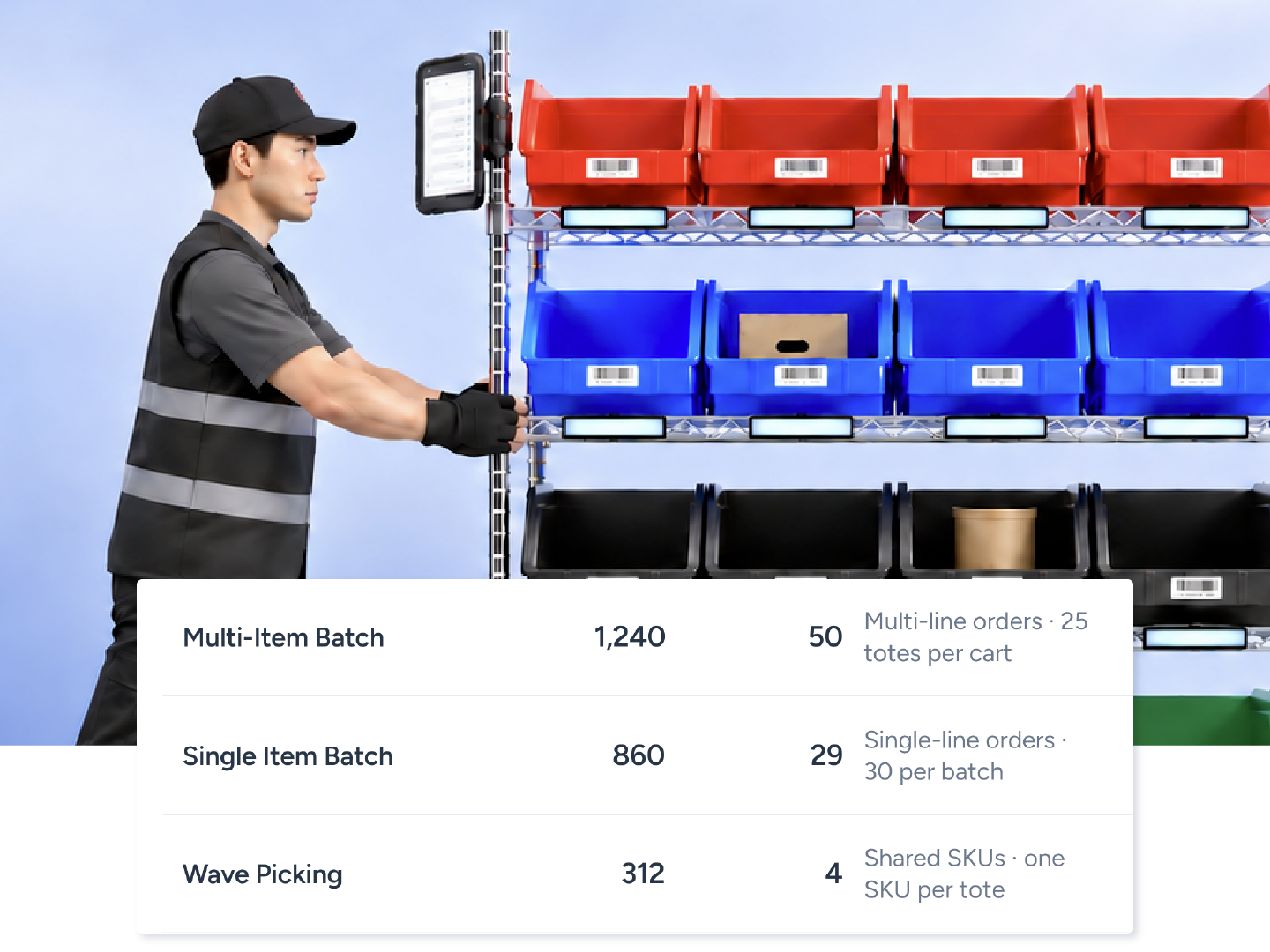
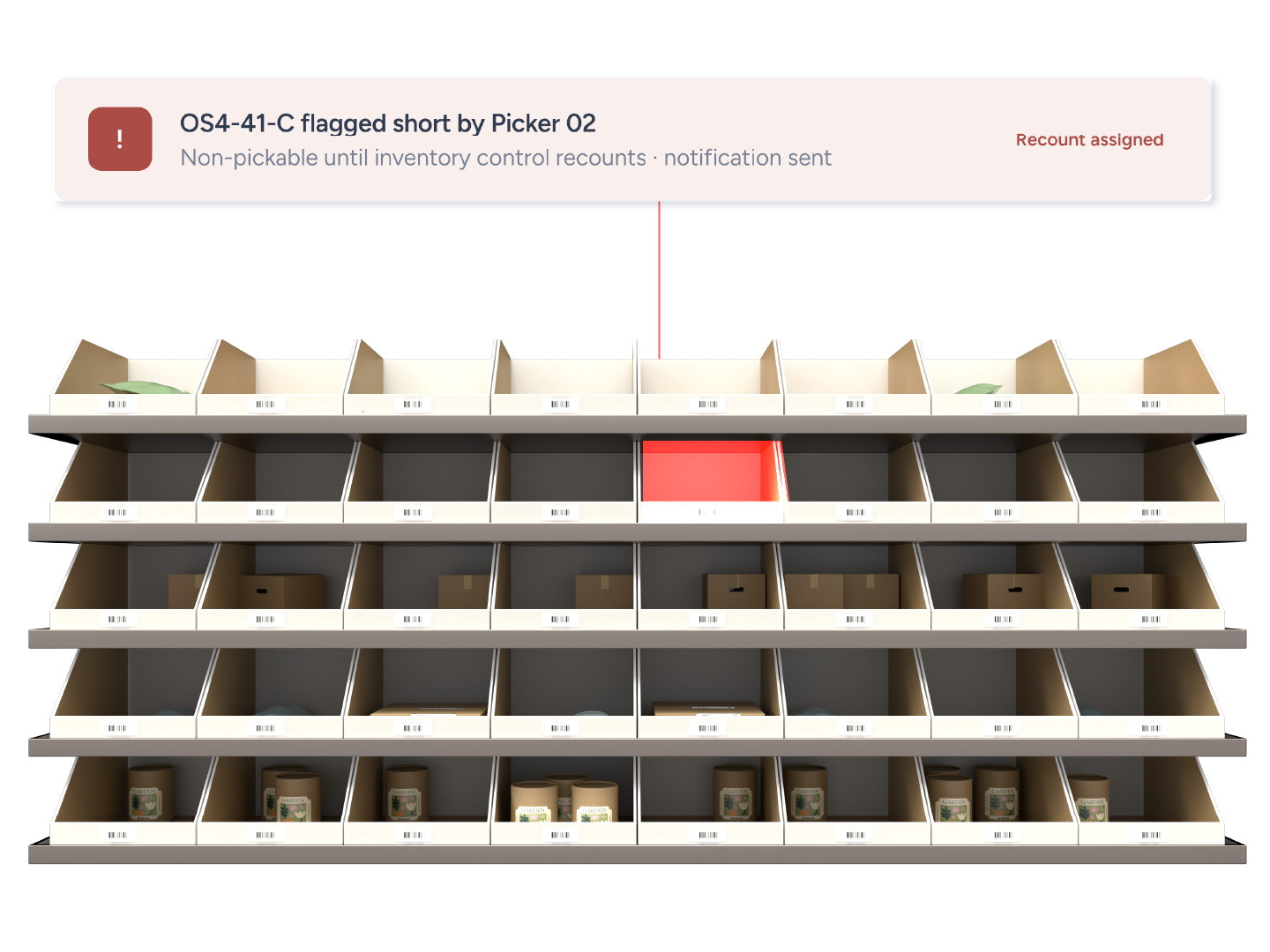
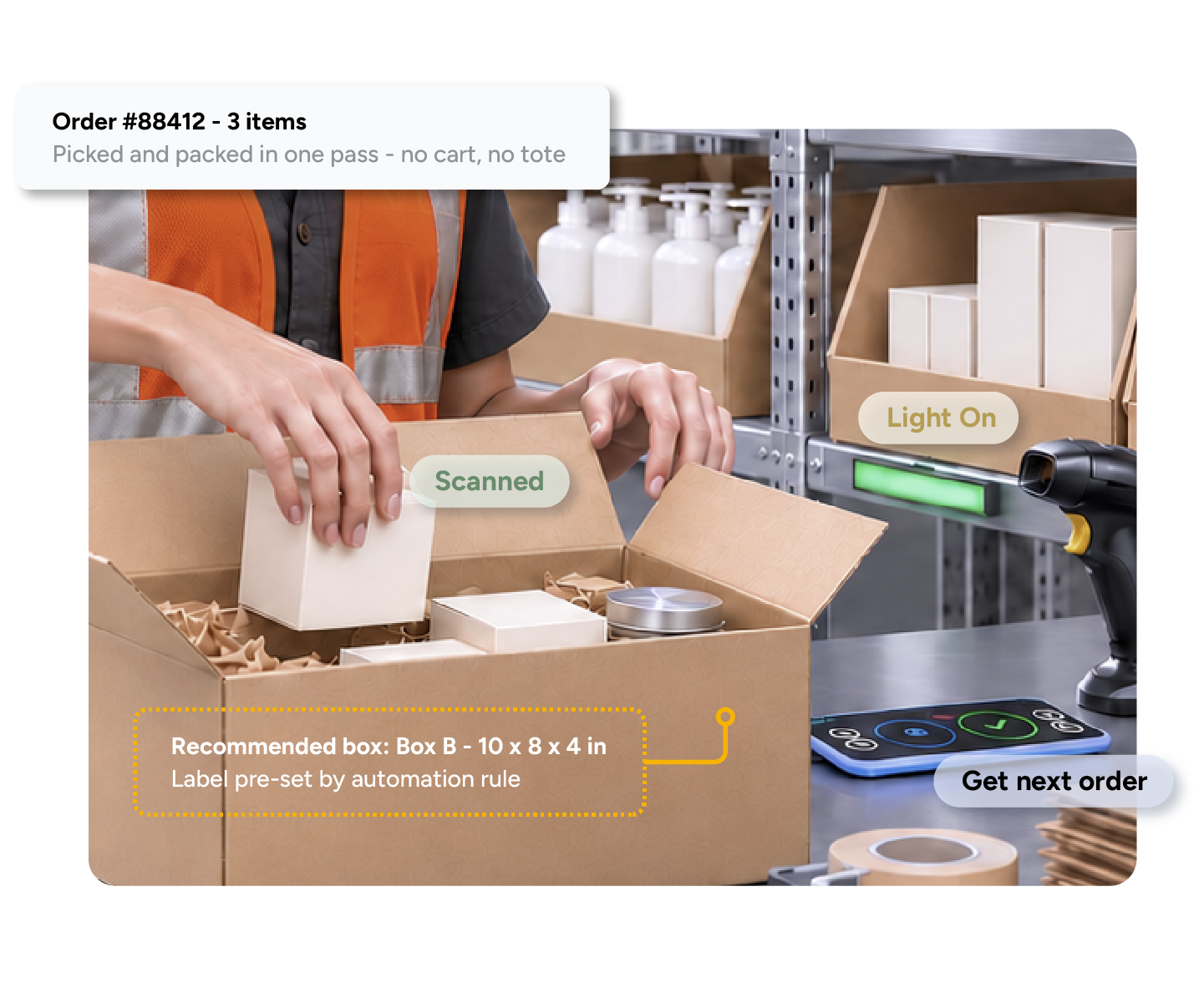
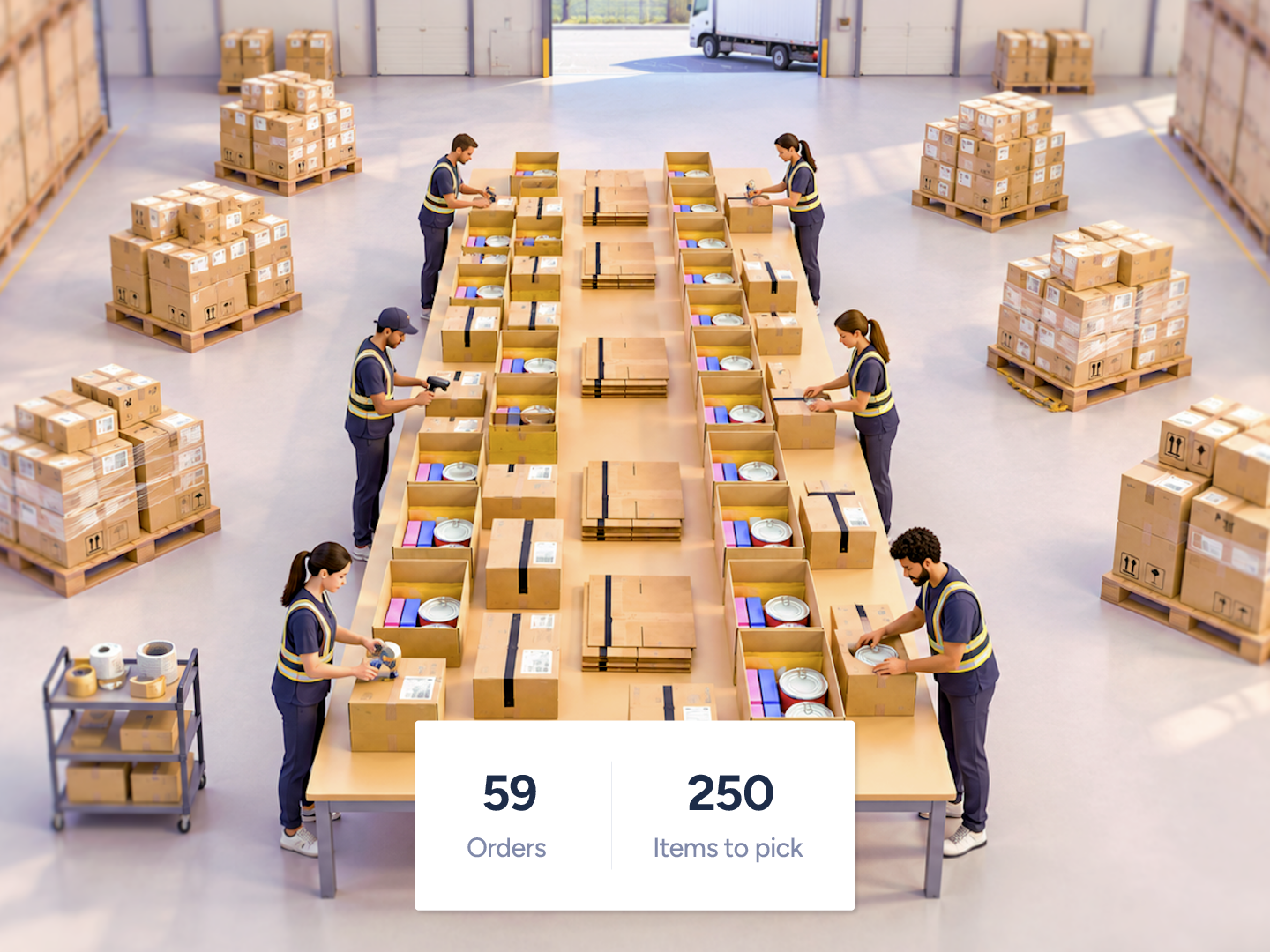
Location-Aware Picking builds a map of your warehouse, groups orders by product locations, and guides pickers on the shortest path. Managers can see every picker move on a live floor map.
Shorter paths. Fewer steps.






Orders batched by product location.
Shortest path, recalculated after every pick.
Up to 33 percent savings in travel time.


From the floor plan to the first pick, it starts with a conversation about your warehouse. Have a call with Support and share a CAD file (.dwg or .dxf) or floor map. The ShipHero team builds the map, validates it with you, and helps configure your picking setup. Try it with one or two pickers before bringing in the rest of the team. You'll need mobile app v2.9.22 or later, and location names that match the map's bay labels. As you add pickable locations, update the map, too. Location-Aware Picking is a paid add-on priced per warehouse. Wave Picking is bundled with it and also requires a Pick-to-Light kit.
Map your floor with our team.
Start small and build confidence.
Bring everyone on when you're ready.
It does not replace your picking methods; it layers on top of Multi-Item Batch and Single Item Batch. It generates one batch per warehouse configuration at a time, and very large batches (1,000 or more pick slots) can take over a minute to build. It is a weaker fit for warehouses that are mostly Single Item Batch, case pick or wholesale.
Layers on top of Multi-Item Batch and Single Item Batch
One batch per warehouse configuration at a time
Batches of 1,000 or more pick slots can take over a minute

Pickers zigzag across the warehouse for scattered SKUs.
Smart Batching groups orders by where products sit, and Smart Routing builds the shortest path.
You can't see where pickers are or who is falling behind.
The Live Pickers Dashboard shows every picker on a floor map, and each batch gets a Picker Performance score.
New stock goes wherever there is space.
Guided Putaway suggests the storage slot for incoming stock.

On day 1, a new picker processed 27 orders at 55 seconds per order, and by day 5, they were picking 200 orders at 34 seconds per order.
Matt Candrian
VP of Operations, James Enterprise
38%
increase in picking productivity
34 sec
per order by a new picker's fifth day
2 hours
of downtime to switch WMS
Can't find your answer? Our team can walk you through your setup.
Talk to our teamYes. AI Picking was the earlier name on shiphero.com. Location-Aware Picking is the name in the ShipHero app and Help Center.
No. It is a paid add-on priced per warehouse and enabled by Support. Standard batch picking and route sorting by bin are included in every WMS plan.
An active ShipHero WMS account, mobile app v2.9.22 or later, a CAD file or floor plan of the warehouse, consistent location naming, and a defined depot location near packing.
Yes. The Live Pickers Dashboard shows each picker's position, current batch progress and time since last pick on a floor map.
Yes. Location-Aware Picking decides the batch and the route; Pick-to-Light lights the tote. Wave Picking requires both.
Each batch is compared with an AI-predicted time based on more than 60 variables. 10 means twice as fast as the prediction, 5 means on target, 0 means at least twice as slow. Requires WorkforceHero running for 2 to 4 weeks first.