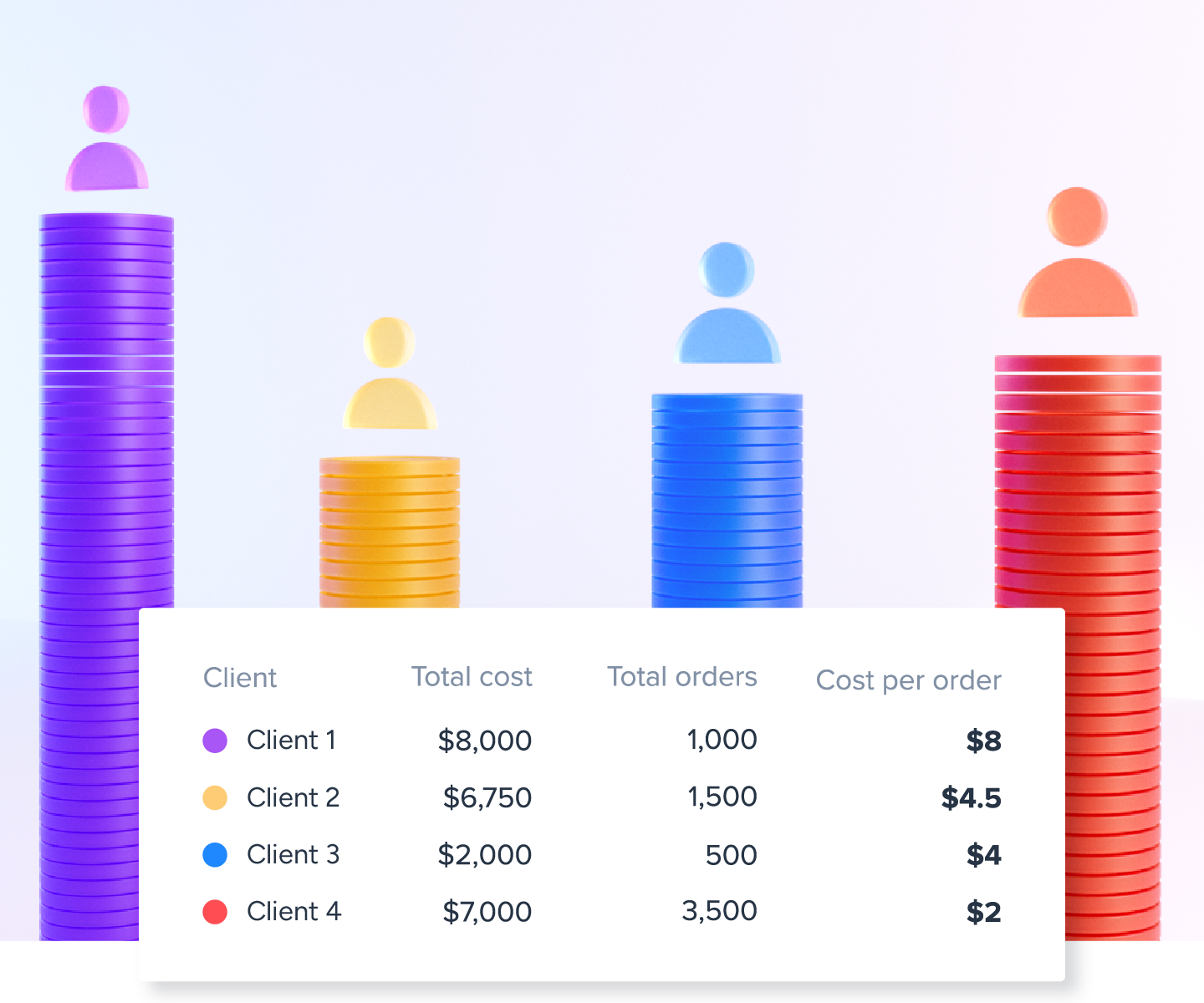


Choose the workflow you need. Set client rates and markups, bill what the carrier actually charged, reuse a rule across clients, give clients a portal, charge for special projects, or see what each client costs you in labor. Each job has its own tool.
The business side of your 3PL, in the same WMS.
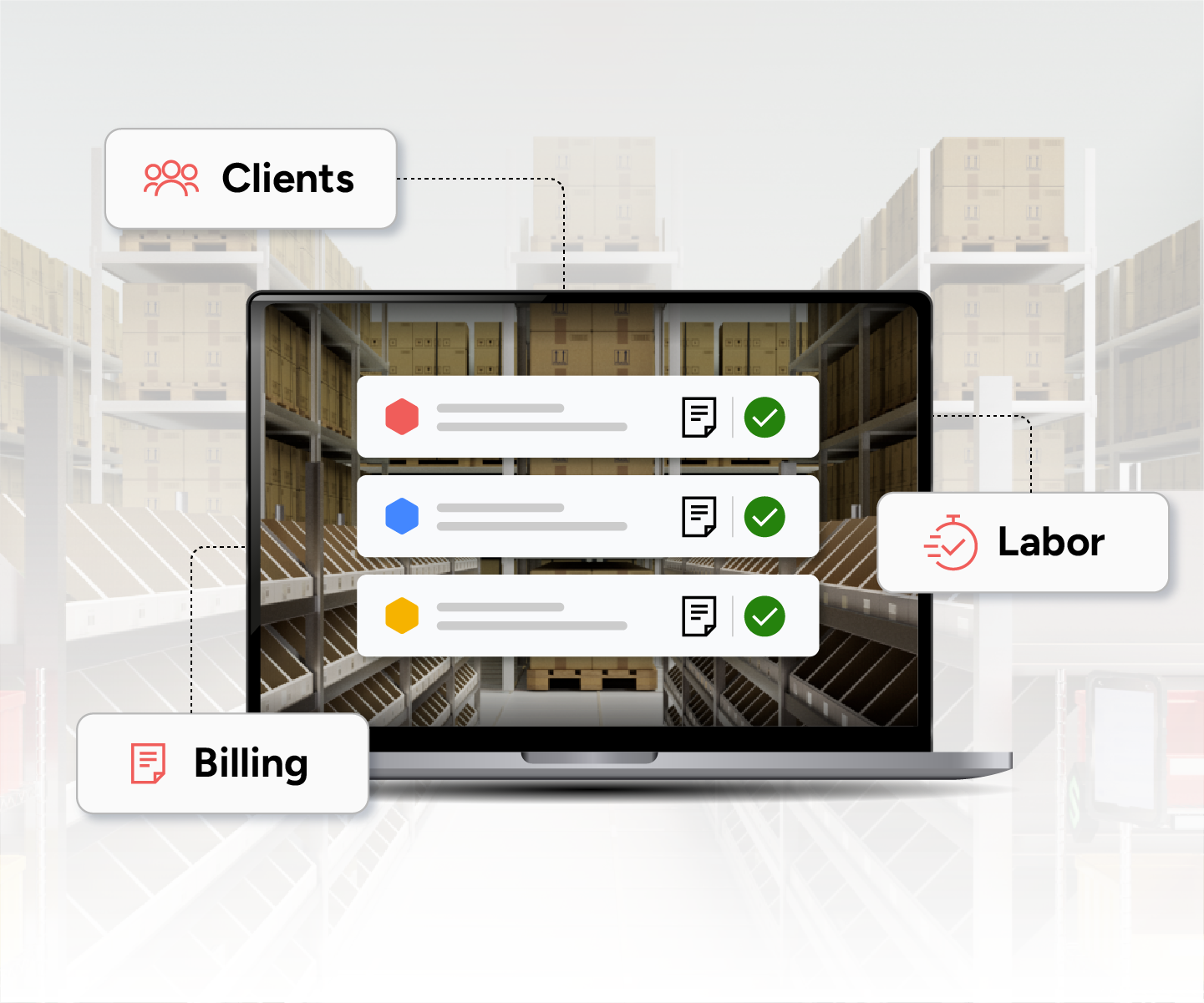





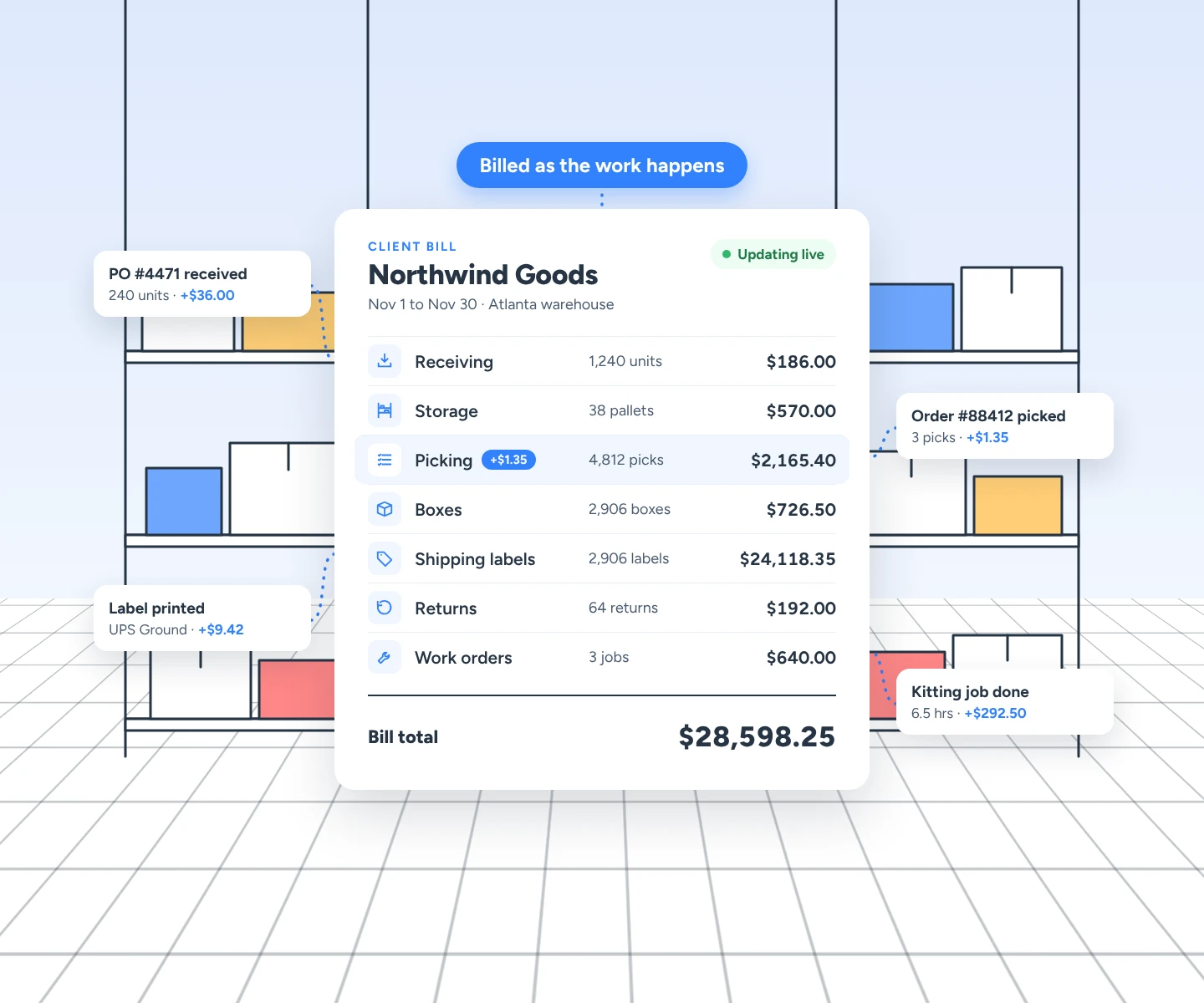
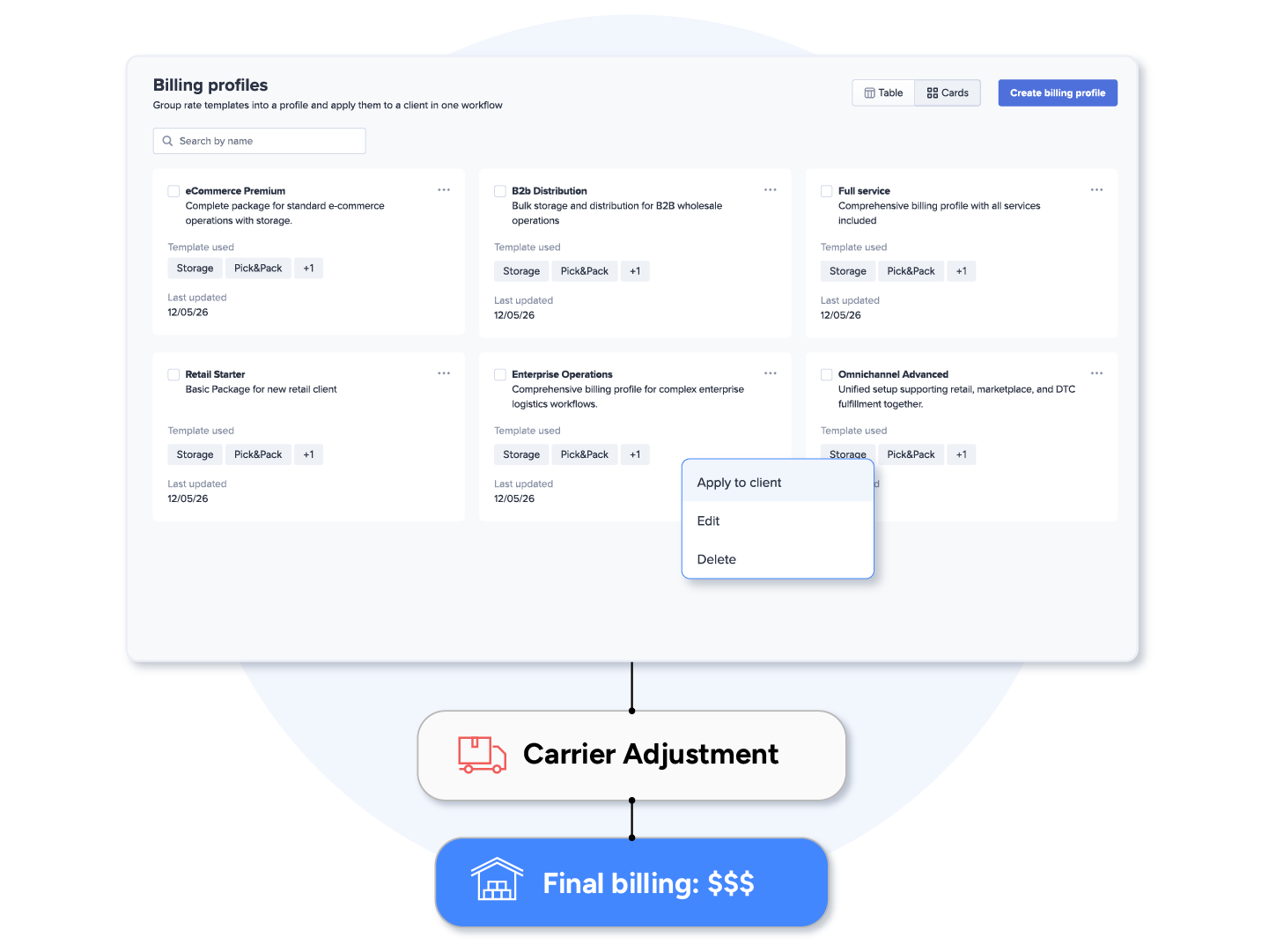
Billing profiles set what each client pays. Carrier reconciliation corrects shipping charges once the carrier’s invoice arrives.
Set recurring, receiving, storage, shipment, picking, return, and ad hoc charges in a client’s billing profile. Each client gets one per warehouse.
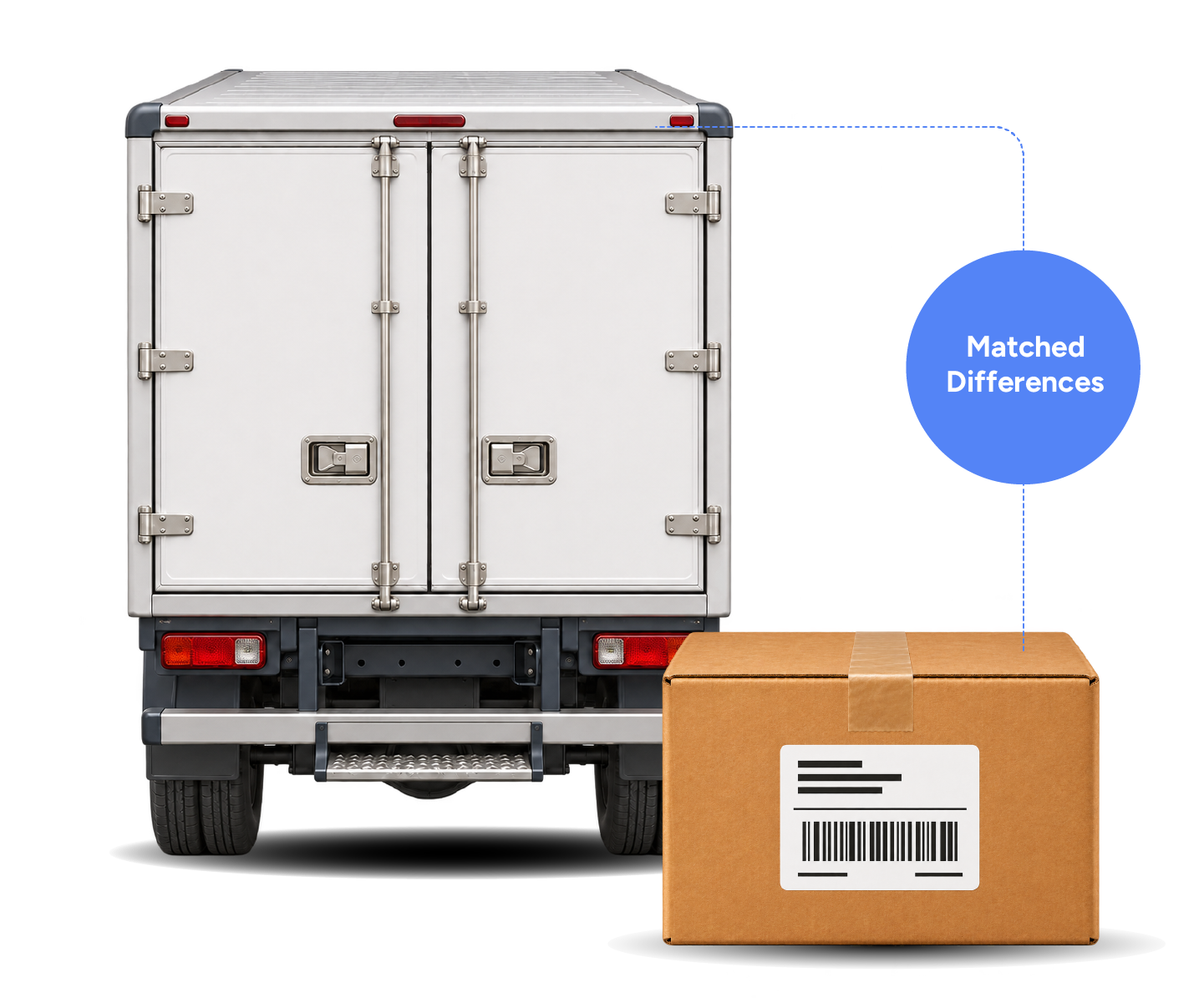
Add shipping label markups and choose which label costs clients see. When a carrier invoice arrives, upload its CSV, and matched cost differences go on the client’s next bill.
Client and warehouse billing profiles
Configurable shipping label charges and cost visibility
Uploaded carrier invoices matched to shipping labels
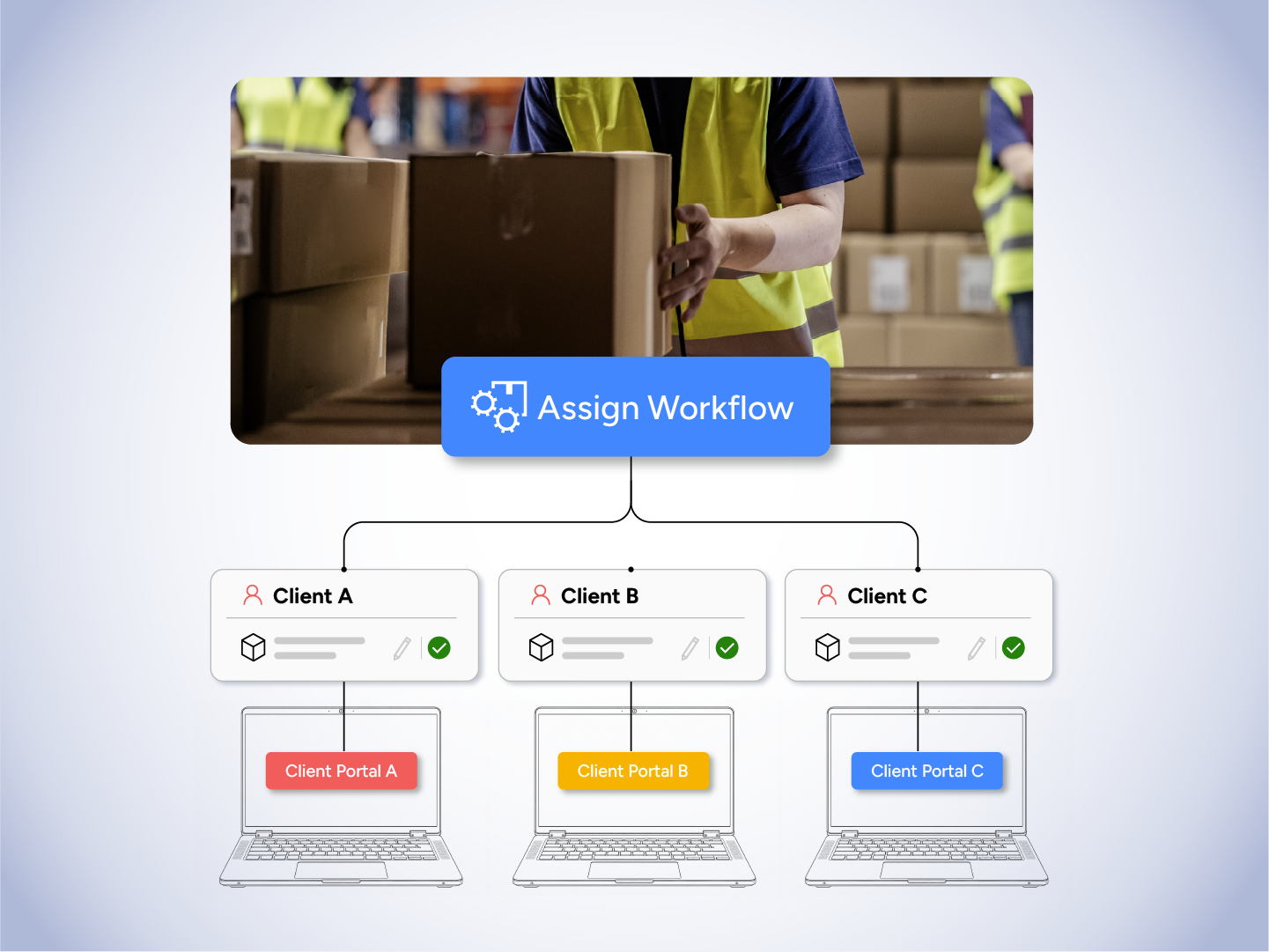
Create a rule once and give each selected client its own copy. Then hand clients a branded portal for the everyday work.
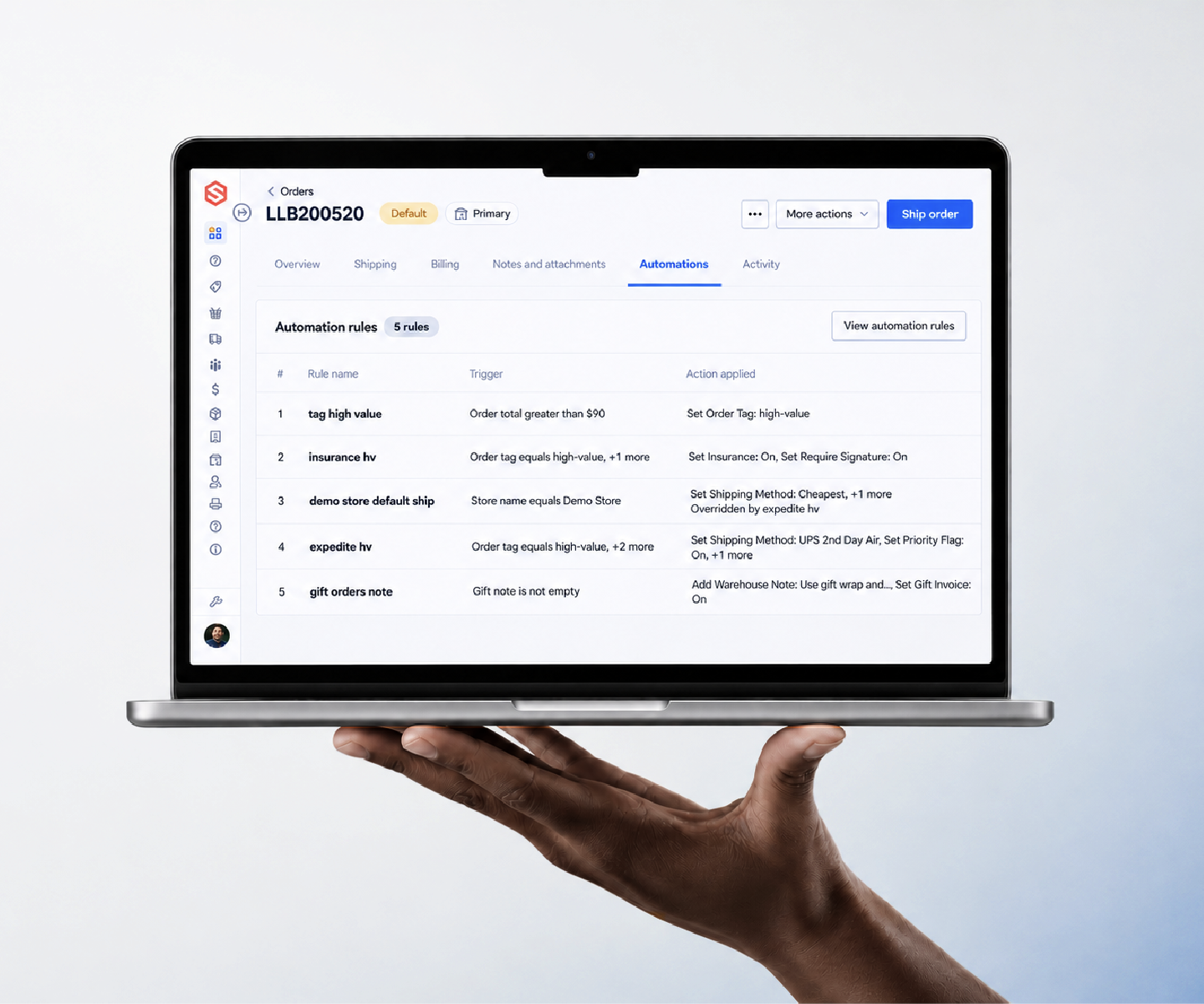
ShipHero validates a rule against each destination before creating it, and each client’s copy stays separately editable.
The 3PL Client Portal gives clients access to orders, inventory, shipping plans, returns, and reports. Add your logo, ask Support for an available company-name login subdomain, and choose which warehouses each client can access.
Admin 3PL users can switch into every client account. Other staff switch only into the clients assigned to them.
Explore cross-client automation rules →
Client-owned rule copies, validated before creation
Parent-account rule management across accessible clients
Branded client self-service for orders and inventory
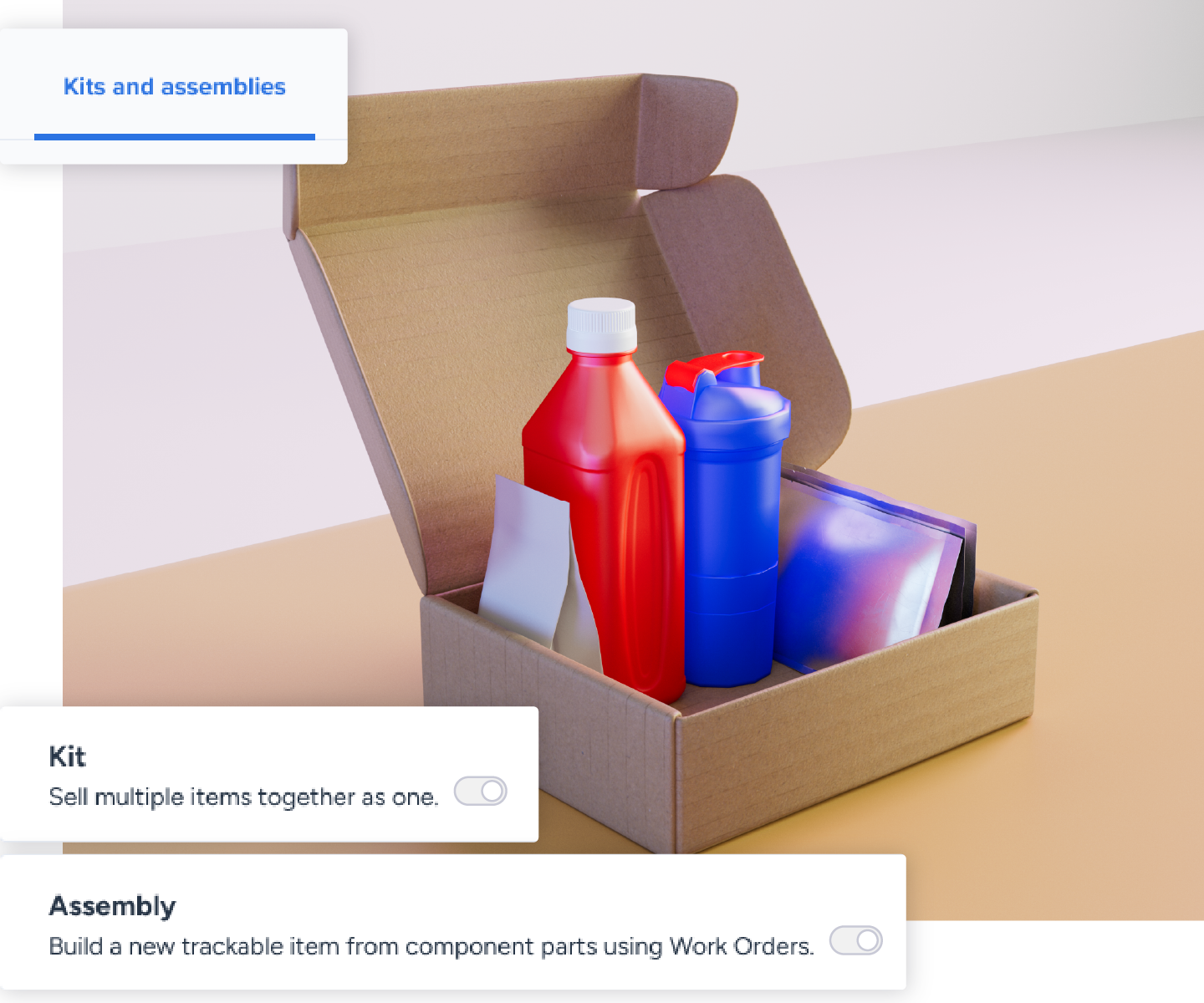
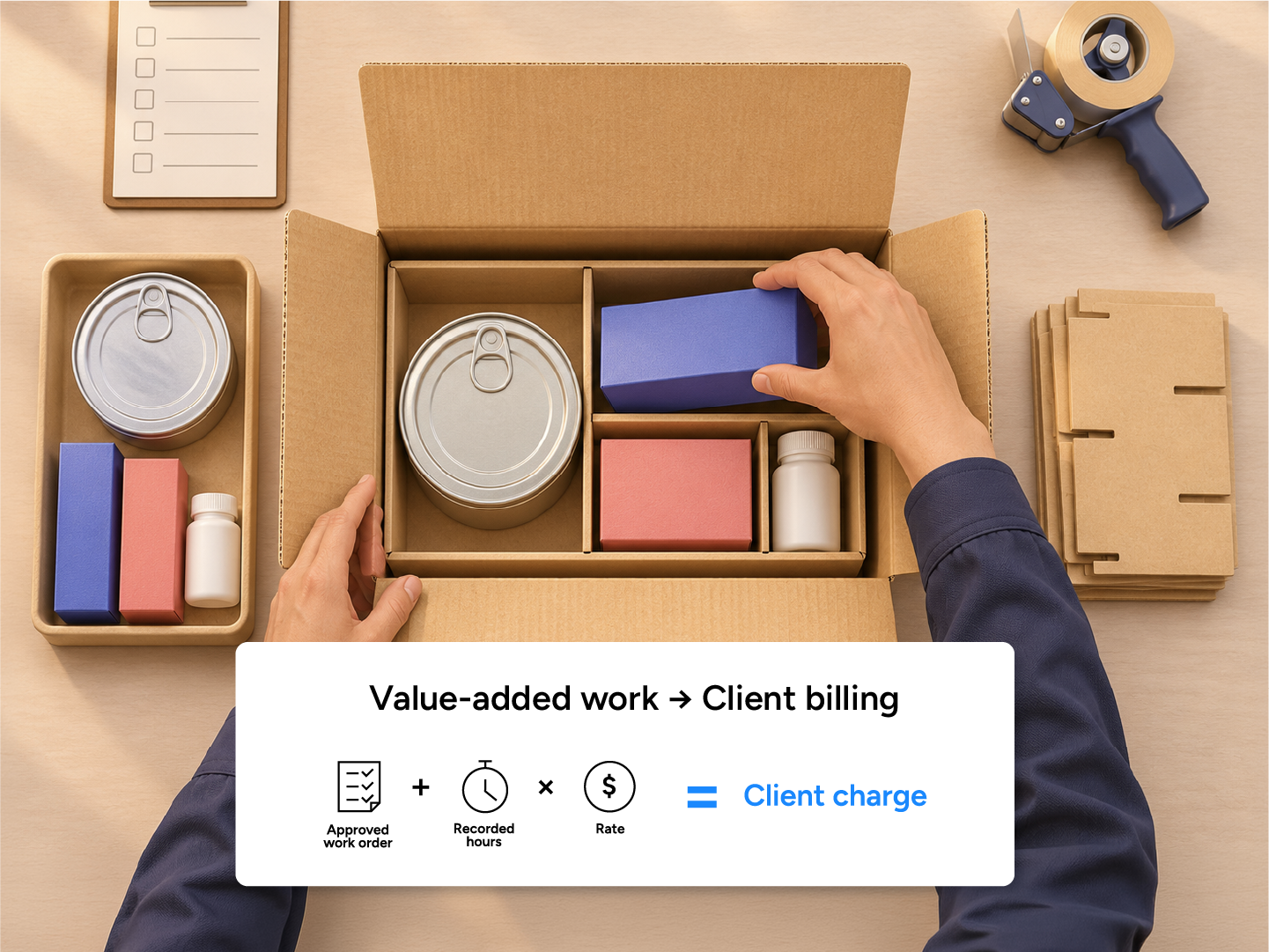
Work orders record the job, and ad hoc charges connect that work to client billing.
Use assembly work orders for kitting that turns component SKUs into a finished SKU, and custom work orders for other special tasks. Clients can request work; you approve it.
Charge per hour, per unit, or per order, or link a WorkforceHero special project so recorded staff hours feed the charges.
The Labor Cost Dashboard is a separate tool with a separate job. It analyzes what each client and warehouse costs you in labor. It does not create client charges or calculate a client’s total profitability.
Client-requested work orders with 3PL approval
Entered charges or recorded special-project hours
Labor cost comparisons across clients and warehouses
Carrier invoice rows matched to shipments by hand.
Upload a carrier CSV to match tracking numbers and add billing adjustments, then review exceptions.
The same rule rebuilt in each client account.
Create or copy validated rules across selected clients, with a separately editable copy in each account.
Project charges tracked separately from the job.
Keep work details and entered ad hoc charges together on a work order.

“It’s allowed us to increase our daily order volume by 10x. And our client list by 5x.”
Maire Rosa
Owner, ecomspaces
10x
daily order volume
5x
client list
1 week
from onboarding to shipping on ShipHero
Can't find your answer? Our team can walk you through your setup.
Talk to our teamYes. Each client has one billing profile per warehouse, and different warehouses can use different profiles. Multiple clients can share a profile, so editing it changes every client assigned to it.
Clients can search and filter their orders, check inventory, track returns, upload inbound manifests, and export reports. Once warehouse processing starts, they cannot cancel an order, change its items, or hold it.
No, client-specific actions or values can prevent copying. ShipHero validates supported rules against accessible destination clients. Each resulting rule is independently editable, and copying an active rule across clients creates active copies.
Yes. A WorkforceHero special project can feed recorded staff hours into a linked work order’s ad hoc charges. WorkforceHero requires Support activation, and per-unit quantities still need manual entry.
No. It compares labor costs using operational data and configured payroll, wage, and time inputs. Review those assumptions before using the dashboard to guide pricing or staffing decisions.
Yes, with limited access for U.S.-based 3PL accounts and activation by ShipHero Support. Enable the client, match client names exactly, and explicitly export finalized ShipHero bills to create QuickBooks Online invoices.