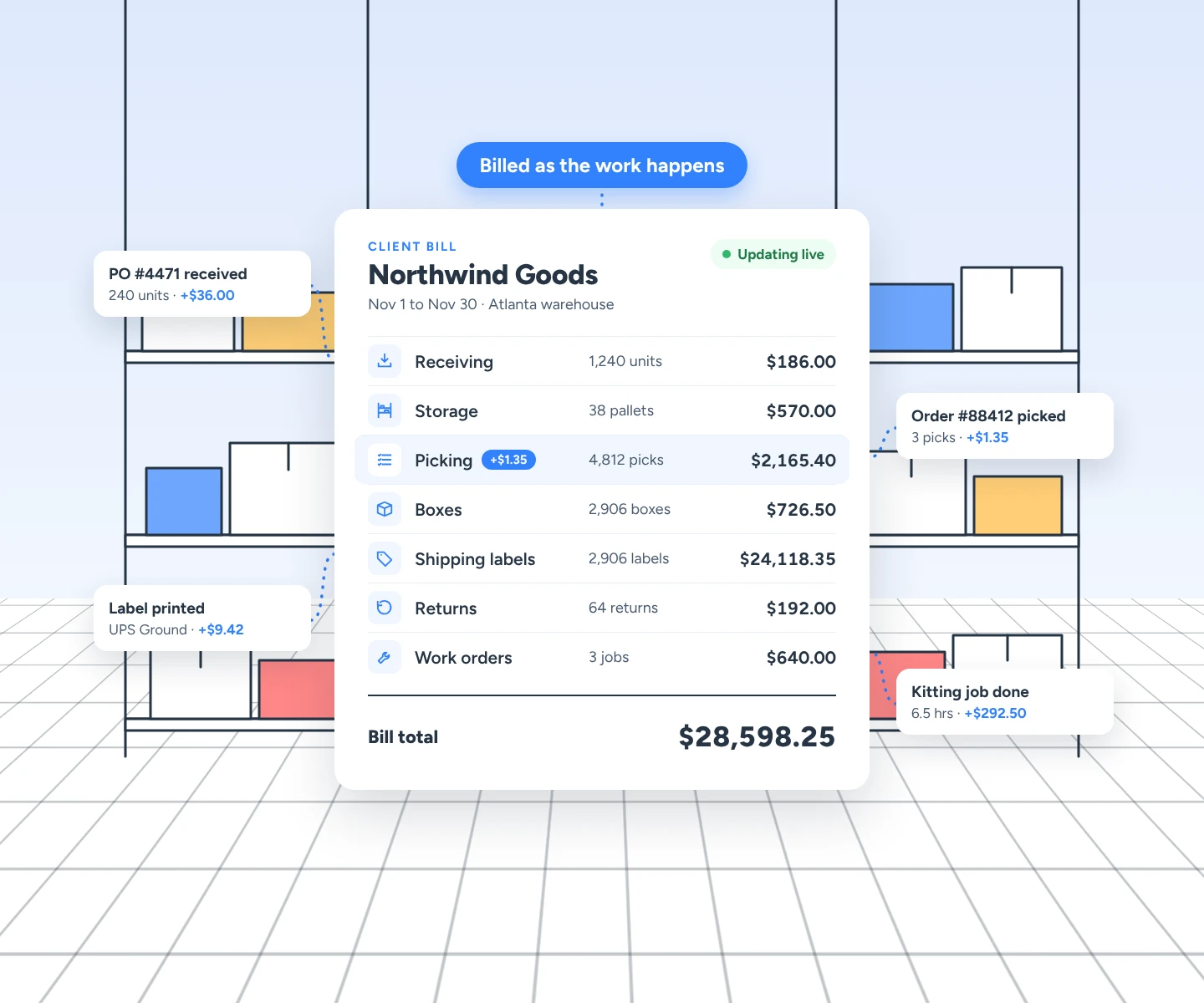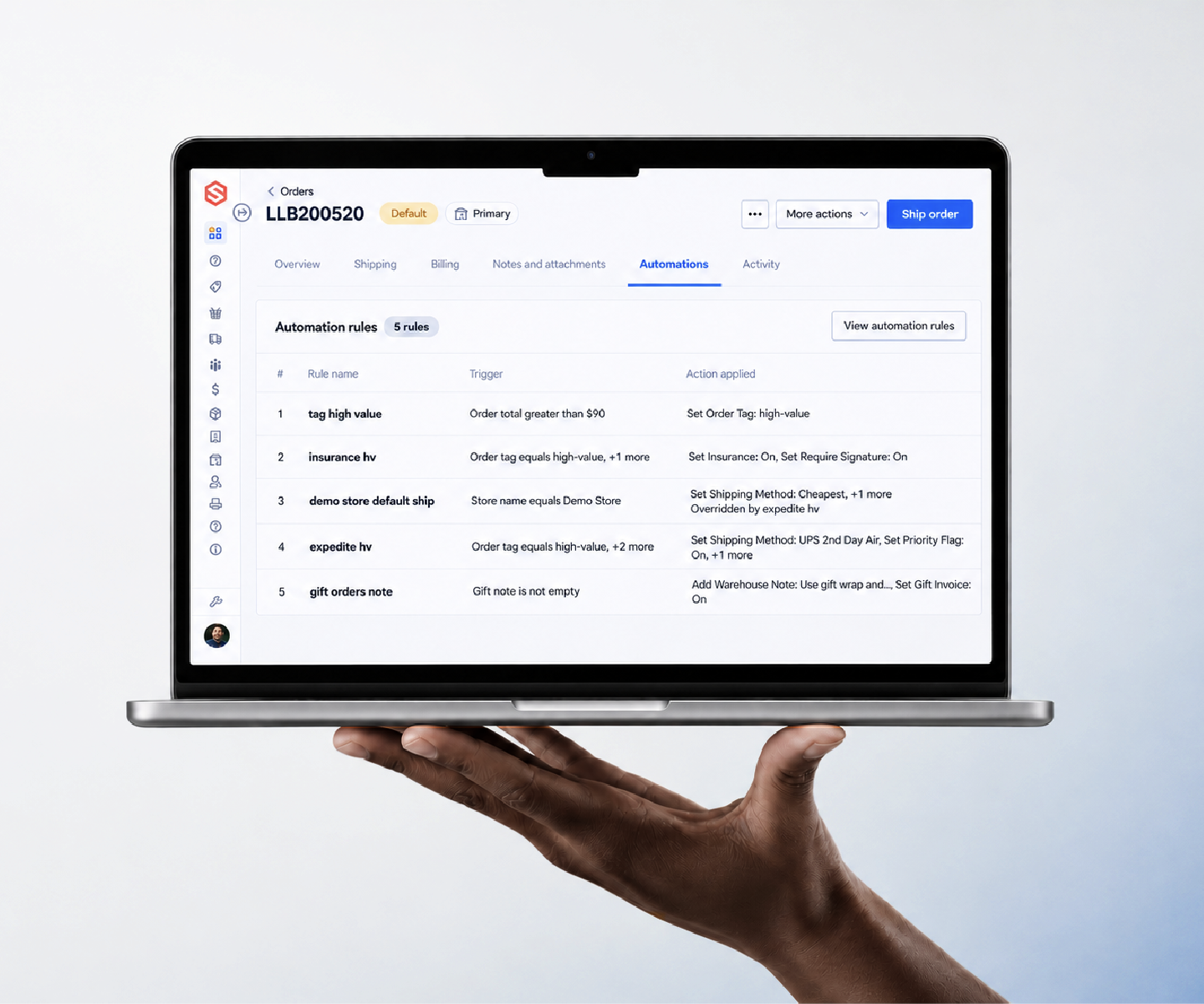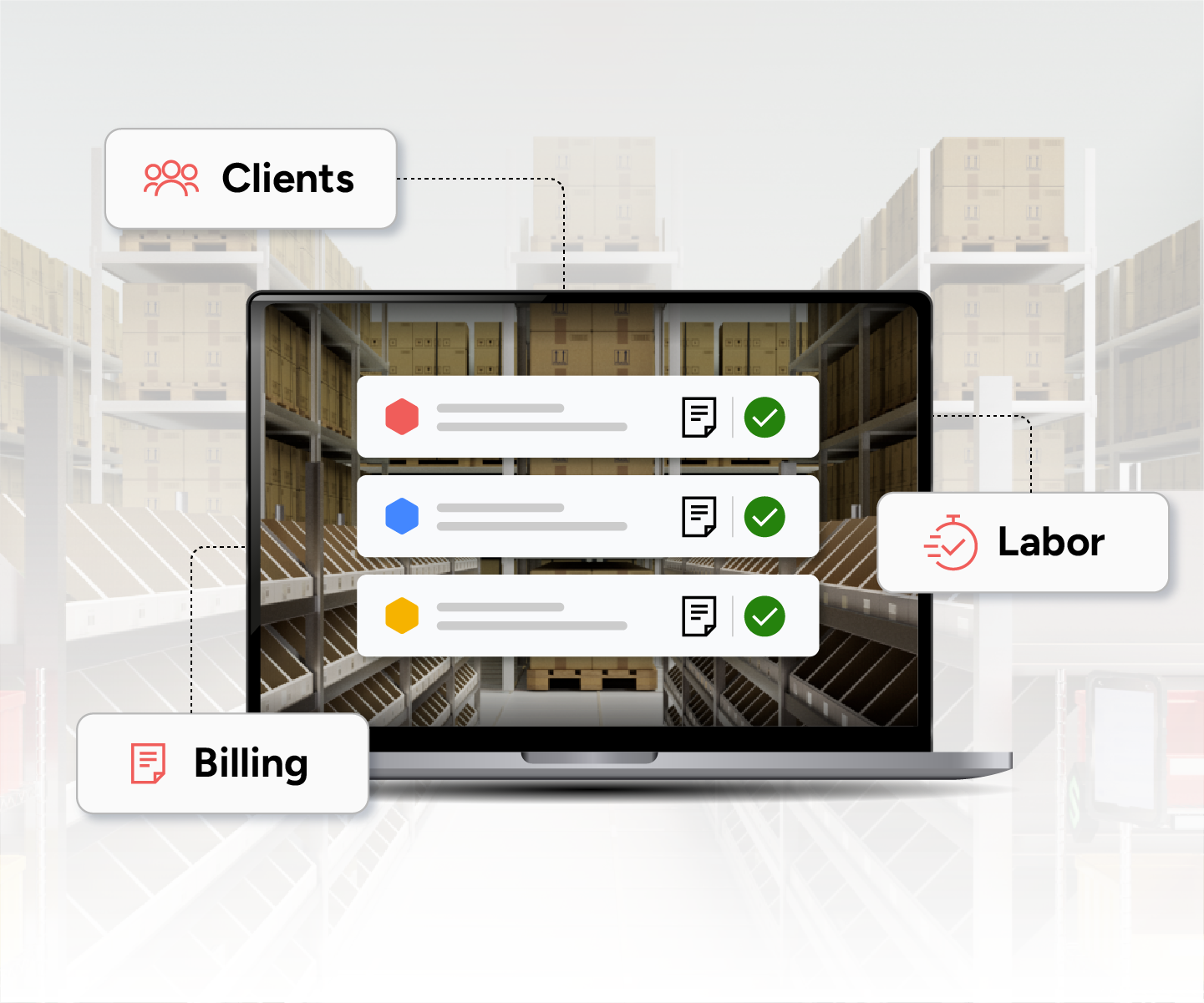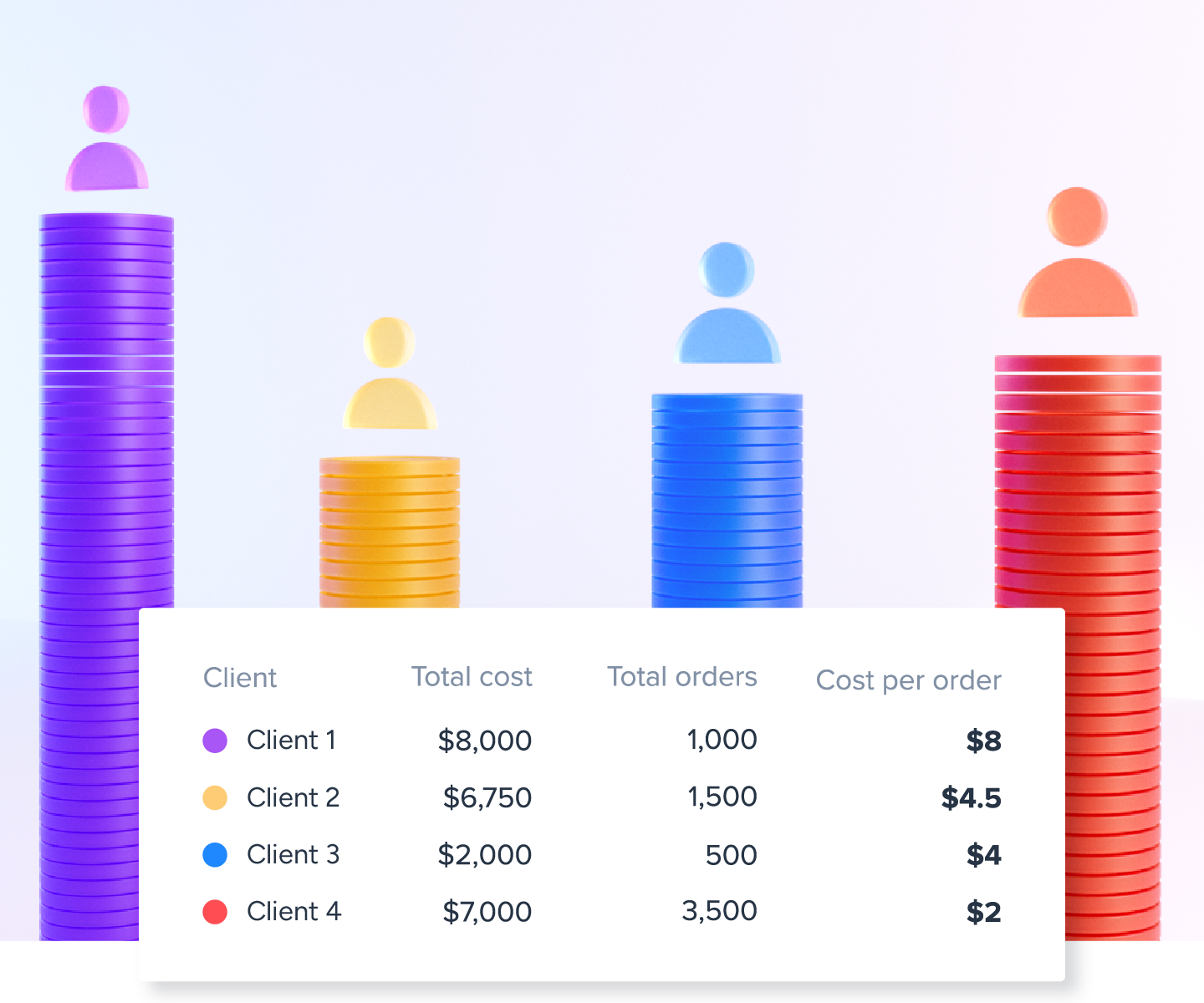


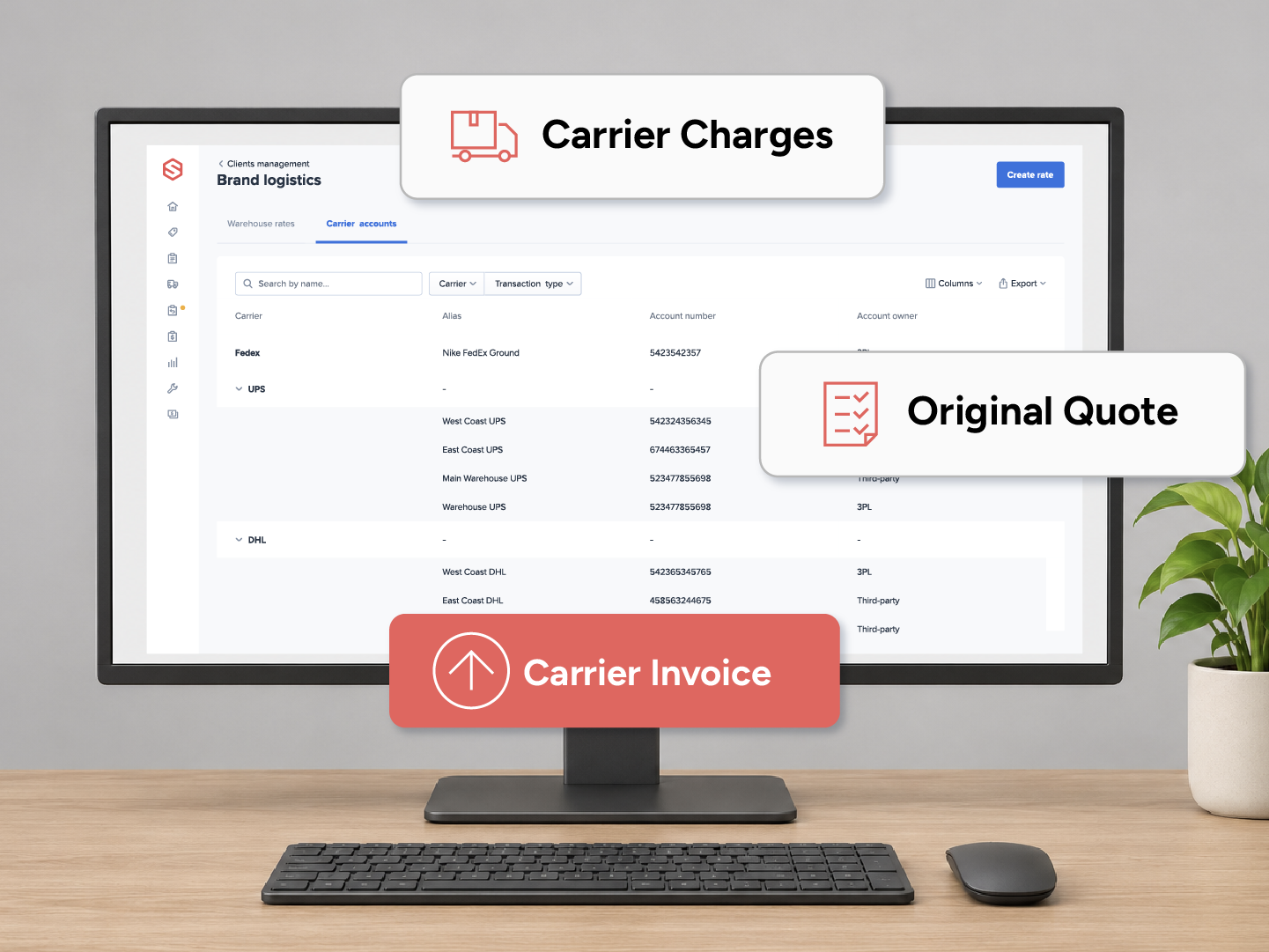
Carrier charges can differ from the original label quote. Export the carrier’s invoice CSV and upload it under that carrier. ShipHero adds matched differences to the client’s next generated bill.
Connect carrier invoices to client billing.
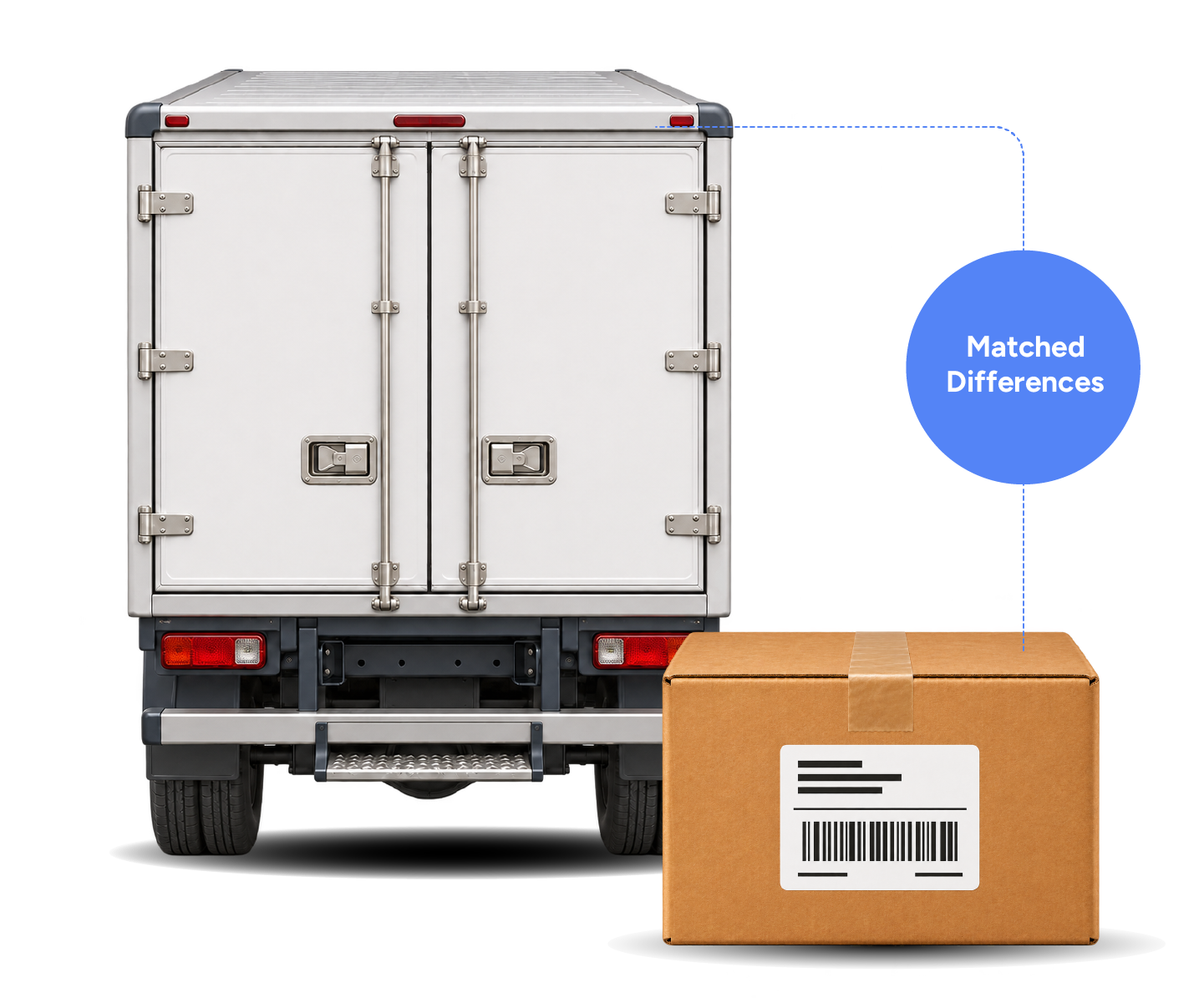





ShipHero compares carrier invoice charges with the shipping cost recorded when the label was printed.
The workflow is for 3PL accounts, starts with your upload, and matches on both carrier and tracking number. Selecting Endicia also searches USPS labels.
Invoice rows connected to matching shipments
Cost differences listed as label reconciliations
Adjustments added to the next generated client bill
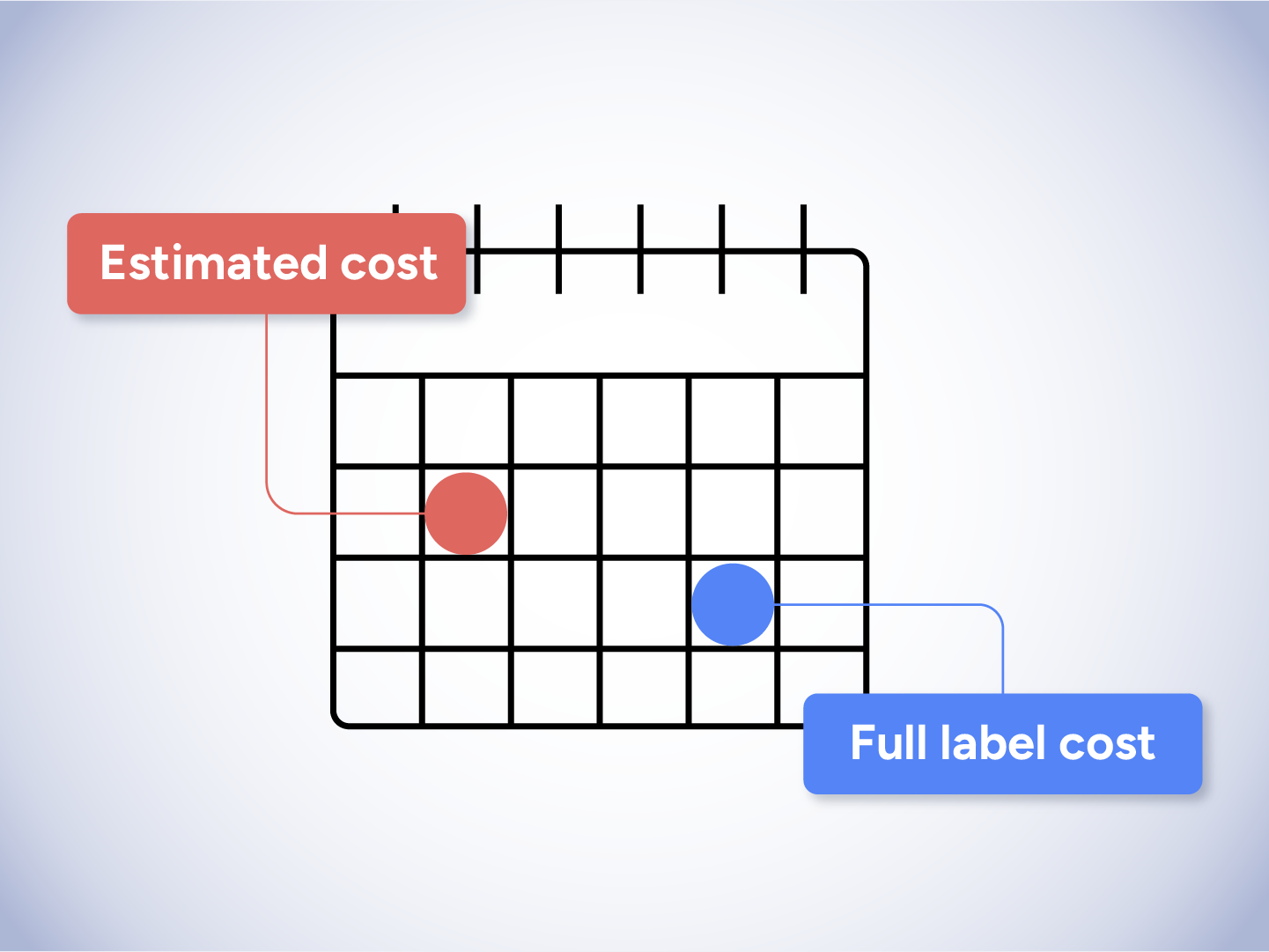
Bill clients an estimated label cost first, or charge the full label cost on carrier invoice upload. The estimate-first option reconciles the charge after upload. When clients pay a carrier directly, the 3PL does not bill their label fees.
Estimated label cost, followed by reconciliation
Full label cost on carrier bill upload
Customer-paid carriers handled separately
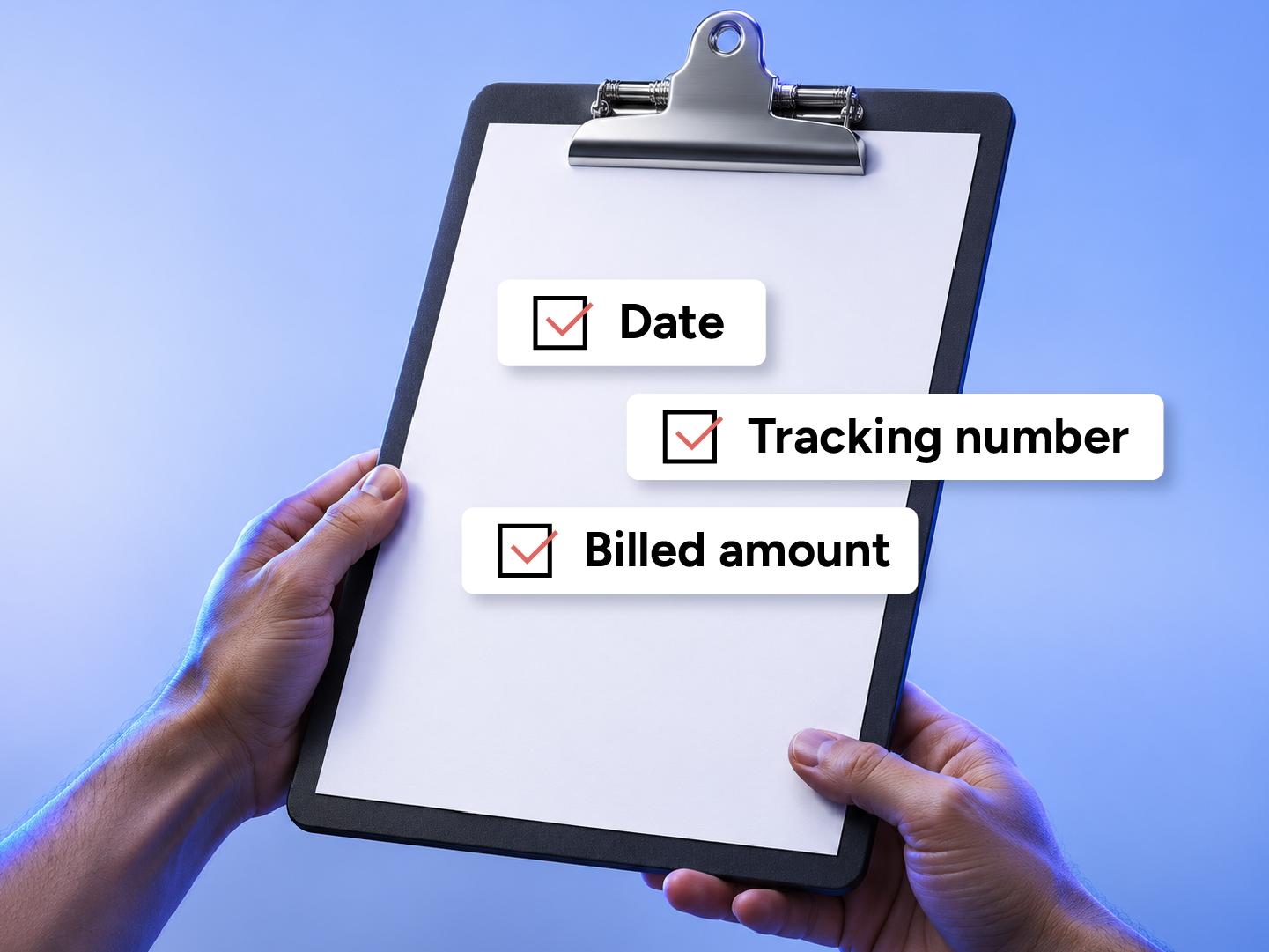
Check the carrier, file format, and charges before submitting a CSV. ShipHero accepts documented exports from FedEx, UPS, and Endicia. For a custom CSV, choose Other, select the carrier, and use ShipHero’s reconciliation template. Its required fields are Date, Tracking number, and Billed amount. Separate uploads are not checked against each other and can create duplicate charges. Separately listed duties, taxes, and surcharges may not be detected.
Confirm charges have not appeared in an earlier upload
Review separately listed duties, taxes, and surcharges
Keep one owner responsible for uploads
Match carrier invoice rows to shipments by hand.
Upload a CSV for matching by tracking number and carrier.
Calculate the difference between quoted and billed shipping costs separately.
Review the resulting label reconciliations in client billing.
Carry a cost adjustment into the next billing cycle manually.
Matched adjustments enter the client’s next generated bill.

“For slightly larger accounts that already have their own shipping accounts, the ability to hook up their account instead of ours keeps the cash flow working for us.”
Maire Rosa
Owner, ecomspaces
10x
daily order volume
5x
client list
1 week
from onboarding to shipping on ShipHero
Can't find your answer? Our team can walk you through your setup.
Talk to our teamNo. Carrier Reconciliation in 3PL Billing is available to 3PL accounts only.
No. You export the carrier invoice and upload its CSV to start reconciliation.
Use the documented FedEx, UPS, or Endicia exports, or prepare ShipHero’s custom CSV template. The custom file requires Date, Tracking number, and Billed amount; additional breakdown and reference fields are optional.
Entries for the same tracking number are consolidated within one file. Separate upload jobs are not checked against one another for duplicates and can create duplicate charges.
No. Separately listed amounts may not be detected during reconciliation. Review the billed amount and supporting charge details before uploading.
You cannot delete an uploaded file yourself; database removal requires ShipHero Support. Review pending charges before finalizing the client’s bill, when incorrect records can be manually excluded.