

Assembly work orders consume component SKUs and add a finished SKU to inventory. Custom work orders record a special task without that inventory behavior.
Keep special work organized.





Use assembly work orders to build inventory and custom work orders to organize non-standard services.
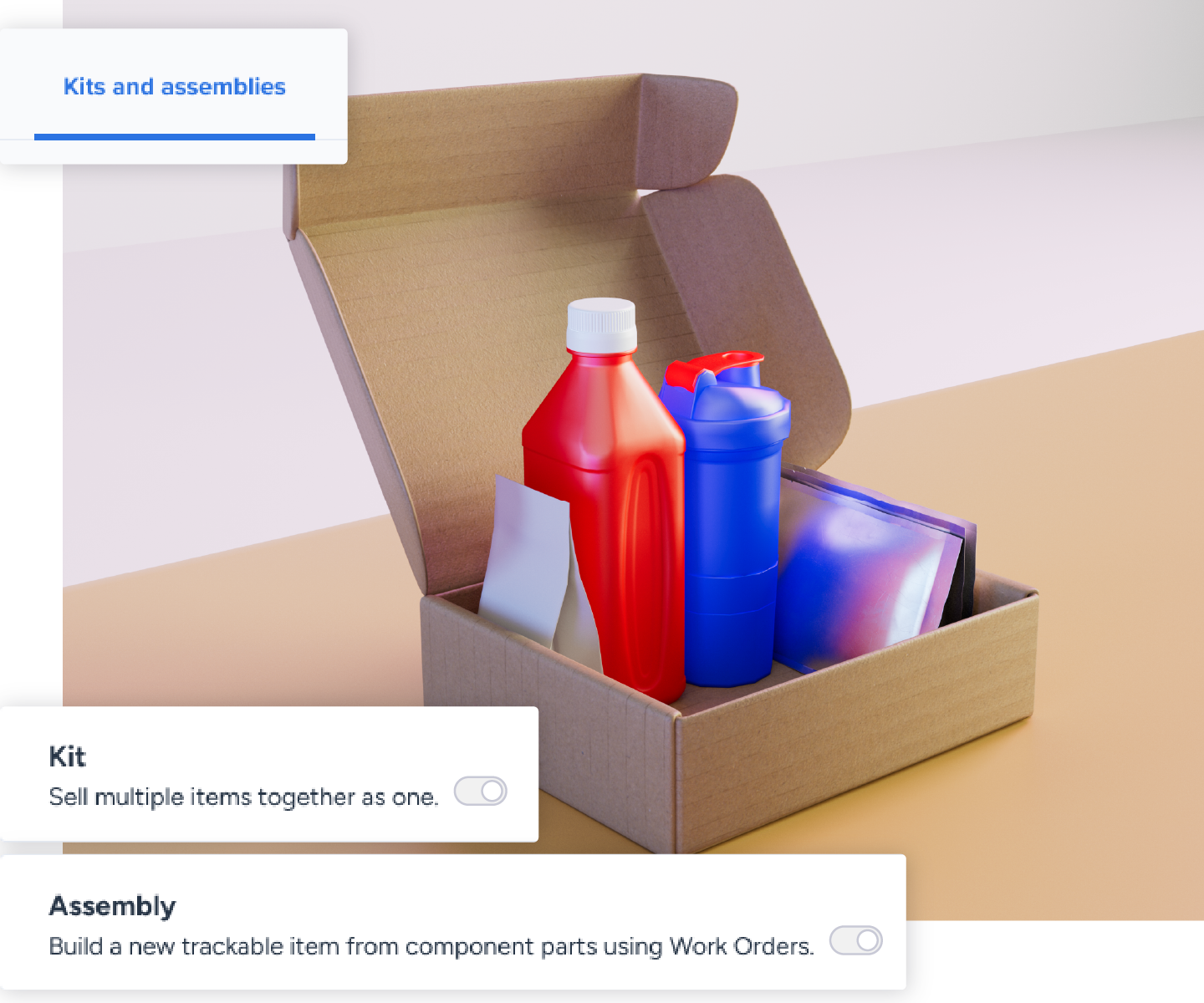
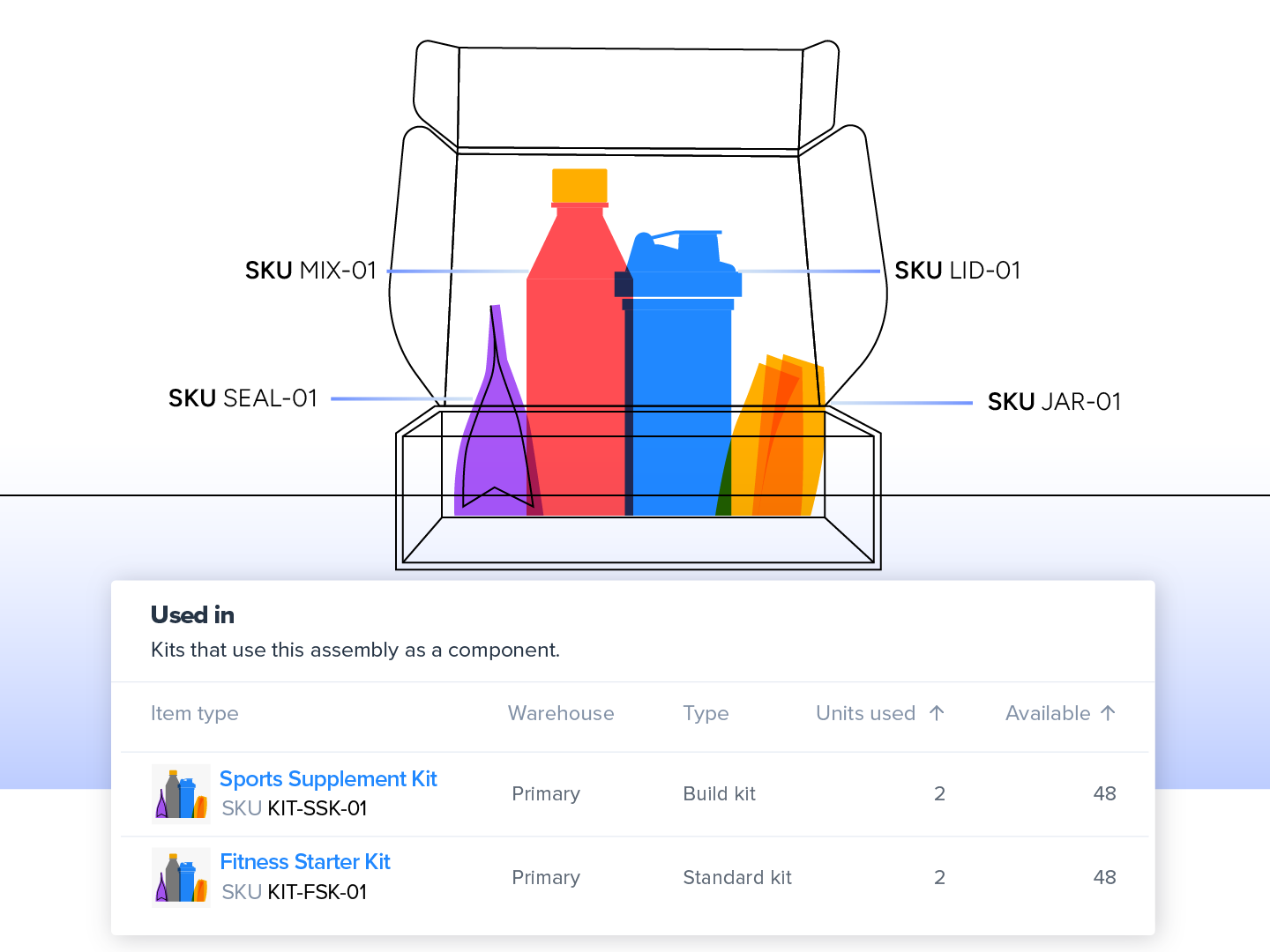
Assembly work orders combine component SKUs into a finished-product SKU. They support prebuilt bundles, subscription boxes, gift sets, and assembled FBA units.
An Assembly SKU is its own inventory item, with an on-hand quantity and warehouse locations; a kit is a virtual bundle used for selling. Create the Assembly SKU first, with its required components. Then set the quantity to build and add packing or assembly details.
Custom work orders provide a task record for services such as relabeling, inspections, and special packaging. They hold instructions and documentation without tracking component consumption or finished-product inventory.
Assembly jobs that produce a finished SKU
Custom tasks with their own instructions
Client, warehouse, and requested-date details
Keep the job’s instructions, supporting files, notes, and activity history on its work order.
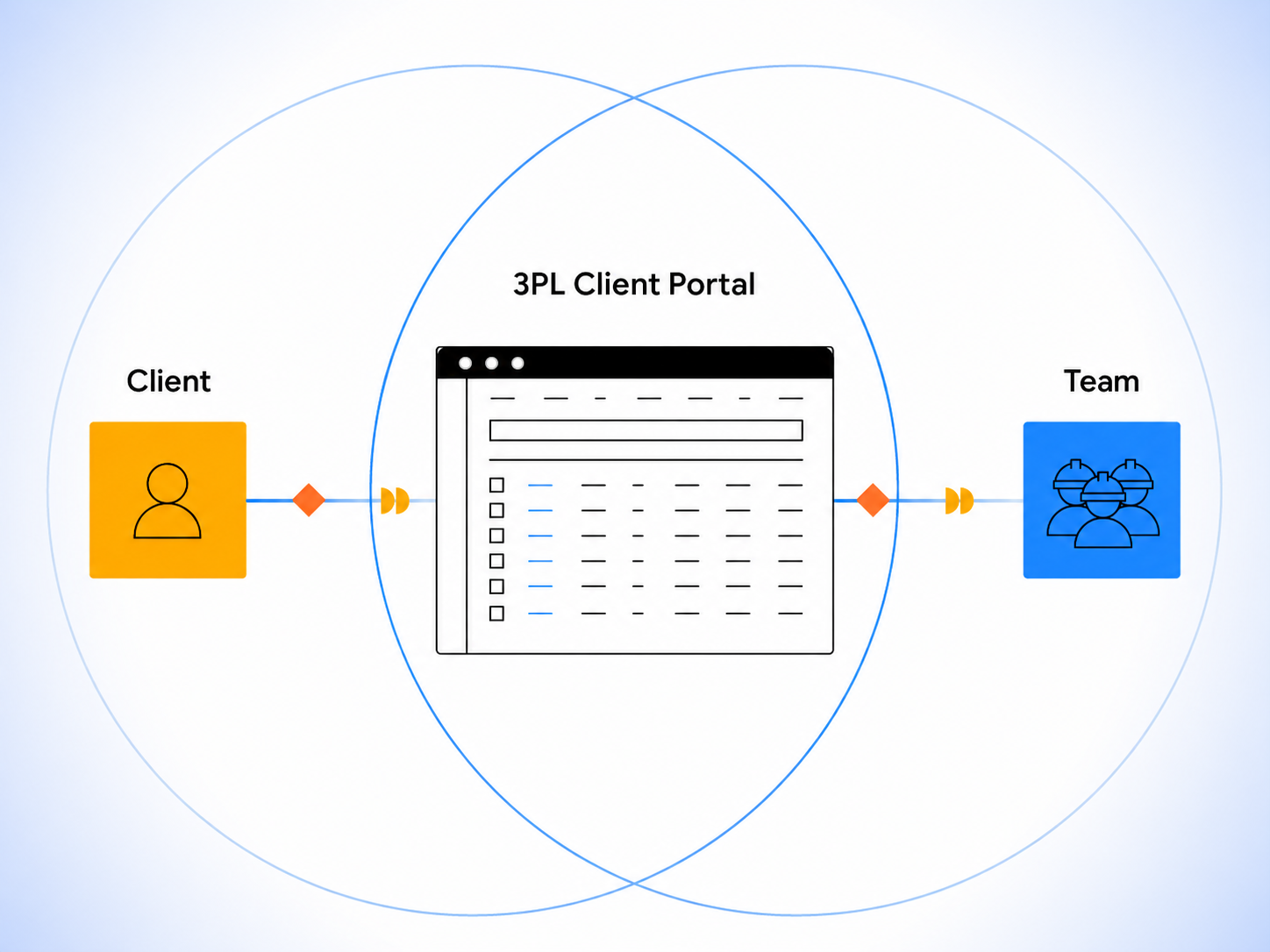
Clients can submit assembly or custom requests through the 3PL Client Portal. Their requests require 3PL approval.
The details page brings together the work order’s name, type, warehouse, and dates. Assembly work orders also support picker and packer assignments.
Add notes and attachments as the work progresses. The timeline records who changed the work order, when, and what changed.
For an active work order, either the 3PL or client can request a review. Work pauses until the other party approves. Use this when requirements need clarification or progress needs discussion.
Client-submitted requests
Notes, attachments, and change history
Review requests between the 3PL and client
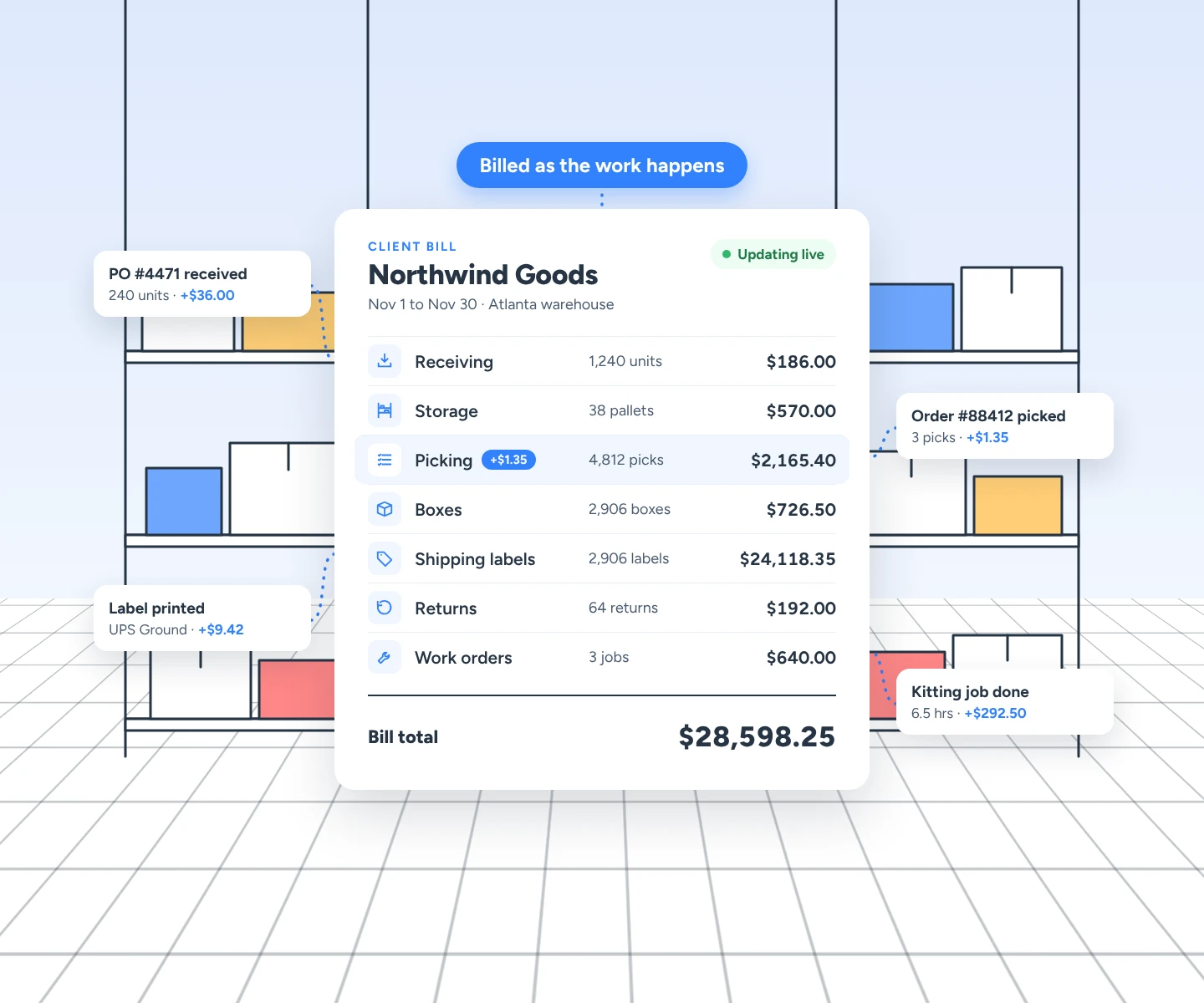
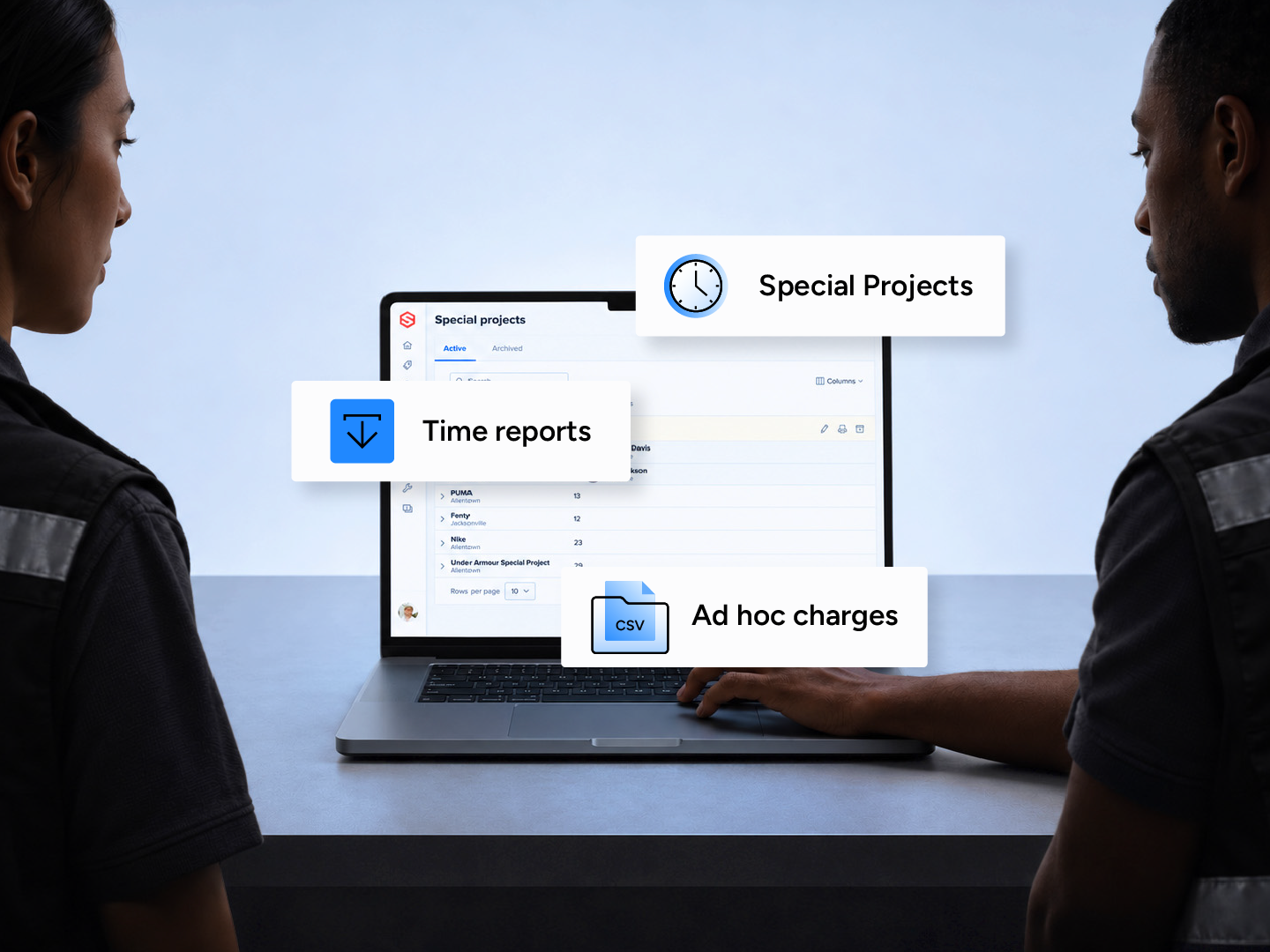
Enter per-hour, per-unit, or per-order charges on the work order, or link a WorkforceHero special project so tracked staff hours appear in its ad hoc charges. WorkforceHero requires Support activation.
Charges transfer to 3PL Billing when the work order closes. To correct a manual charge afterward, reopen the work order, make the change, and close it again. Update the charge in 3PL Billing separately; later changes do not sync between the two records.
Correct WorkforceHero-tracked hours before closing the work order. After closing, make billing corrections on the customer’s Billing page.
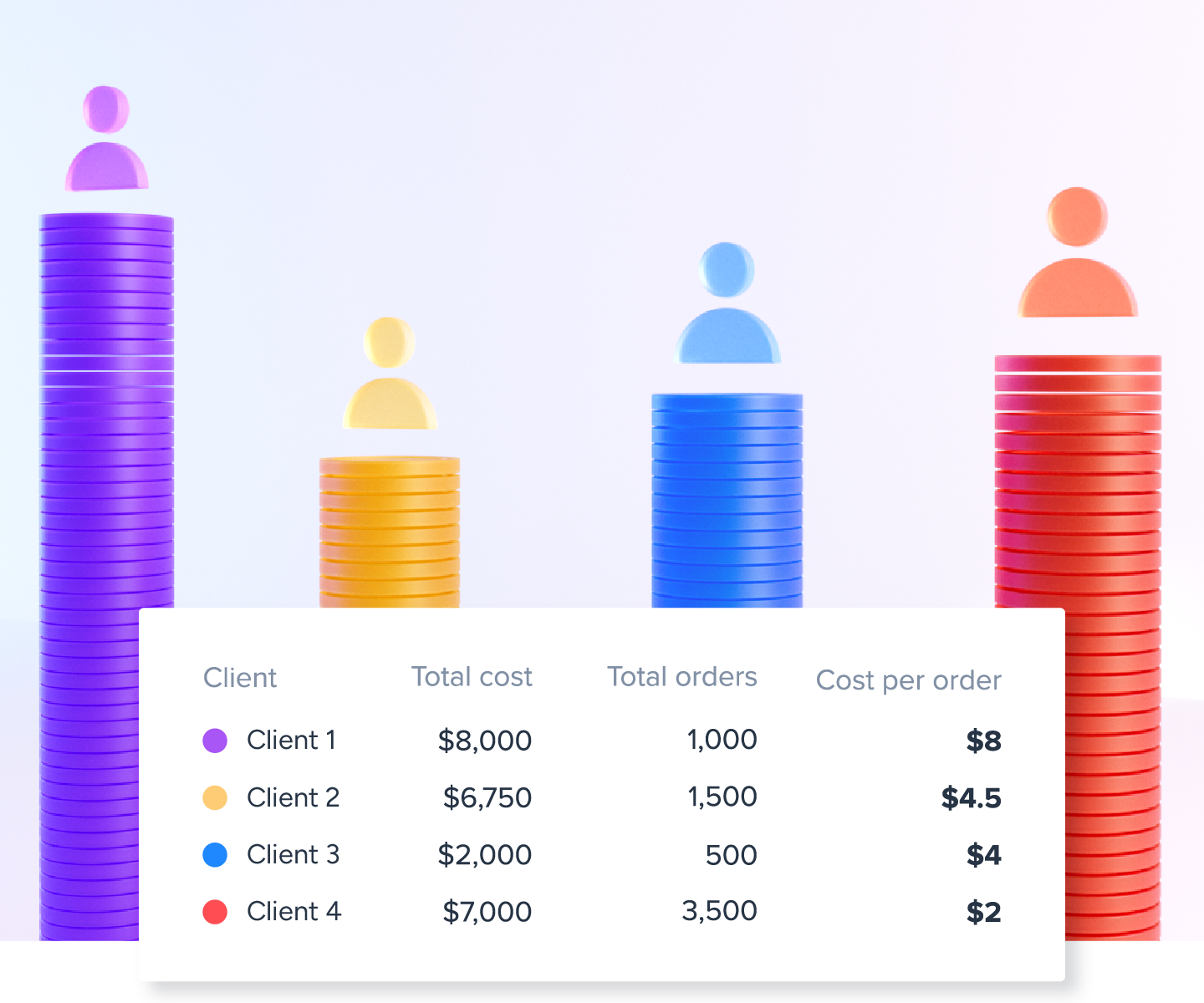
Per-hour, per-unit, and per-order charges
WorkforceHero hours linked to the job
Exportable special-project time reports
Keep special-job instructions and attachments in separate records.
Keep instructions, files, notes, and history on the work order.
Submit special-work requests outside the client portal.
Clients submit work-order requests for 3PL approval.
Record project hours separately from the work order.
Link a WorkforceHero special project so recorded hours appear in the work order’s ad hoc charges.
“ShipHero is always going to be our number one because they listen, they’re innovative, and they continue to invest in their product.”
Courtney Abel
CEO and Founder, Brandfox
225
units picked per hour
55–65
packs per hour, up from 35–40
Can't find your answer? Our team can walk you through your setup.
Talk to our teamNo. An Assembly SKU becomes a separate inventory item with an on-hand quantity and warehouse locations. A kit is a virtual bundle used for selling.
Yes. Clients can create assembly or custom requests in the 3PL Client Portal. They can include instructions and attachments. Client-submitted requests require 3PL approval.
Yes, through a linked WorkforceHero special project. Each work order supports one linked project. WorkforceHero must be activated, and dashboard users need the appropriate permissions.
No. WorkforceHero supplies recorded hours. Per-unit charge quantities must be entered manually on the work order.
No. The documented assembly work-order process uses a printed picking sheet and manual work-order updates. ShipHero also documents a separate custom process using mobile inventory transfers.
No. Changes to an Assembly SKU’s components apply to new work orders. Existing work orders retain their original components.